4.5 Shoot Video
Press Shutter button(B) when powered on, LED B blinks red twice a second; Press
again to stop, and LED B light turns off.
4.6 Shoot a Single Picture
Press Shutter button(B) once to shoot a single picture, LED B flashes red.
4.7 Mode Shift
1. Main mode shift (A)
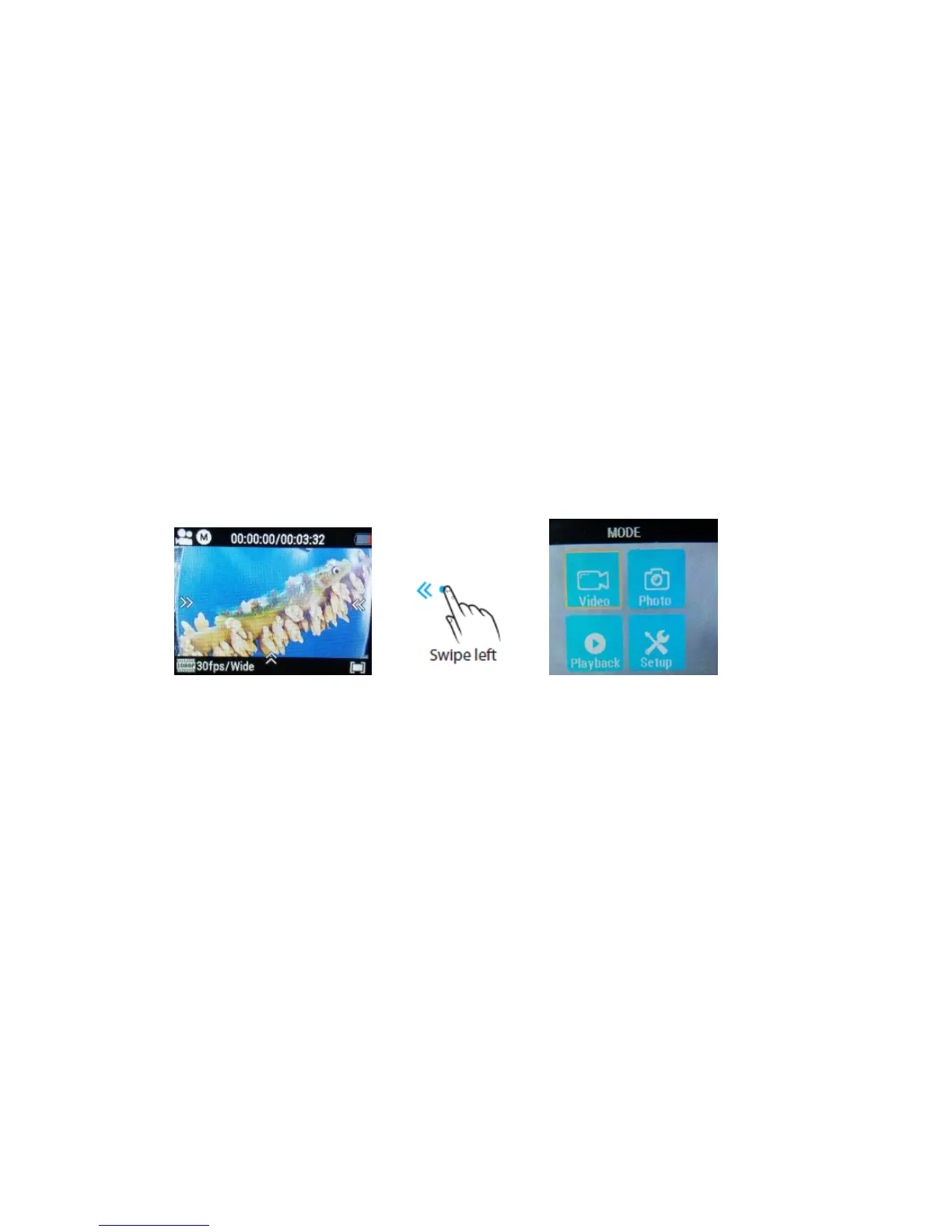
When powered on, short press on button A to shift among Video Recording -
Photo Shot - Playback- Setting, pause to confirm on current mode.
You can easily access this menu with touch operation by swiping left.
2. Main mode shift (B)
When powered on, long press on this button (B) for 3 seconds to enter Setup menu:
Video - Photo - Effect - General.
5. Setup your camera
Long press on Button B to enter Setup ”Video - Photo - Effect – General”, press
Button A to navigate and press Button B to confirm. Long press on Button B again
will exit.



 To Next Page