Date stamp function will be unabled when turn on DIS, DIS function will be un
abled when turn on date stamp
To set the digital image stabilization.
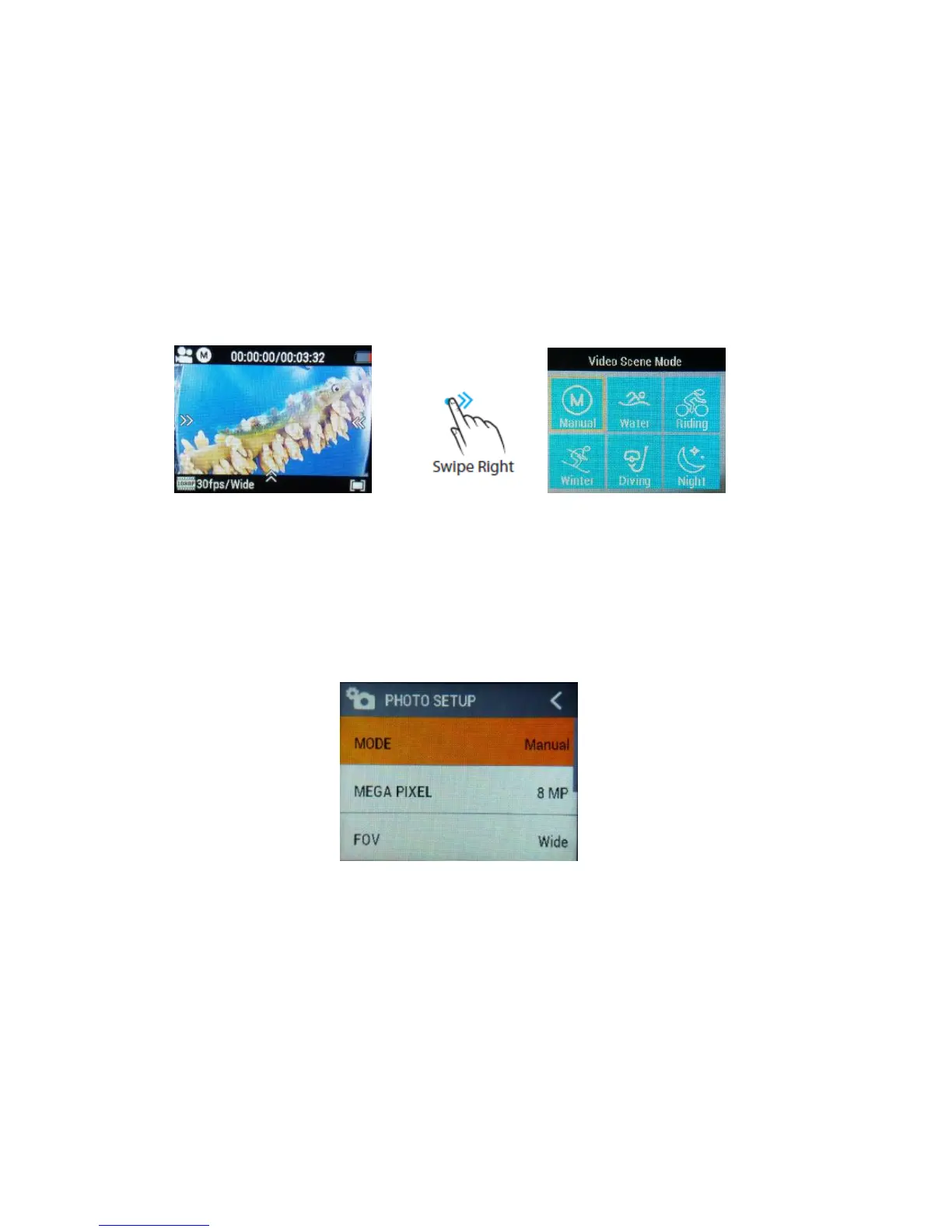
SCENE MODE
To set different scene mode, Manual, Water, Riding, Winter, Diving, Night.
You can easily access this mode with touch operation by swiping right.
5.2 Photo SETUP
Long press Button (B) to enter in “Photo”, you will see the below interface.
Press Power Button (A) once to navigate, press Shutter Button (B) to Enter/Confirm
selection.
MODE
To set the photo mode, Manual, Timelapse, Burst, Self Timer.



 To Next Page