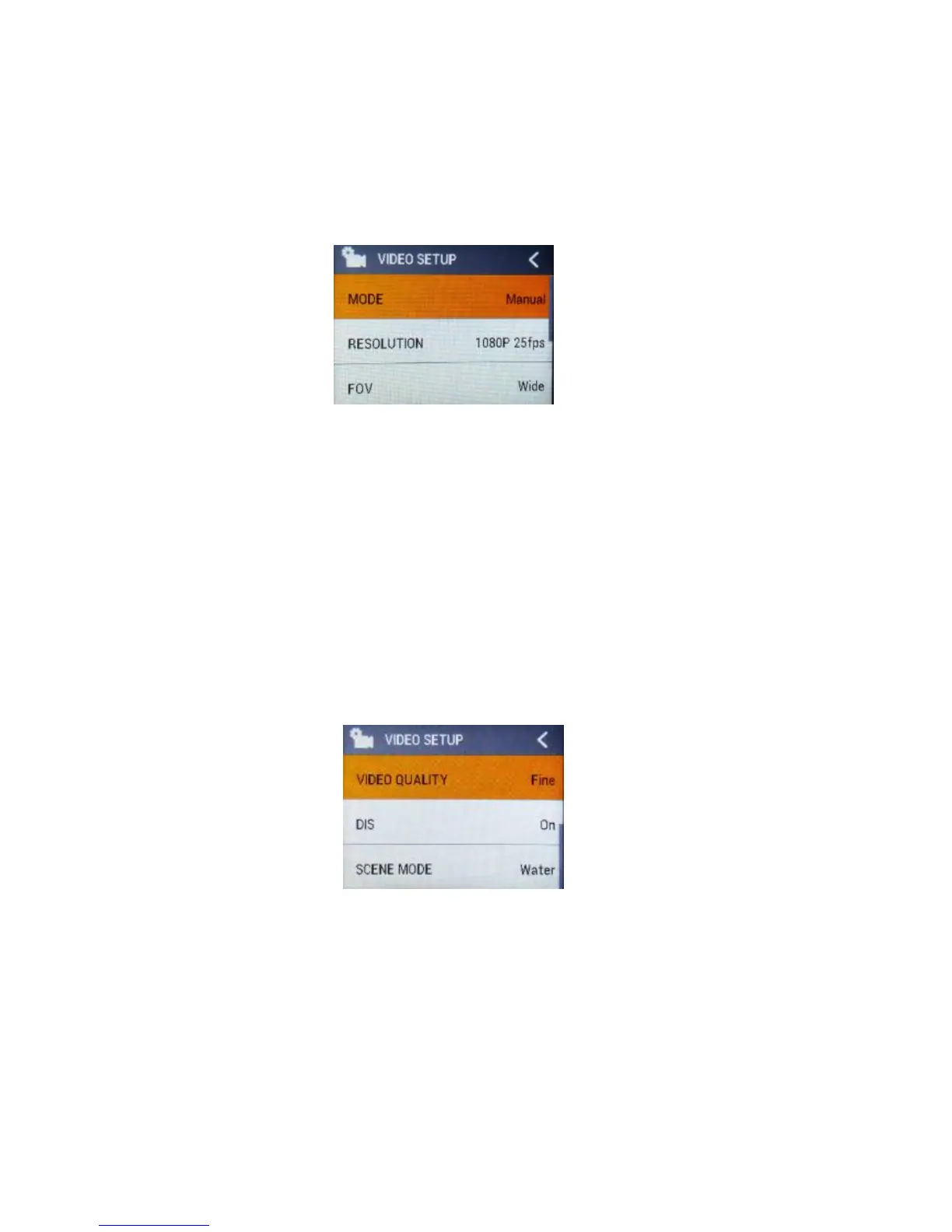
5.1 Video SETUP
Press Power Button (A) once to navigate, press Shutter Button (B) to Enter/Confirm
selection.
MODE
To set the video mode, Manual, Looping, Auto Stop, Timelaspe.
RESOLUTION
To set the video resolution.
FOV
To set the lens wide angle, Super Wide, Wide, Medium, Narrow.
Video Quality
To set the video quality.
DIS



 To Next Page