
 Need help?
Do you have a question about the TC Electronic 2290 P DYNAMIC DIGITAL DELAY and is the answer not in the manual?
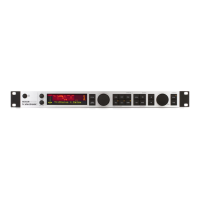
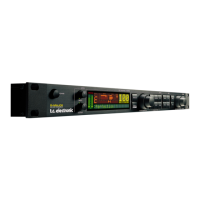
Overview of the 2290 P's features and design.
Information about the pedal's built-in presets and customization.
Details on using the free app for preset management and updates.
Primary control for adjusting various parameters and settings.
Controls for navigating and selecting presets (A/B, boards).
Adjusts the output level of the delayed and direct signals.
Manages stereo panning and dynamic modulation effects.
Settings for modulation parameters like speed, waveform, and depth.
Controls feedback parameters, including level and filters.
Sets the delay time and subdivision settings.
Functions for preset selection and tap tempo control.
Describes all rear panel ports: Input/Output, EXP, USB, MIDI.
Guide to registering your product for efficient service and warranty.
Instructions for dealing with product malfunctions and contacting support.
Guidance on correct power voltage and fuse replacement.
 General
| Brand | TC Electronic |
|---|---|
| Model | 2290 P DYNAMIC DIGITAL DELAY |
| Category | Recording Equipment |
| Language | English |



 To Next Page