MS82MT-AP/LA Chassis Aliment procedure
PRELIMINARY INFORMATION ----- SUBJECT TO CHANGE
13
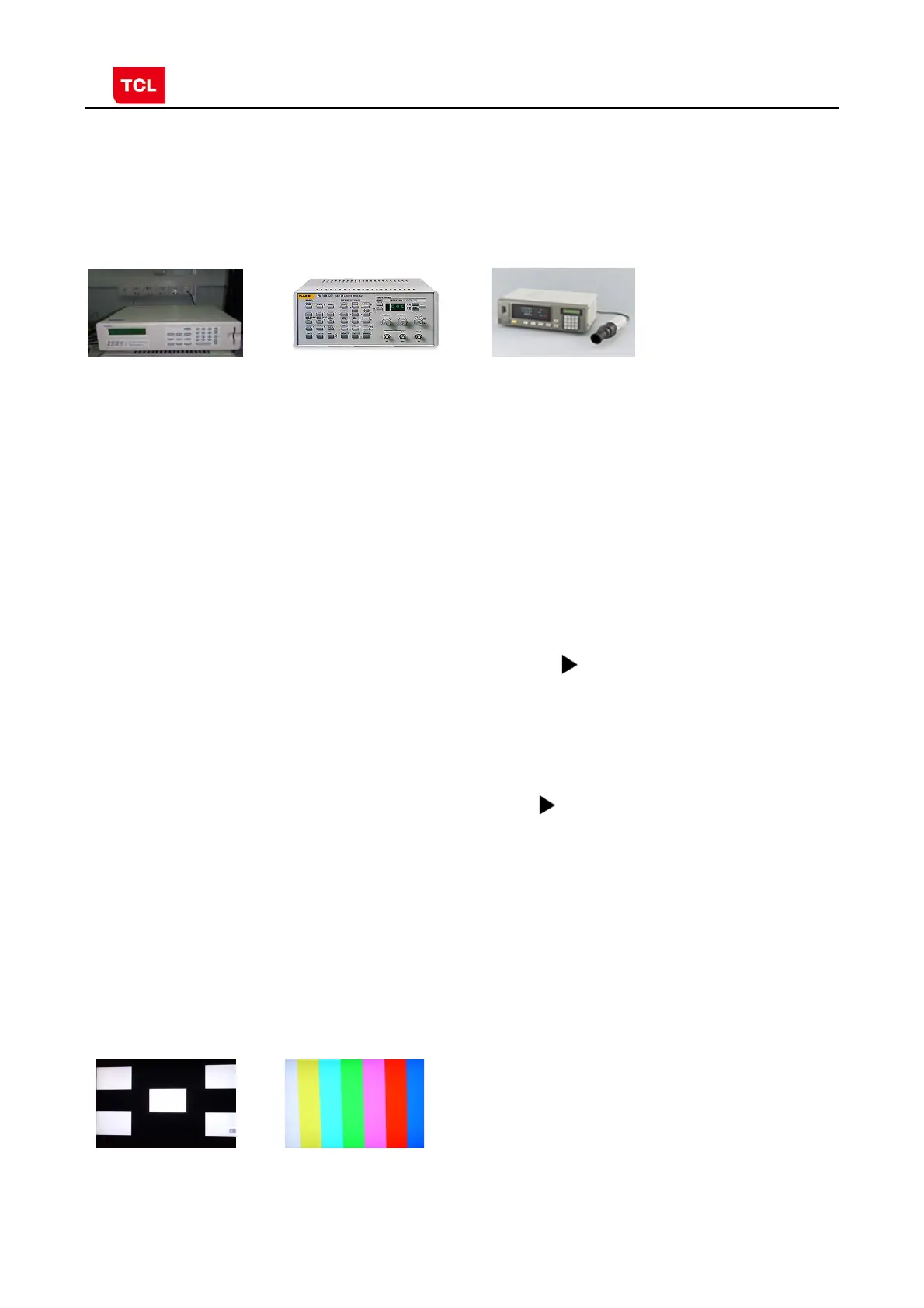
Color Analyzer CA-210. Video Pattern Generator Chroma2329. Color TV Pattern
Generator PM5418, VGA cable, AV cable(RCA),YPBPR(RCA) cable.
。
Chroma2329
Fluke5418 CA-210
According to the requirement of order, we suggest take the below steps to finish
the appropriate settings.
A enter the Factory Menu, enable FAC HOTKEY
B Check the version of software, release date displayed at the bottom of Factory
Menu. If the information is correct, you can ignore step C and D.
C Enter Factory Main Menu, choose SERVICE MENU->PROJECT ID, choose
corresponding Project ID number of the product (Please refer to the description in
BOM about Project ID number).
D return to Factory Menu, check the Product model.
E choose Factory Menu-> NVM RESET and press and wait until prompt OK
appears.
F restart the set
G according to the requirement of order, set the items of Shop Menu and Hotel
Menu etc.
H After aging under normal temperature, calibrate ADC and adjust white balance.
I choose Factory Menu-> SHOP INIT and press button of remote control to
initialize the set.
Note: after step I (execute SHOP INIT), Hotel Menu will be disabled by default.
Therefore, if order requires hotel function, it is necessary to enable hotel function by
set
Factory Main Menu-> Service Menu->HOTEL ENABLE to ON.
Ⅰ.signal and generator
VGA: Chroma2329 Pattern42, Timing 14(1024x768@60Hz 5 MOSAIC)
YPBPR: Chroma2329 Pattern103, Timing 79(100% Color Bar, 720p)
5 MOSAIC 100% Color Bar
4. The ste
s of debu
in
4.1 Device
4.2 ste
s of debu
in
:
4.3 ADC Calibration



 To Next Page