71
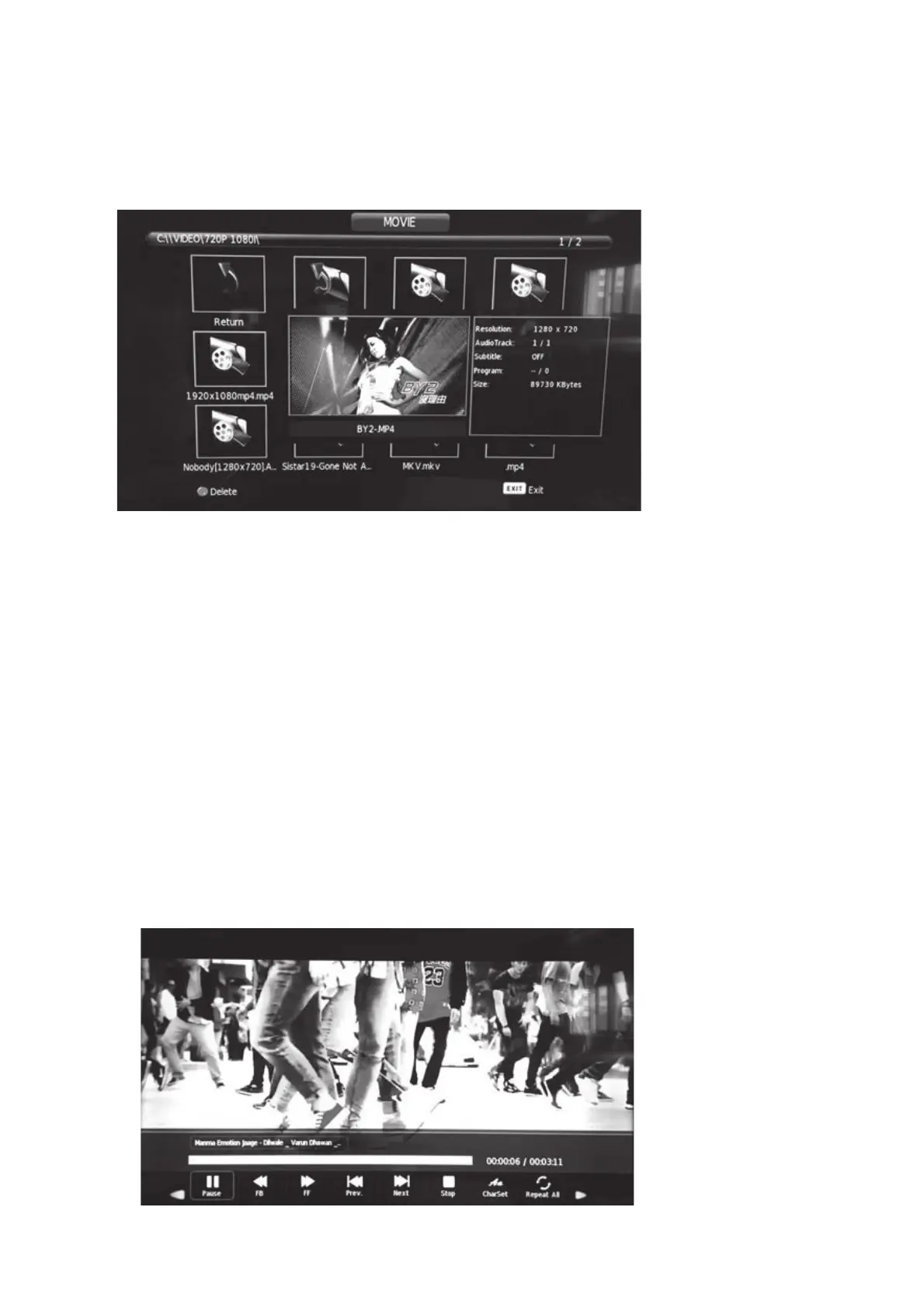
For instance, selecting MOVIE, press the [OK] key to enter the file selection
menu.
5.5.1.Movie
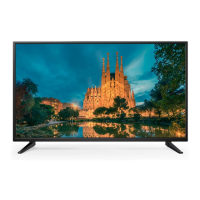
Select the movie that you want to play and press the [PLAY] key on the
remote control to see it full screen.
Move the cursor to select MOVIE in the USB options menu. Press the [OK]
key to enter.
Press [PLAY/PAUSE] to play the file full screen.
3UHVVWKHŻŹNH\VWRPRYHWRWKHGHVLUHGIXQFWLRQ


 To Next Page