ZK300DC SWING GATE OPERATOR USER’S MANUAL
12
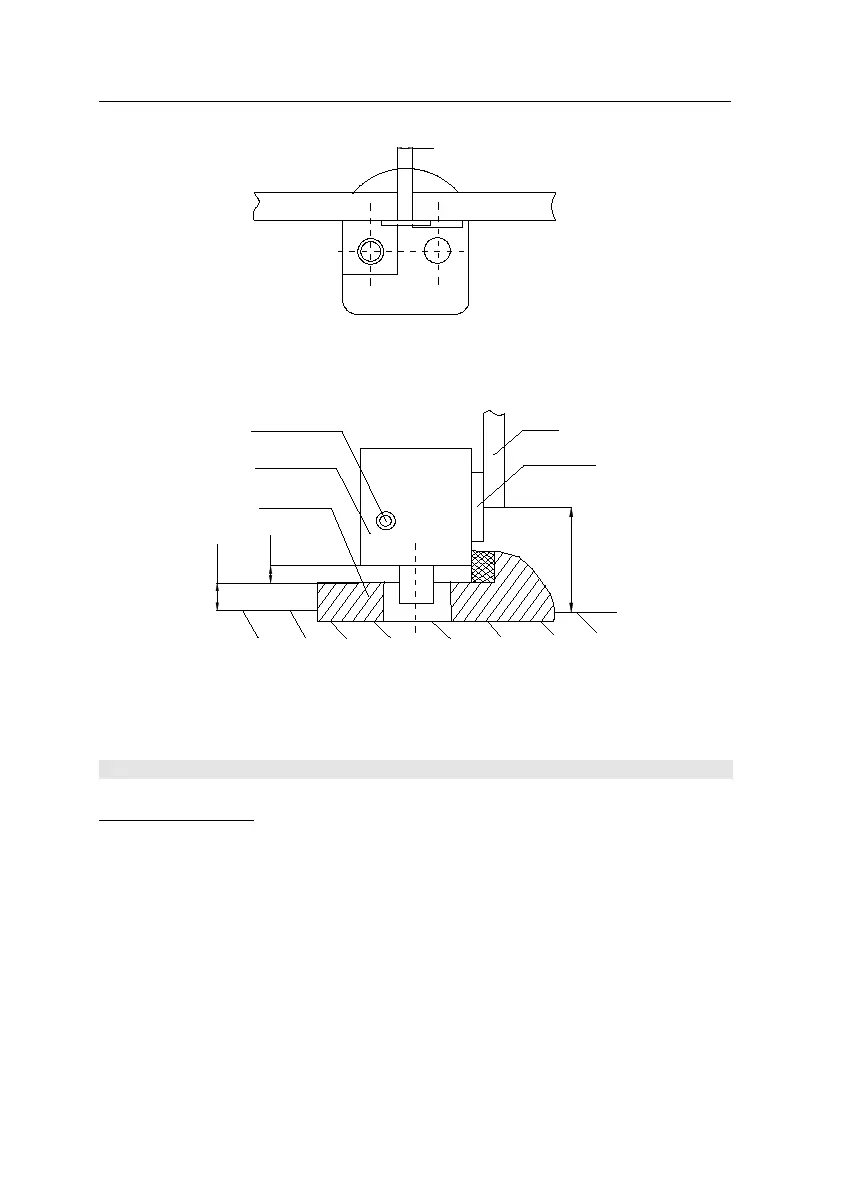
Fig.11
8. Electrical / Control Box Mounting
Install the control box
Make sure that power is OFF before making any electrical connections.
Place the control box in the desired mounting position, open the cover of the control box,
mark the mounting holes, and install the control box. See Fig.12
Perform the wiring.
Note: we regard the gate with the electrical lock as the A gate (open first, close later), the
other gate as the B gate.
A- Top view
15
Primary
Secondary
B- Side view
Base plate
Electric lock
Release here
45-50
3-6
8-10
Gate
Steel plate



 To Next Page