27
Label Making Overview
Label Creation Basics
Now that everything is set up, let’s try creating a label.
This section runs through the basics of label making, from layout, to
printing, and saving the label in a file.
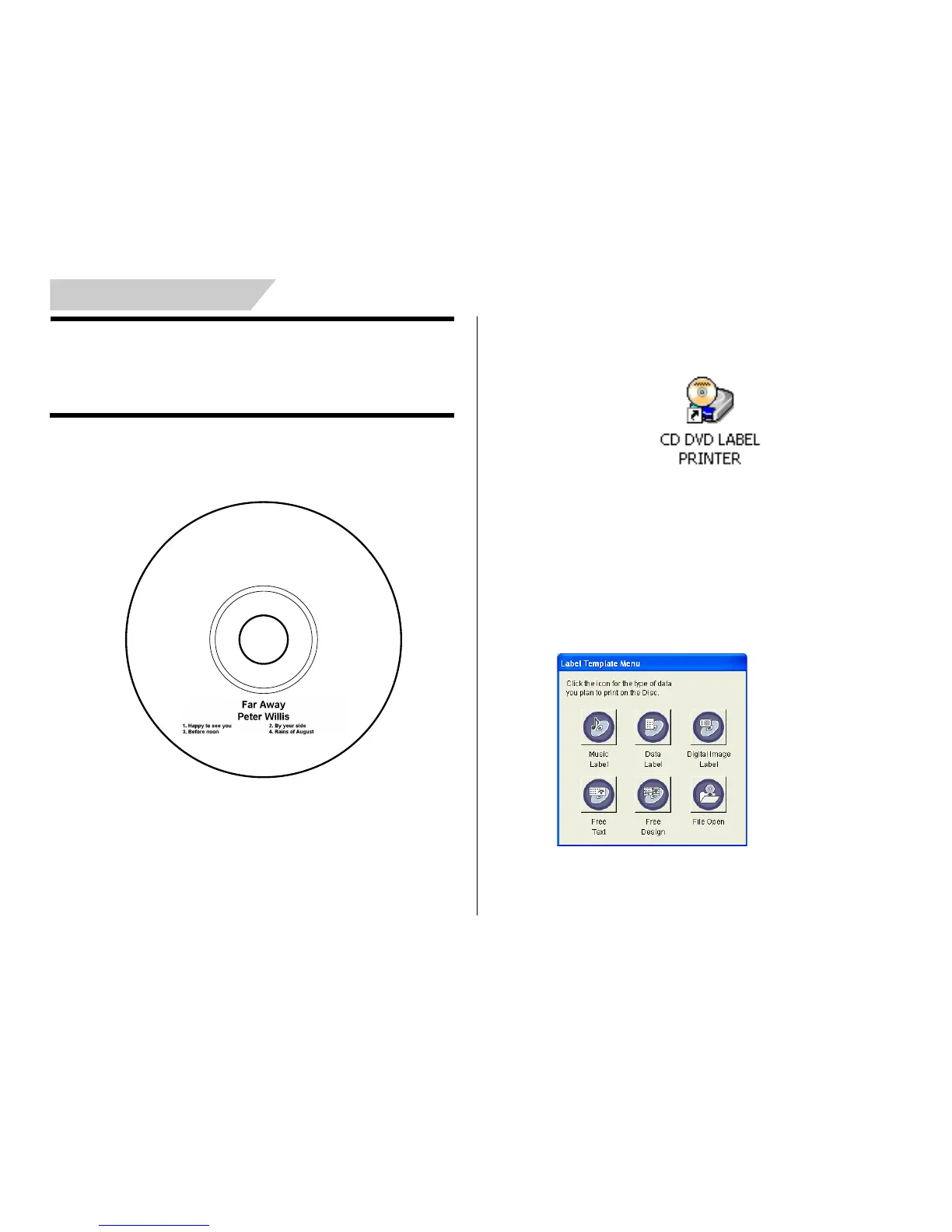
Example: Music CD label
To create a label
1.
On your Windows desktop, double-click the CD DVD LABEL PRINTER
short cut icon.
Note
You can also start up the application by clicking the Windows Start
button and then All Programs. Next, point to TDK, and then click CD
DVD LABEL PRINTER. Note that the location of the application may
be different on your computer, depending on what you specified when
you installed it.
After CD/DVD LABEL PRINTER application starts up, a label tem-
plate menu appears.


 To Next Page