35
Using the Assistant Feature
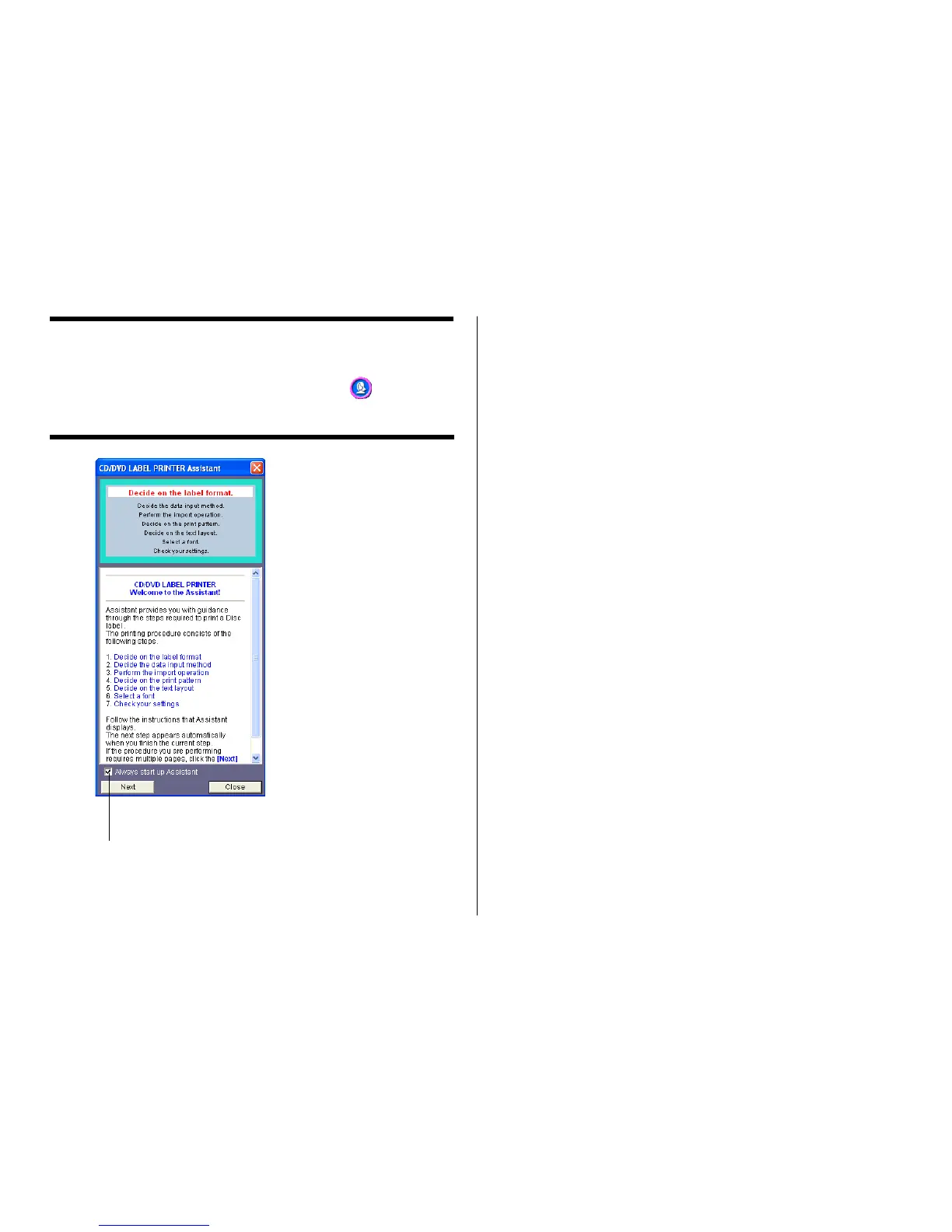
The Assistant feature provides you with step-by-step guidance for creating
labels and performing other operations. Clicking the button on the
main window displays the Assistant screen. The Assistant screen does
not appear while the Free Text or Free Design label template is displayed.
Using the Assistant Screen
When you are unsure of CD/DVD LABEL PRINTER application opera-
tions...
Follow the instructions on the Assistant screen for quick and easy la-
bels.
Even after you are accustomed to making labels...
Since the Assistant screen changes in accordance with the operation
you are performing on the main window, you can refer to it whenever you
need a bit of advice.
When this option is selected, the
Assistant screen appears whenever you
start up the CD/DVD LABEL PRINTER
application.


 To Next Page