49
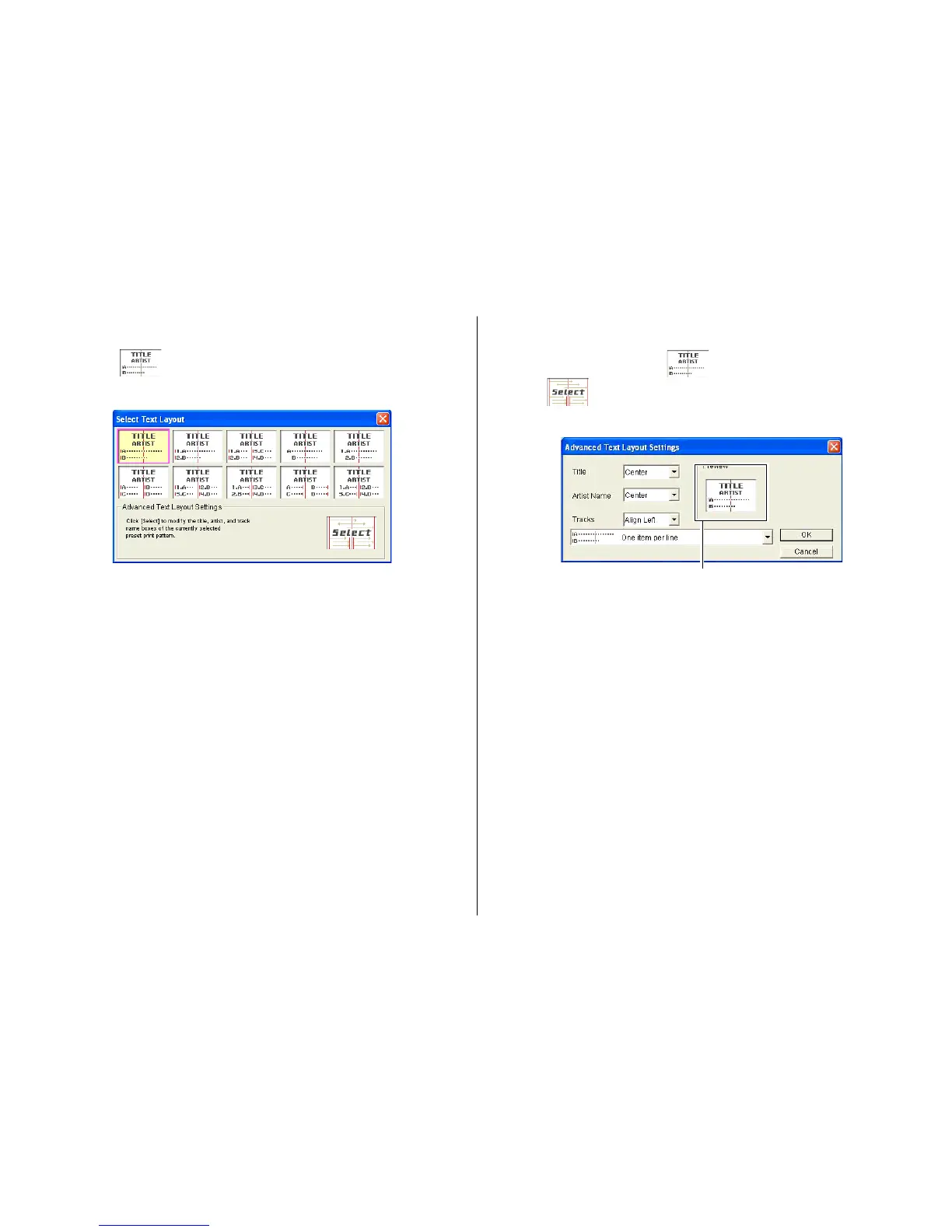
To modify a preset text layout
1.
On the main window, click .
2.
Click .
This displays a menu for selecting a text layout.
The settings you configure are reflected here.
3
. Configure the settings you want for each item, and then click OK.
This causes the text layout panel and the label preview image to change
in accordance with the text layout you selected.
To configure text layout settings
1.
Click the panel.
This displays a menu for selecting a text layout.
2.
Click the text layout to which you want to change.
This causes the text layout panel and the label preview image to change
in accordance with the text layout you selected.


 To Next Page