56
2.
Select “Pattern” or “Error Diffusion” and then click OK.
The dithering setting you select is reflected in the label preview image
on the screen.
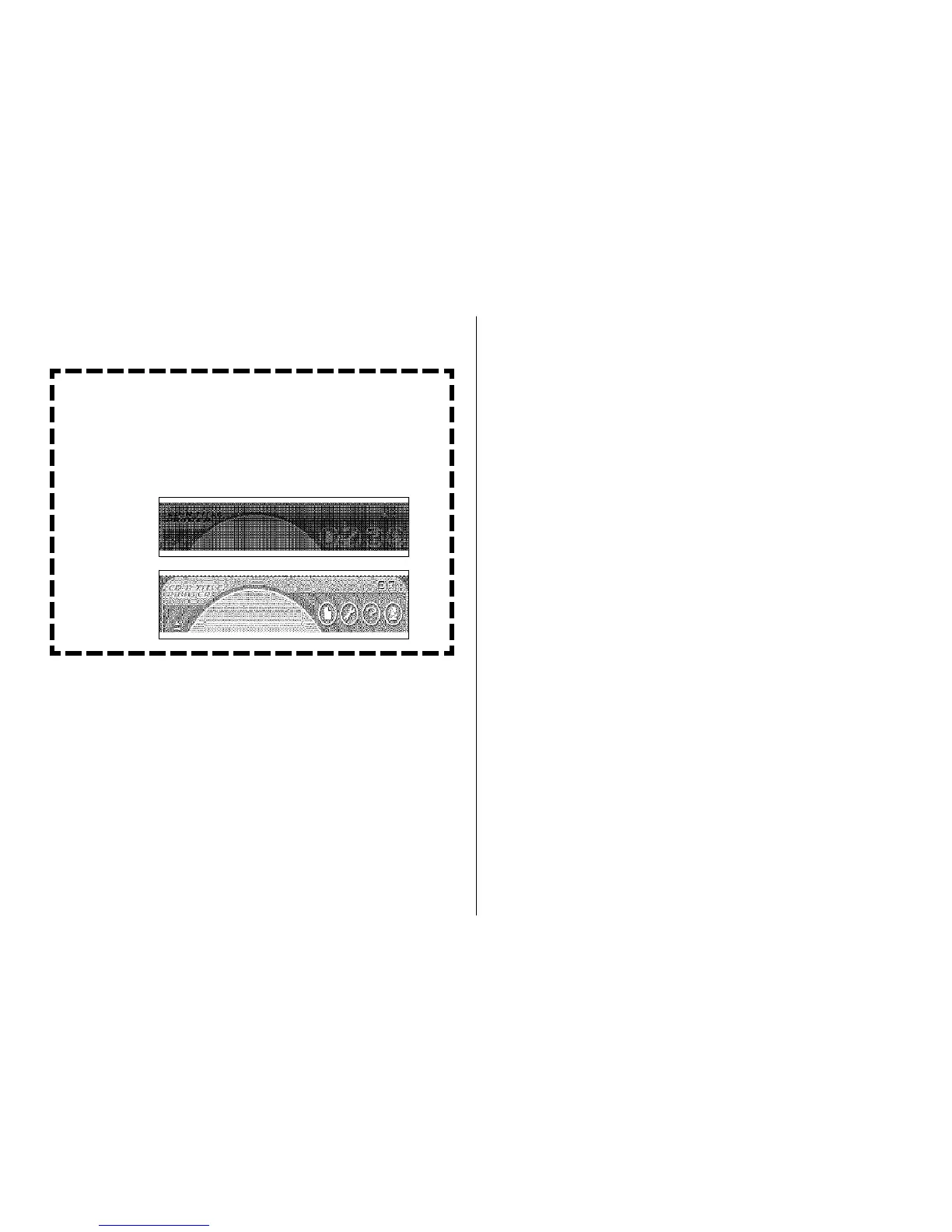
Difference between Pattern and Error Diffusion
Dithering
With both dithering methods and dark colors are printed blacker,
while light colors are a lighter shade of gray. Compared with Pat-
tern dithering, Error Diffusion takes longer, but the printout looks
better.
Pattern
Error Diffusion


 To Next Page