EasyManua.ls Logo

Teac A-2300SR - Overall Performance Checks and Adjustments; Overall Signal-to-Noise Ratio; Optimum Erasure Measurement; Channel Separation Check

Teac A-2300SR
58 pages
Print Icon
To Next Page IconTo Next Page
To Previous Page IconTo Previous Page
Loading...
8-19
SIGNAL-TO-NOISE
RATIO
—OVERALL—
Using
blank
Test
Tape
...........
YTT-8013
1.
2.
3
Output
and
Line
controls
should
be
at
the
specified
posi-
tions.
Remove
the
AF
oscillator
from
the
LINE
IN
L,
R
jacks.
Place
the
deck
in
the
Record
mode
with
“no
signal”
applied.
Note
the
point
on
the
index
counter
where
re-
cording
begins.
.
Rewind
the
tape
to
the
beginning
point
and
play
it
back.
.
The
noise
level
as
indicated
on
the
VTVM
should
be
readings
listed
below.
...
HIGH
(7-1/2
ips)
...
LOW
(3-3/4
ips)
~55
dB,
or
more
—53
dB,
or
more
NOTE:
This
—55
dB/—53
dB
corresponds
to
the
Signal-to-
Noise
Ratio
of
47
dB/45
dB
(minimum):
the
dif-
ference
between
residual
noise
of
—55
dB/—53
dB
and
specified
output
level
—8
dB.
NOTE:
Since
this
measurement
method
and
the
measure-
ment
methods
used
to
obtain
the
catalog
and
owner’s
manual
S/N
spec,
are
different,
the
values
here
and
in
the
catalog
and
Owner’s
manual
will
be
different.
8-20
OPTIMUM
ERASURE
MEASUREMENT
Tape
SPEEDSW..........
HIGH
3
Thread
the
TEAC
YTT-8013
Test
Tape
on
the
deck.
2.
Apply
a
1
kHz
signal
at
10
dB
above
the
operating
level
of
—8 dB
(308
mV)
to
the
LINE
IN
jack.
.
Make
a
30
second
recording
of
the
above
signal
while
reading
and
noting
the
level
of
output,
then
rewind
to
beginning
of
this
recording.
.
Disconnect
the
1
kHz
signal
source
(AF
oscillator)
from
the
LINE
IN
jack.
.
Connect
a
VIVM
to
the
OUTPUT
jack,
through
a
1
kHz
Narrow
Band
Pass
Filter.
.
Put
deck
in
the
Record
mode
and
“record”
(erase)
over
this
previous
recording,
then
rewind
to
beginning
again.
.
Put
deck
in
Play
mode
and
monitor
the
output
on
the
VTVM.
.
Difference
in
output
level,
between
the
1
kHz
signal
and
the
“no
signal”
section
level
should
be
more
than
68
dB,
NOTE:
Filter
loss
should
be
considered.
20
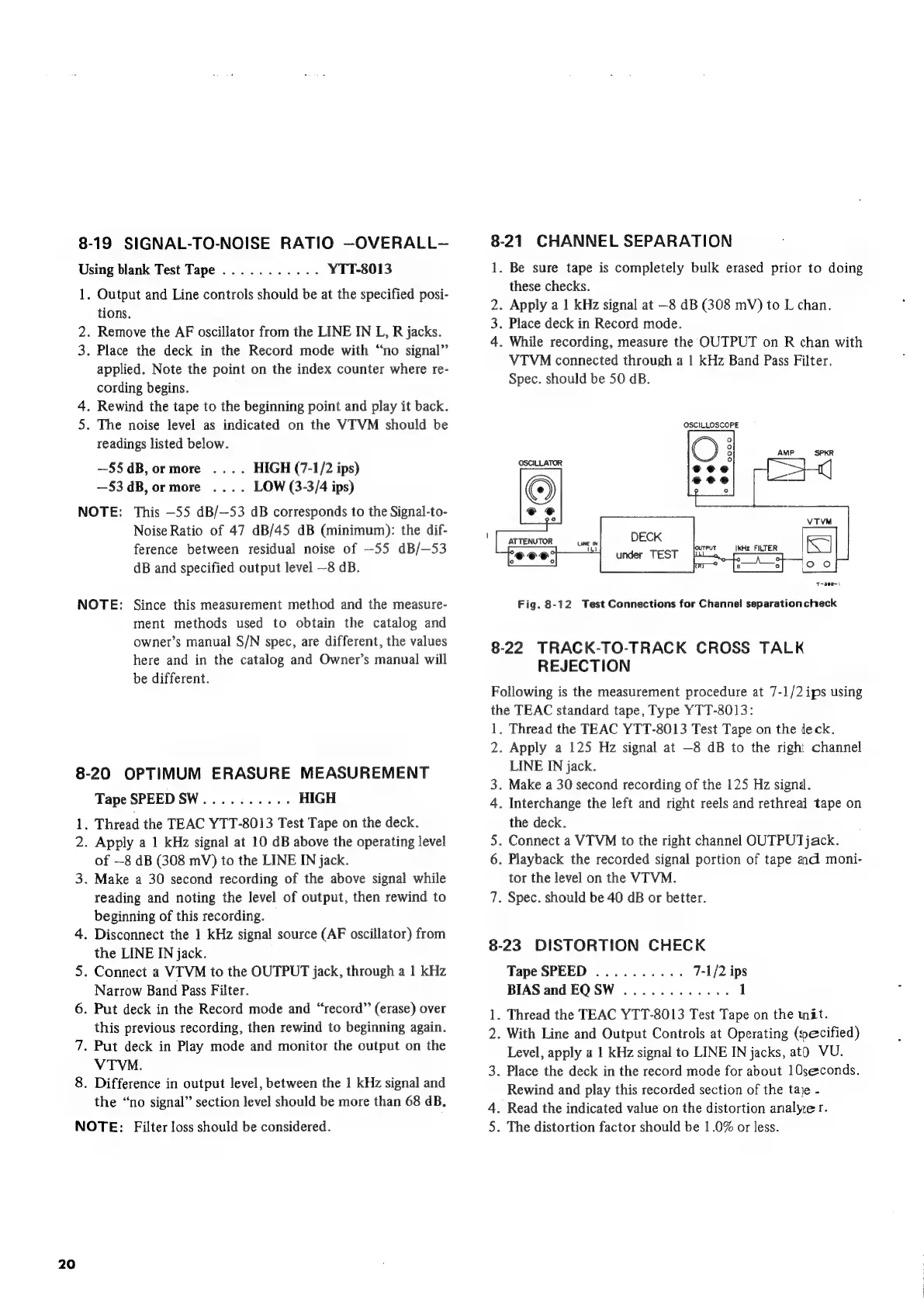
8-21
CHANNEL
SEPARATION
1.
Be
sure
tape
is
completely
bulk
erased
prior
to
doing
these
checks.
2.
Apply
a
1
kHz
signal
at
—8
dB
(308
mV)
to
L
chan.
3.
Place
deck
in
Record
mode.
4.
While
recording,
measure
the
OUTPUT
on
R
chan
with
VTVM
connected
through
a
1
kHz
Band
Pass
Filter.
Spec.
should
be
50
dB.
OSCILLOSCOPE
DECK
under
TEST
LUNE
IN
ra)
“shies
IkHz
FILTER
°
)
T-39m
Fig.
8-12
Test
Connections
for
Channel
separation
check
8-22
TRACK-TO-TRACK
CROSS
TALK
REJECTION
Following
is
the
measurement
procedure
at
7-1/2
ips
using
the
TEAC
standard
tape,
Type
YTT-8013:
1.
Thread
the
TEAC
YTT-8013
Test
Tape
on
the
deck.
2.
Apply
a
125
Hz
signal
at
—8
dB
to
the
righi
channel
LINE
IN
jack.
3.
Make
a
30
second
recording
of
the
125
Hz
signd.
4.
Interchange
the
left
and
right
reels
and
rethreal
tape
on
the
deck.
5.
Connect
a
VTVM
to
the
right
channel
OUTPUT
jack.
6.
Playback
the
recorded
signal
portion
of
tape
and
moni-
tor
the
level
on
the
VIVM.
7.
Spec.
should
be
40
dB
or
better.
8-23
DISTORTION
CHECK
Tape
SPEED
..........
7-1/2
ips
BIAS
and
EQSW
............
1
1.
Thread
the
TEAC
YTT-8013
Test
Tape
on
the
wit.
2.
With
Line
and
Output
Controls
at
Operating
(pecified)
Level,
apply
a
1
kHz
signal
to
LINE
IN
jacks,
atO
VU.
3.
Place
the
deck
in
the
record
mode
for
about
10seconds.
Rewind
and
play
this
recorded
section
of
the
taje
-
4.
Read
the
indicated
value
on
the
distortion
analyze
r.
5.
The
distortion
factor
should
be
1.0%
or
less.

Related product manuals