EasyManua.ls Logo

Teac A-3300 - Input Level Set

Teac A-3300
102 pages
Print Icon
To Next Page IconTo Next Page
To Previous Page IconTo Previous Page
Loading...
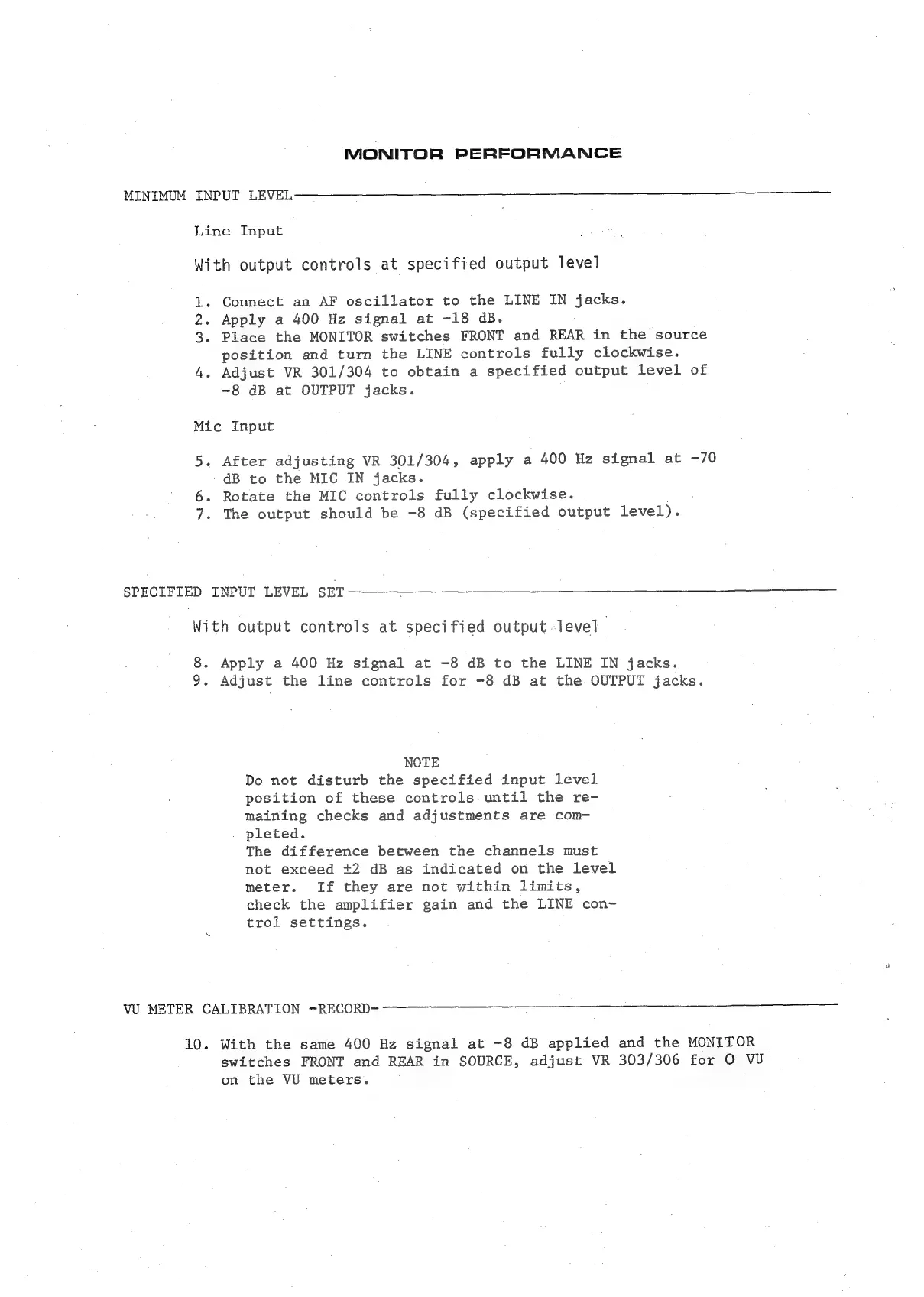
MONITOR
PERFORMANCE
MINIMUM
INPUT LEVEL
Line
Input
With
output
controls
at
specified
output
level
1.
Connect
an
AF
oscillator
to
the
LINE
IN
jacks.
2.
Apply
a
400
Hz
signal
at
-18
dB.
3.
Place
the
MONITOR
switches
FRONT
and
REAR
in
the
source
position
and
turn
the
LINE
controls
fully
clockwise.
4.
Adjust
VR
301/304
to
obtain
a
specified
output
level
of
-8
dB
at
OUTPUT
jacks.
Mic
Input
5.
After
adjusting
VR
301/304,
apply
a
400
Hz
signal
at
-70
-
dB
to
the
MIC
IN
jacks.
6.
Rotate
the
MIC
controls
fully
clockwise.
7.
The
output
should
be
-8 dB
(specified
output
level).
SPECIFIED
INPUT
LEVEL
SET
With
output
controls
at
specified
output
level
8.
Apply
a
400
Hz
signal
at
-8
dB
to
the
LINE
IN
jacks.
9.
Adjust
the
line
controls
for
-8
dB
at
the
OUTPUT
jacks.
NOTE
Do
not
disturb
the
specified
input
level
position
of
these
controls.
until
the
re-
maining
checks
and
adjustments
are
com-
pleted.
The
difference
between
the
channels
must
not
exceed
+2
dB
as
indicated
on
the
level
meter.
If
they
are
not
within
limits,
check
the
amplifier
gain
and
the
LINE
con-
trol
settings.
VU
METER
CALIBRATION
—RECORD-
10.
With
the
same
400
Hz
signal
at
-8
dB
applied
and
the
MONITOR
switches
FRONT
and
REAR
in
SOURCE,
adjust
VR
303/306
for
O
VU
on
the
VU
meters.

Related product manuals