18
PTY Search
• Use this function to automatically search and receive the stations broadcasting the desired program type.
1.
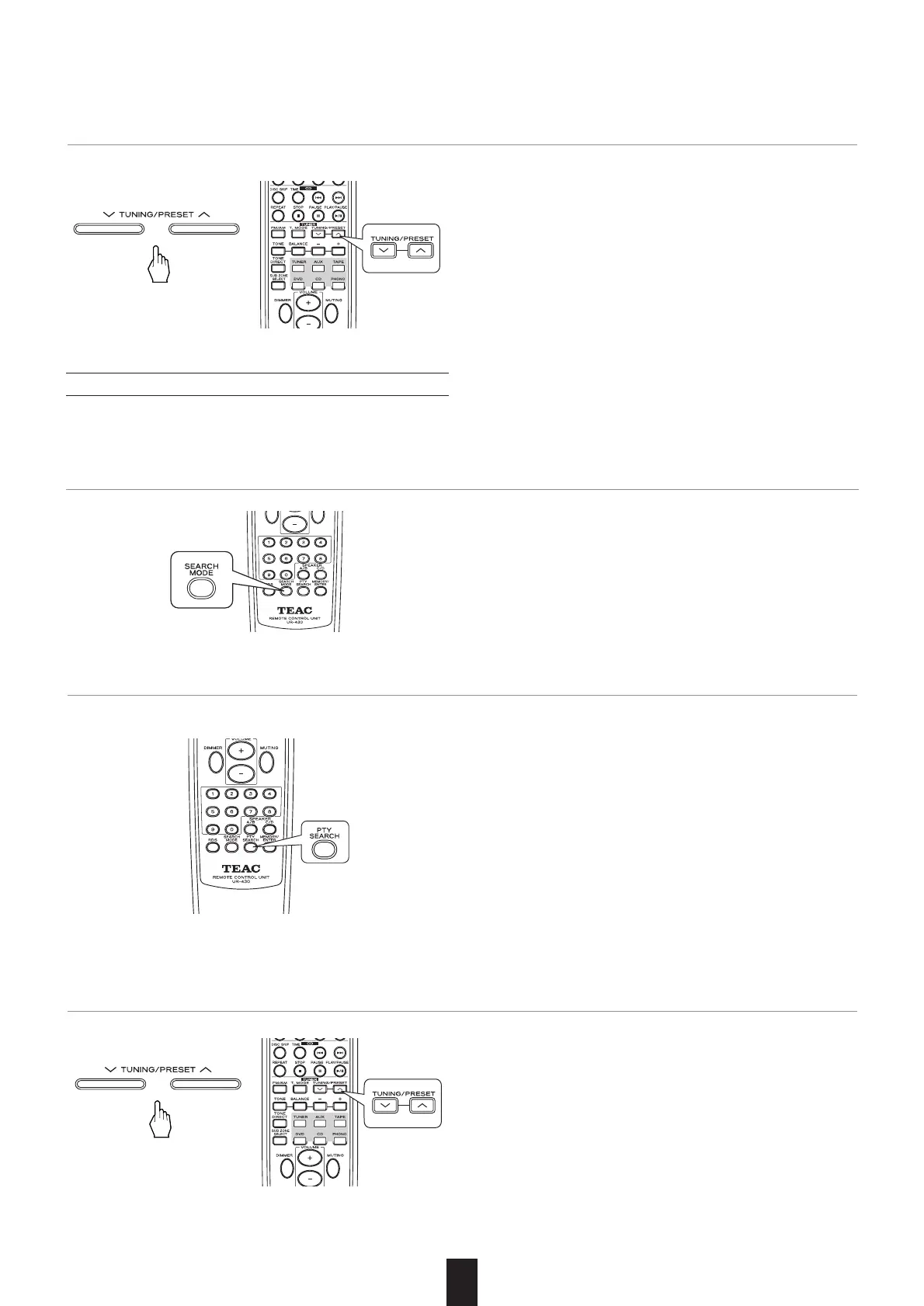
In the FM mode, press the SEARCH MODE button three times.
• "PTY SRCH" is displayed.
• "TP" flickers and the tuner automatically searches for sta-
tions broadcasting the traffic program.
• "NO TRAFF"is displayed if the signal is too weak or there
are no other stations broadcasting the traffic program.
• When "TP SRCH" is not displayed, repeat again from the
above step 1.
2. When "TP SRCH" is displayed, press the TUNING/PRESET UP (°) or DOWN (‡) button to search the sta-
tion.
• Each time this button is pressed, one of 29 different types of
programs is selected.
(NEWS, AFFAIRS, INFO, SPORT, EDUCATE, DRAMA, CUL-
TURE, SCIENCE, VARIED, POP M, ROCK M, EASY M, LIGHT
M, CLASSICS, OTHER M, WEATHER, FINANCE, CHILDREN,
SOCIAL, RELIGION, PHONE IN, TRAVEL, LEISURE, JAZZ,
COUNTRY, NATION M, OLDIES, FOLK M, DOCUMENT)
• When "PTY SRCH" is not displayed, repeat again from the
above step 1.
2. When "PTY SRCH" is displayed, press the PTY SEARCH button to select the desired program type.
• "PTY" flickers and the tuner automatically searches stations
offering PTY services.
• If no other station is found, "NO PROG" is displayed.
3. When the selected program type is displayed, press the TUNING/PRESET UP (°) or DOWN (‡) button to
search the station.



 To Next Page