18
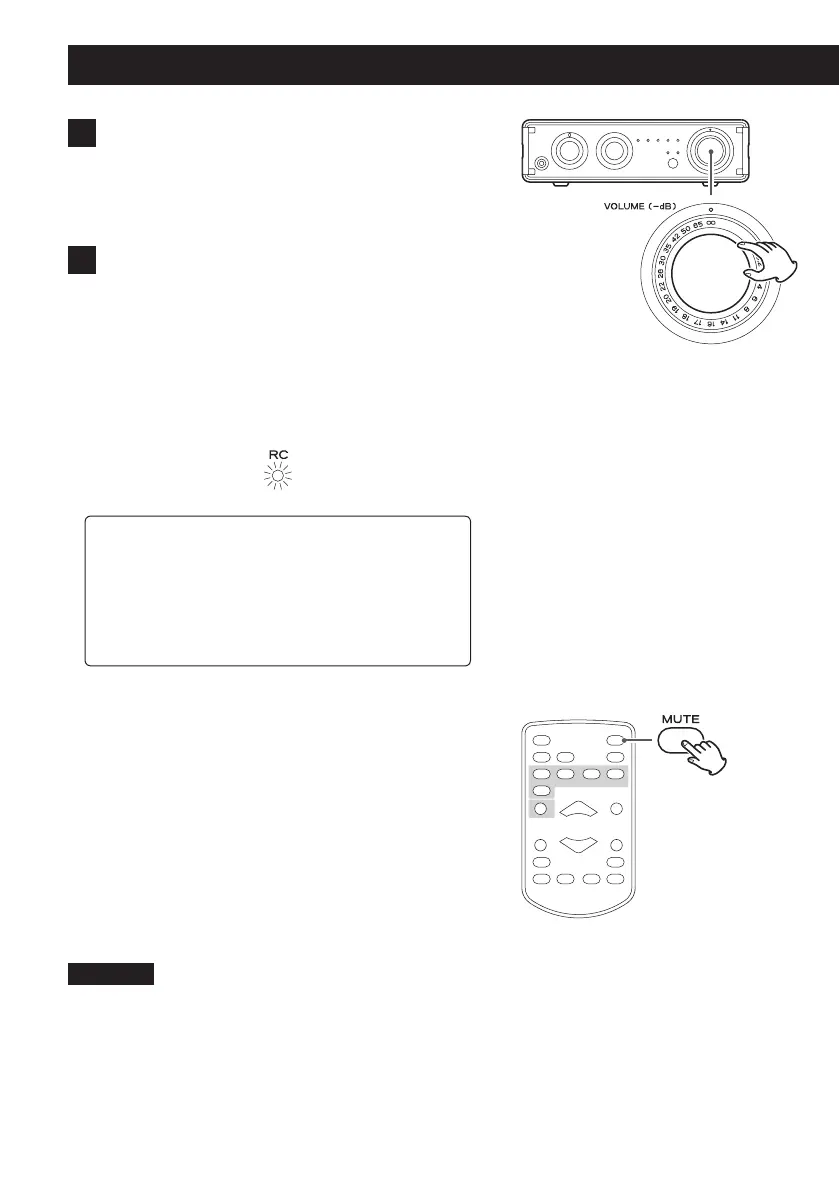
∞ dB: Minimum volume
0 dB: Maximum volume
3 Start playback on the connected source
device.
Refer to the operation manual of the playback device
that you are using.
4 Adjust the volume.
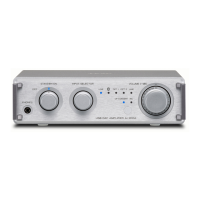
Turn the VOLUME knob or use the VOLUME buttons
on the remote control to adjust the volume to the
appropriate level.
o The RC indicator lights when the remote control
has been used to change the volume. When lit,
the position of the VOLUME knob on the main
unit does not correspond to the output volume.
V
CAUTION
Use caution when adjusting the volume with the
VOLUME knob on the main unit when the RC indi-
cator is lit. When the remote control has been used
to lower the volume, turning this knob could cause
a sudden increase in volume.
Muting playback
If you want to temporarily mute the volume of this unit,
press the MUTE button on the remote control.
When muted, the indicator for the selected source blinks.
Press the MUTE button on the remote control again to
return to the previous volume level.
Using the main unit VOLUME knob or remote control
VOLUME −/+ buttons will unmute the output.
CAUTION
If you use the VOLUME knob on the main unit instead of
the remote control VOLUME +/− buttons, sound will be
unmuted and the volume might become loud suddenly
because the volume set by the remote control will be
overridden. Use caution when adjusting the volume when
the RC indicator is lit.
Basic operation (continued)


 To Next Page