23
Playing back audio files from a
computer
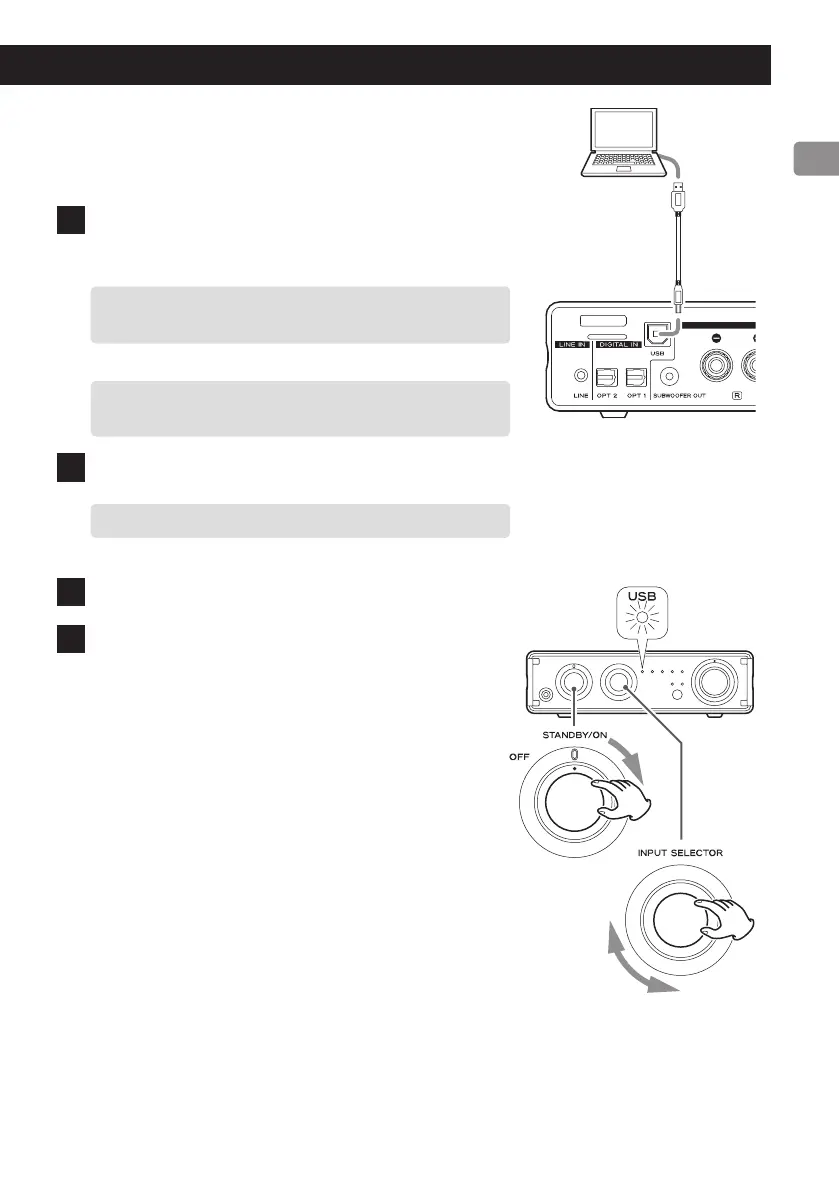
1 Connect this unit to the computer using a
USB cable.
o To use a Windows computer, you must install the
dedicated driver beforehand (page 22).
o Use a cable with a connector that matches that of
this unit.
2 Turn the computer on.
o Confirm that the computer has started up correctly.
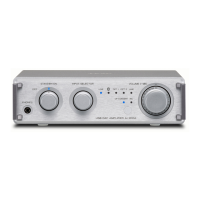
3 Turn the power knob to STANDBY/ON.
4 Turn the INPUT SELECTOR knob to select
USB.
USB cable
Continued on the next page e


 To Next Page