19
Repeat Playback
Repeat A-B
This function allows repeat playback of any desired
portion of the disc.
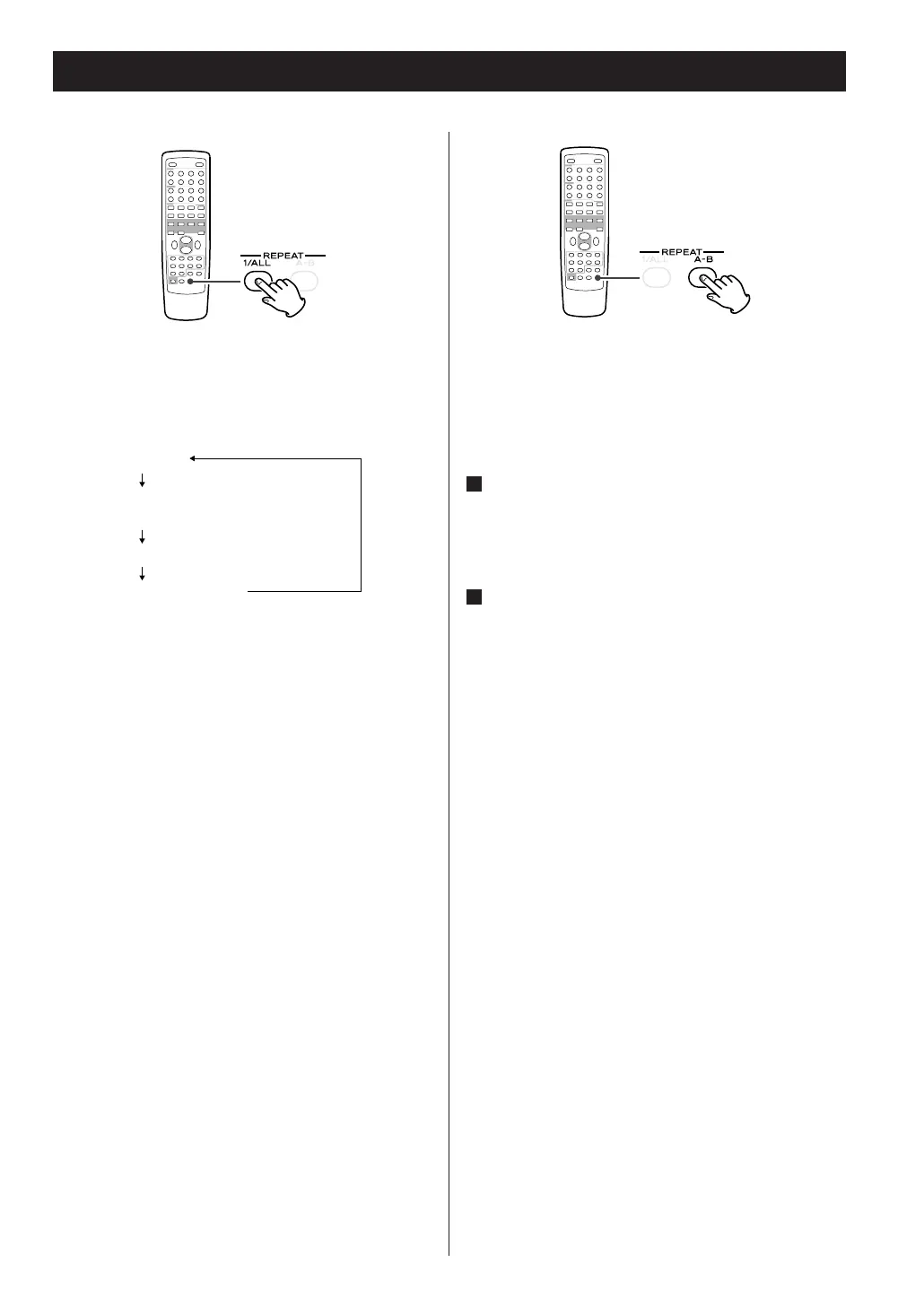
Designate the point at which repeat playback
should start by pressing the A-B button.
‘Repeat A-’ lights up and ‘B’ blinks.
When the point at which repeat playback
should end is reached, press the A-B button
again.
‘Repeat A-B’ lights up.
The designated point with A-B button will be
played back repeatedly.
< To return to normal play, press A-B button until
‘Repeat A-B’ disappears from the display.
< It must be more than 3 seconds between A and B.
2
1
Every time the REPEAT 1/ALL button is pressed,
the mode is changed as follows:
Repeat One Track [Repeat 1]
The track/file being played will be played
repeatedly. If you select another track/file in Repeat
1 mode, the track/file you selected will be played
repeatedly.
Repeat Folder [RPT Folder]
(Only USB, MP3/WMA disc)
All the tracks or files in the folder will be played
repeatedly.
Repeat All
All the tracks or files will be played repeatedly.



 To Next Page