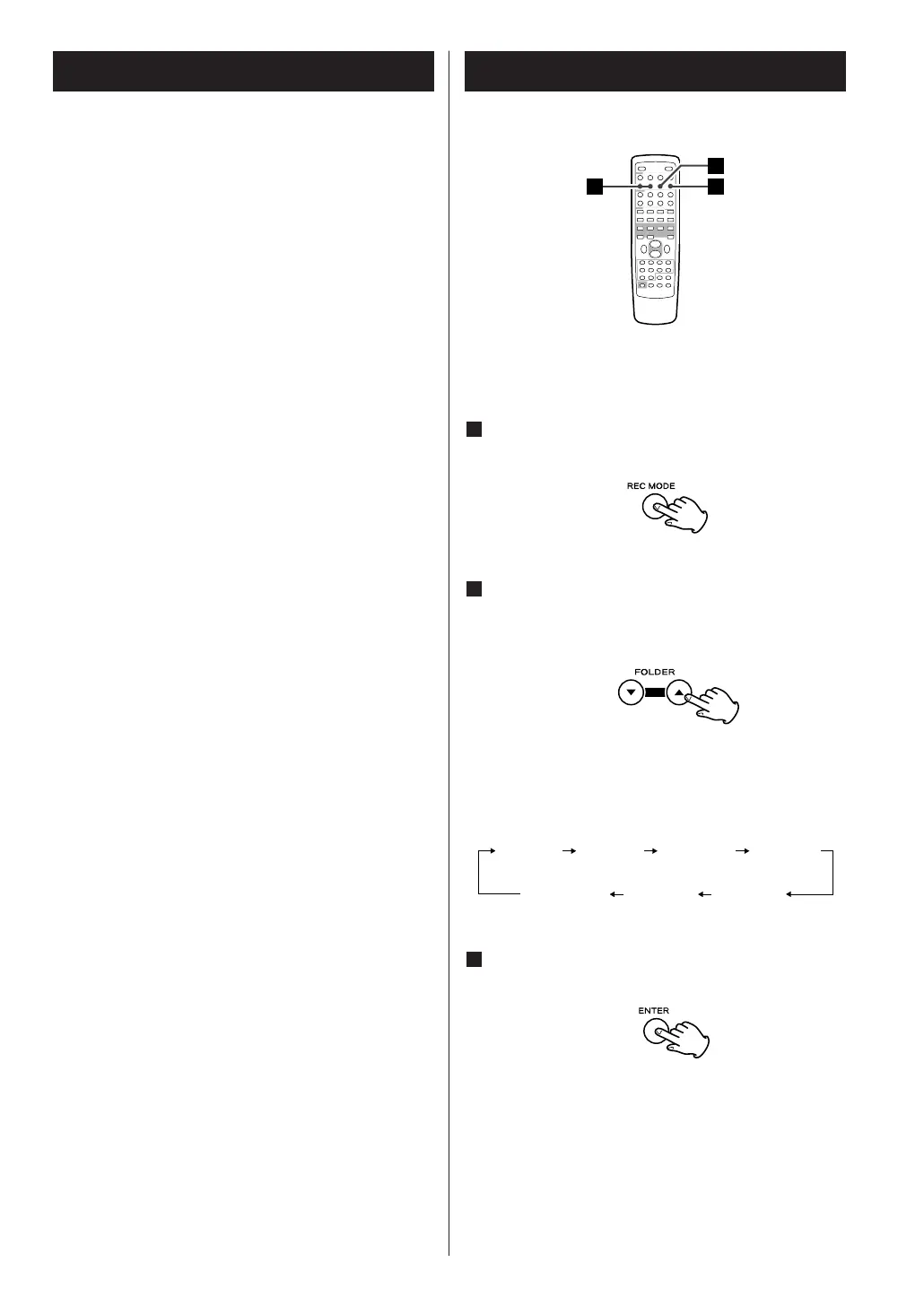
You can select the desired record mode.
In USB mode, press the REC MODE button.
1
This unit can record musics from CDs, cassette tapes
and radio, on USB memory devices, as MP3 or WMA
files.
CAUTION
< Do not disconnect the USB storage device during
recording.
Do not disconnect the power cord during recording.
It may cause damage to the products.
< Adjust the volume of the external audio source to
suitable level before recording. If not, the recording
quality becomes poor.
Note
< The recorded files are saved in the AUDIO folder.
< The FILE NAME is fixed up automatically in regular
sequence like ‘AUDIO001.MP3’, ‘AUDIO002.MP3’,
…….
For Example:
If there are ‘AUDIO004.MP3’ and ‘AUDIO009.MP3’
files in the AUDIO folder, and you make a
recording, a new file will be ‘AUDIO010.MP3’.
Bitrate
Value indicating the amount of data compression
progress in a per second.
The higher bitrate is the larger the amount of data.
This does mean that the sound is high quality.
128Kbps/s is recommended for listening enjoyment.
Press the FOLDER buttons (b/5) to select a
desired recording mode.
2
Each time you press the FOLDER button (b/5), the
recording mode changes as follows:



 To Next Page