21
Basic Operation 1
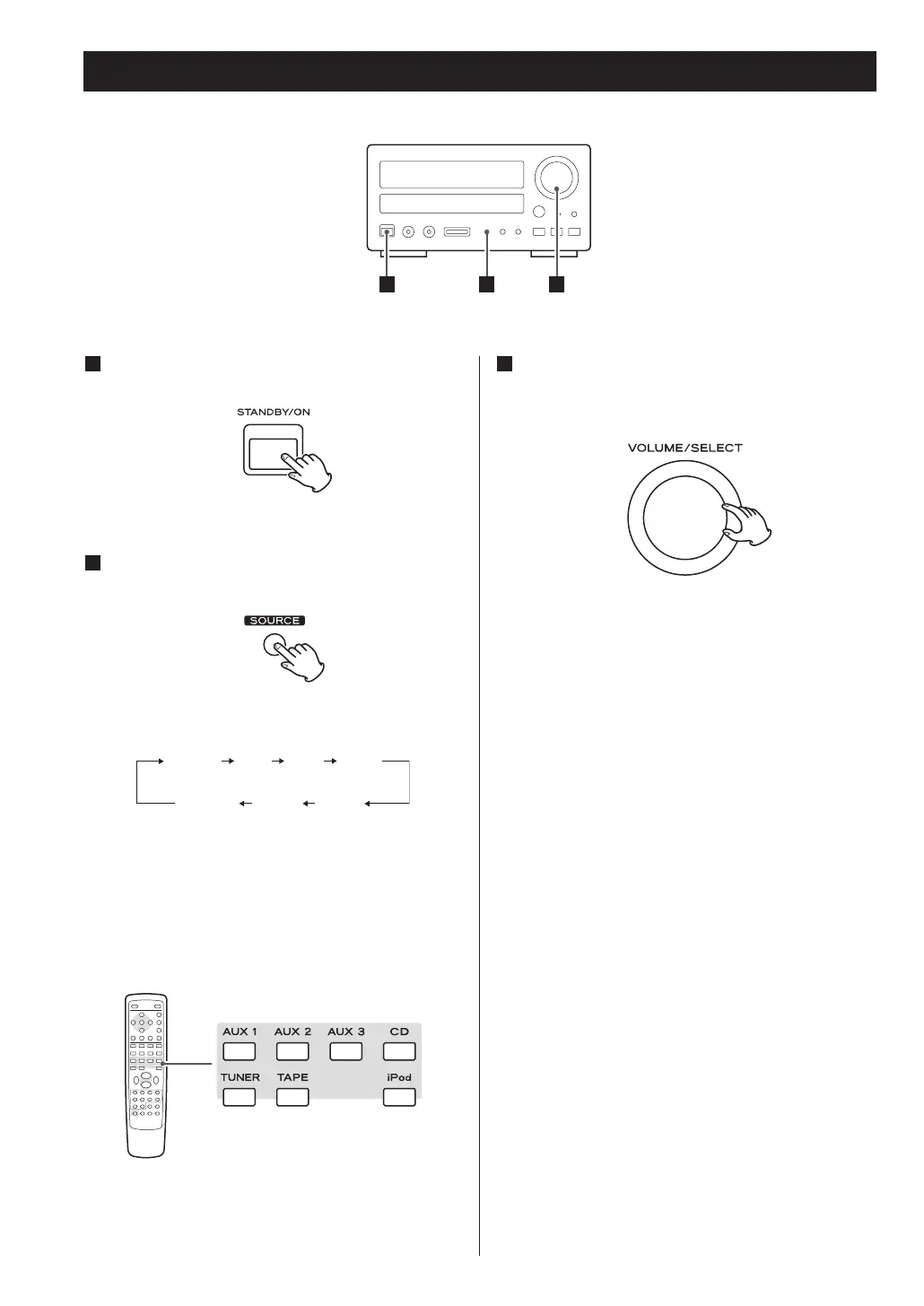
Press the STANDBY/ON button to turn the unit
on.
Select a source by pressing the SOURCE
button.
Each time the SOURCE button is pressed, the
source changes as follows:
< To listen to an external source connected to the
AUX IN jack, select AUX (1, 2 or 3).
< You can use the CD, iPod, TAPE, AUX (1, 2 or 3) or
TUNER button on the remote control unit to select
a source directly.
2
1
Play the source, and gradually turn up the
volume to the required level by turning the
VOLUME knob.
3



 To Next Page