49
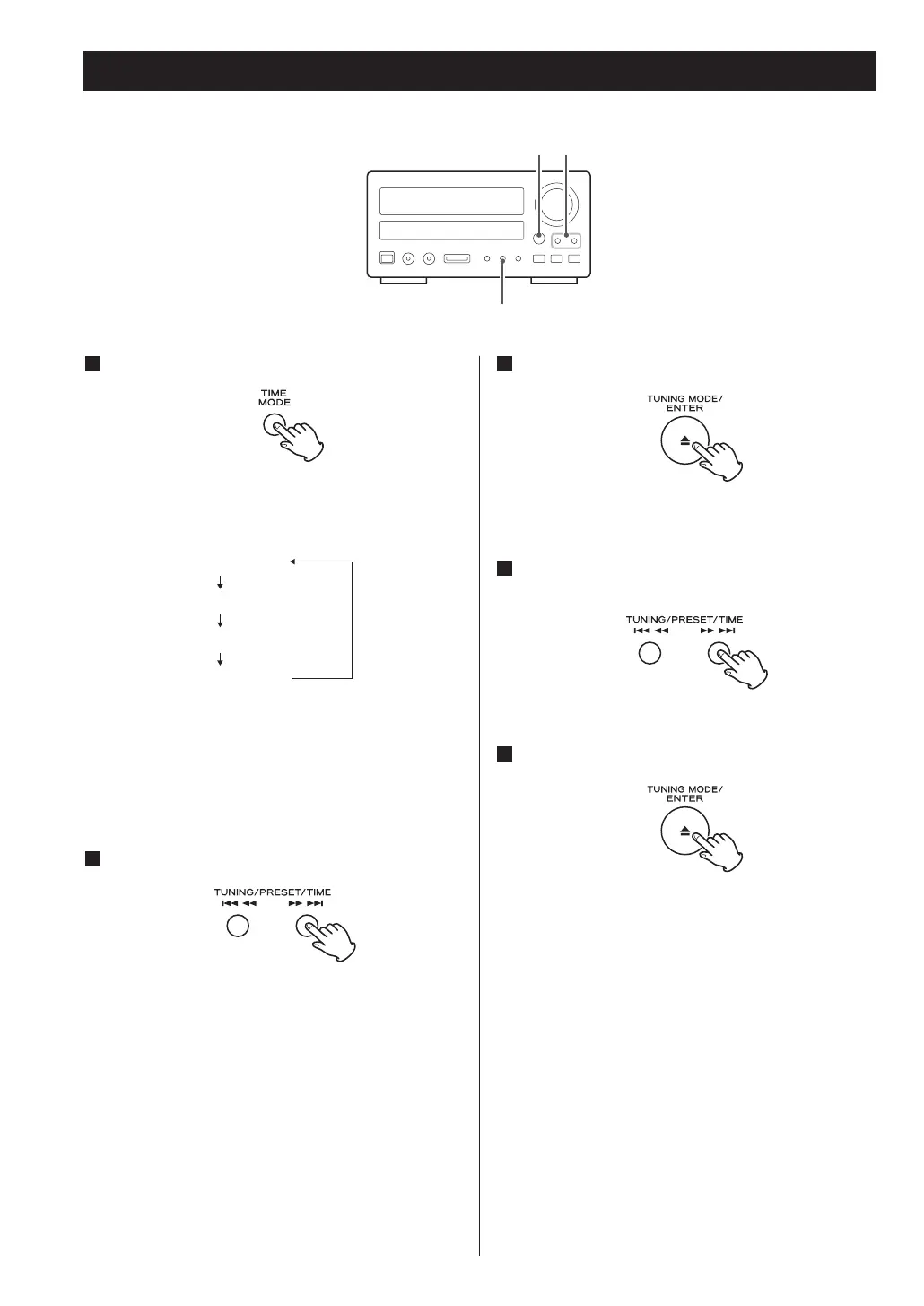
Press the ENTER button.
The “minute” value blinks.
Press the SKIP buttons to set the current
minute.
Press the ENTER button.
The clock starts from 00 seconds.
5
4
3
Press the TIME MODE button once.
Each time the TIME MODE button is pressed, the
mode is changed as follows:
< When no action is taken for 1 minute, the time
adjust mode will be cancelled.
< Press the STOP button to cancel the time setting.
Press the SKIP buttons to set the current hour.
2



 To Next Page