50
Setting the Timer
< The unit can be programmed to turn on and off at
a specified time.
< Adjust the clock before setting the timer.
< When no action is taken for 1 minute, the timer
setting mode will be cancelled.
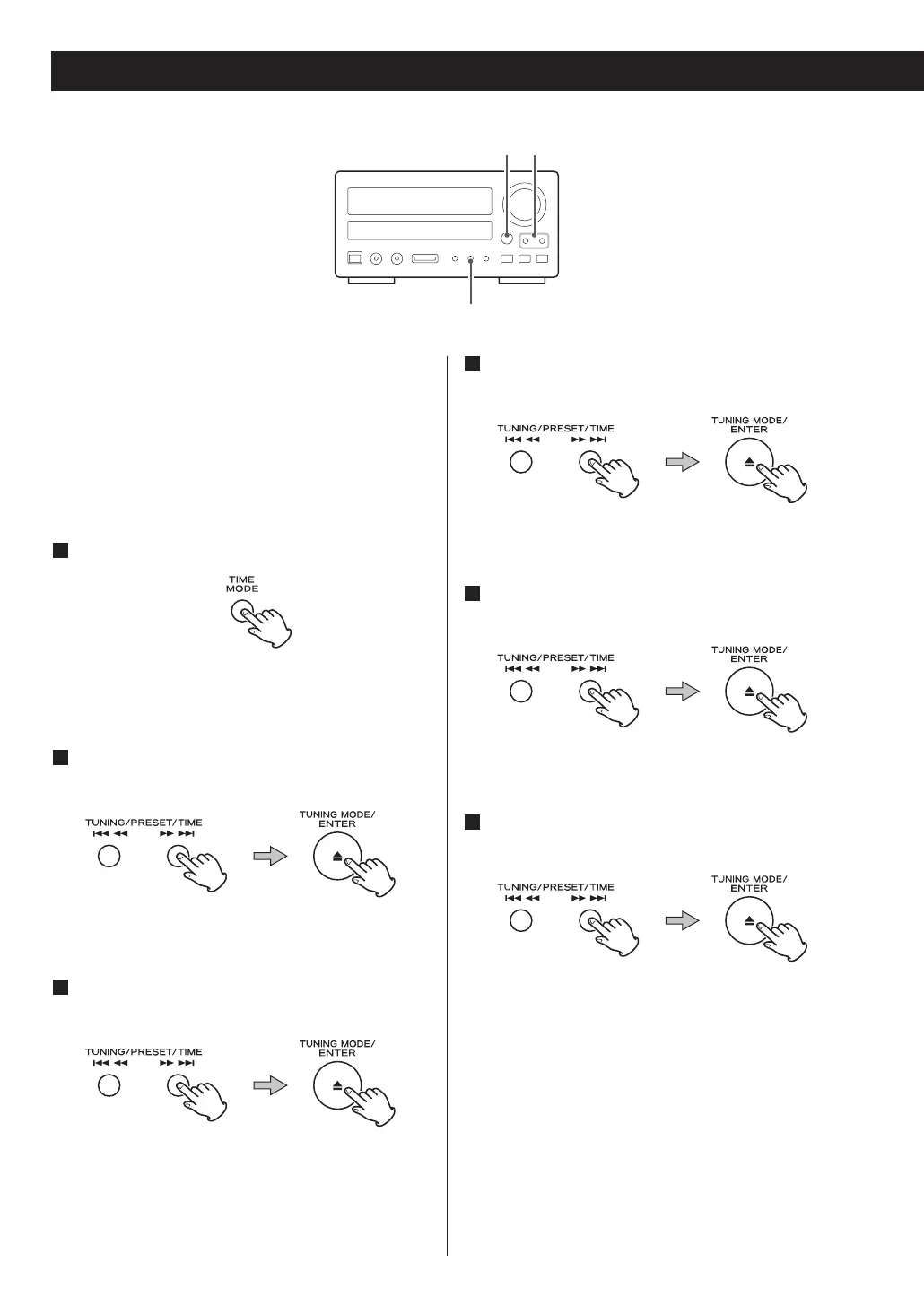
Press the TIME MODE button twice.
“On time” appears on the display, and the “hour”
value blinks.
Press the SKIP buttons to set the start time
(hour), and press the ENTER button.
The “minute” value blinks.
Press the SKIP buttons to set the start time
(minute), and press the ENTER button.
“Off time” appears on the display, and the “hour”
value blinks.
3
2
1
Setting the Timer
Press the SKIP buttons to set the stop time
(hour), and press the ENTER button.
The “minute” value blinks.
Press the SKIP buttons to set the stop time
(minute), and press the ENTER button.
“Source select” appears on the display.
Press the SKIP buttons to select a source, and
press the ENTER button.
Now the timer setting is stored in memory.
6
5
4



 To Next Page