44
Preset Tuning
You can store up to 30 FM, 30 AM and 10 DAB
stations.
Preset Automatically (FM/AM only)
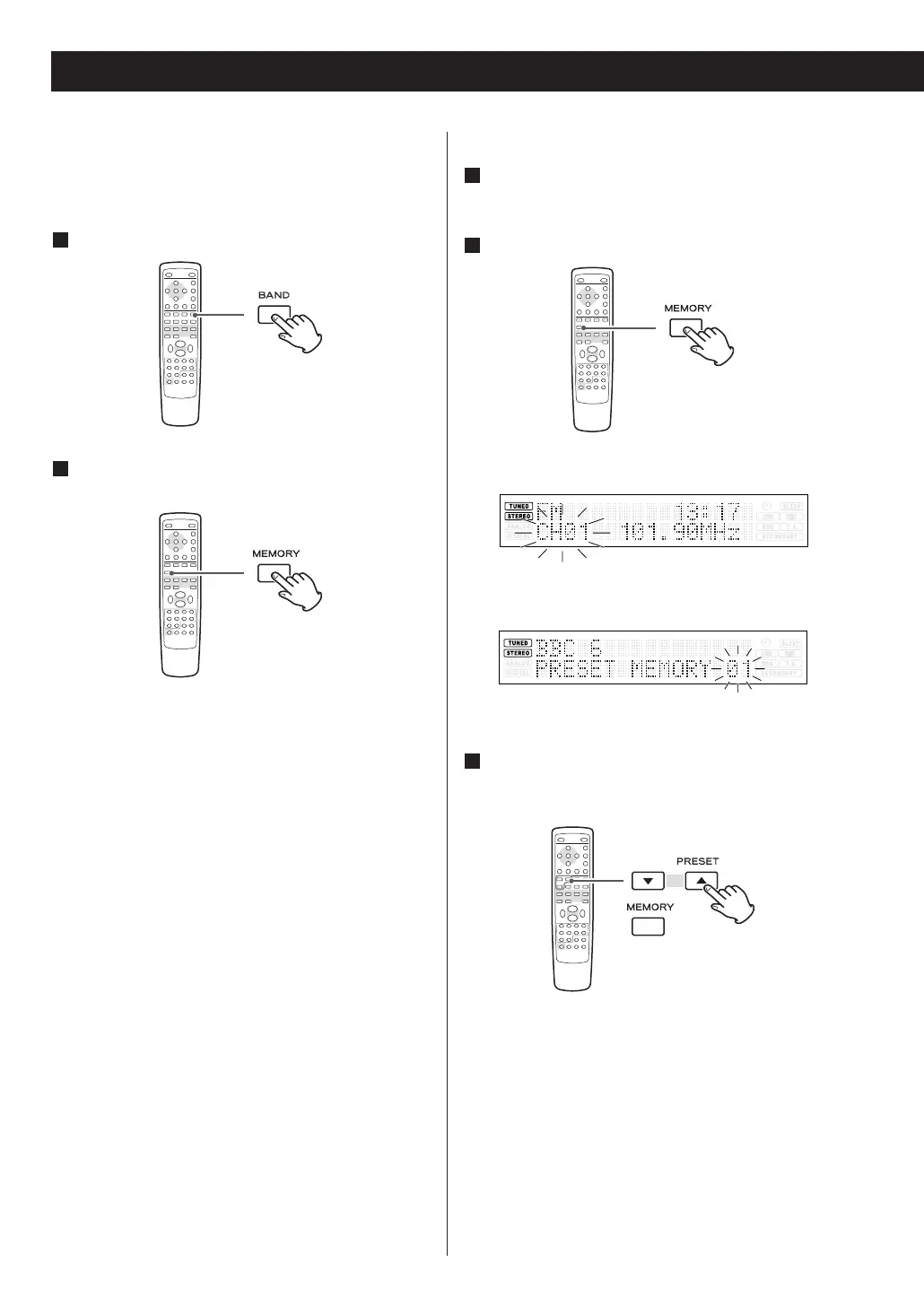
Select AM or FM by pressing the BAND button.
Press the MEMORY button for more than 3
seconds.
Up to 30 of the best received stations in your area
will be stored automatically.
2
1
Preset Manually (DAB/FM/AM)
Tune in a station you want to listen to (see
pages 36 and 43).
Press the MEMORY button.
FM or AM: “CH01” blinks on the display.
DAB: “01” blinks on the display.
Within 4 seconds, select a preset channel to
store the station using the PRESET buttons,
and then press the MEMORY button.
< If you don’t press the MEMORY button within 4
seconds after selecting the channel, the selection
will be canceled.
3
2
1



 To Next Page