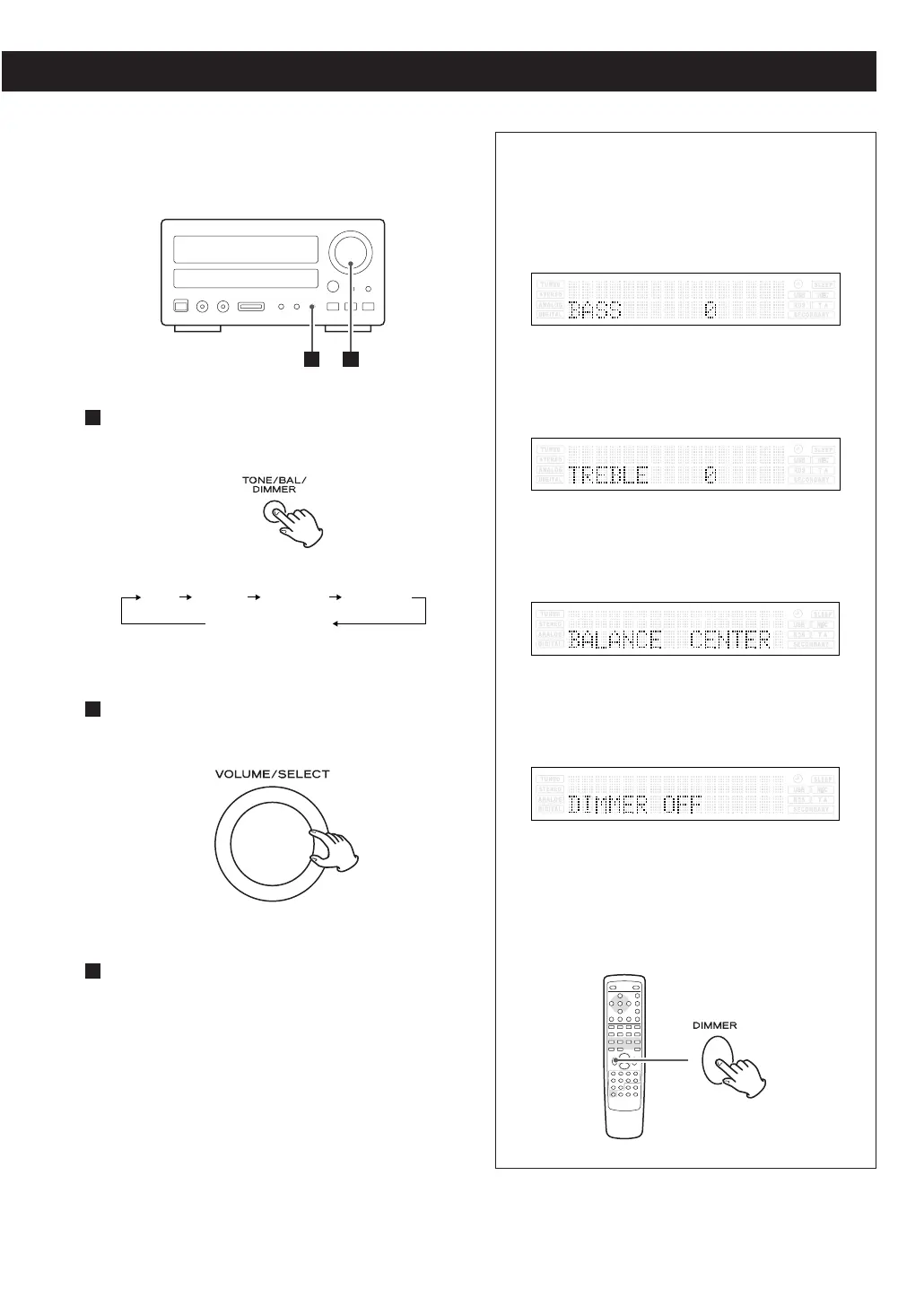
Available menu item and options
BASS
Adjusts the level of low frequency sound range.
The level can be adjusted from –10 to +10.
TREBLE
Adjusts the level of high frequency sound range.
The level can be adjusted from –10 to +10.
BALANCE
Adjusts the balance of the volume level between
left and right speakers.
DIMMER
Turns on or off the dimmer function.
Select “ON” to dim the display.
< This function will be cancelled when the unit is
turned off.
< You can also use the DIMMER button of the
remote control unit to turn on or off the dimmer
function.
23
Repeatedly press the TONE/BAL/DIMMER
button to select the menu item to be changed.
1
Within 3 seconds, turn the VOLUME/SELECT
knob to change the setting.
Leave the unit idle for 3 seconds to exit the
setup mode.
3
2



 To Next Page