12
Basic Operation
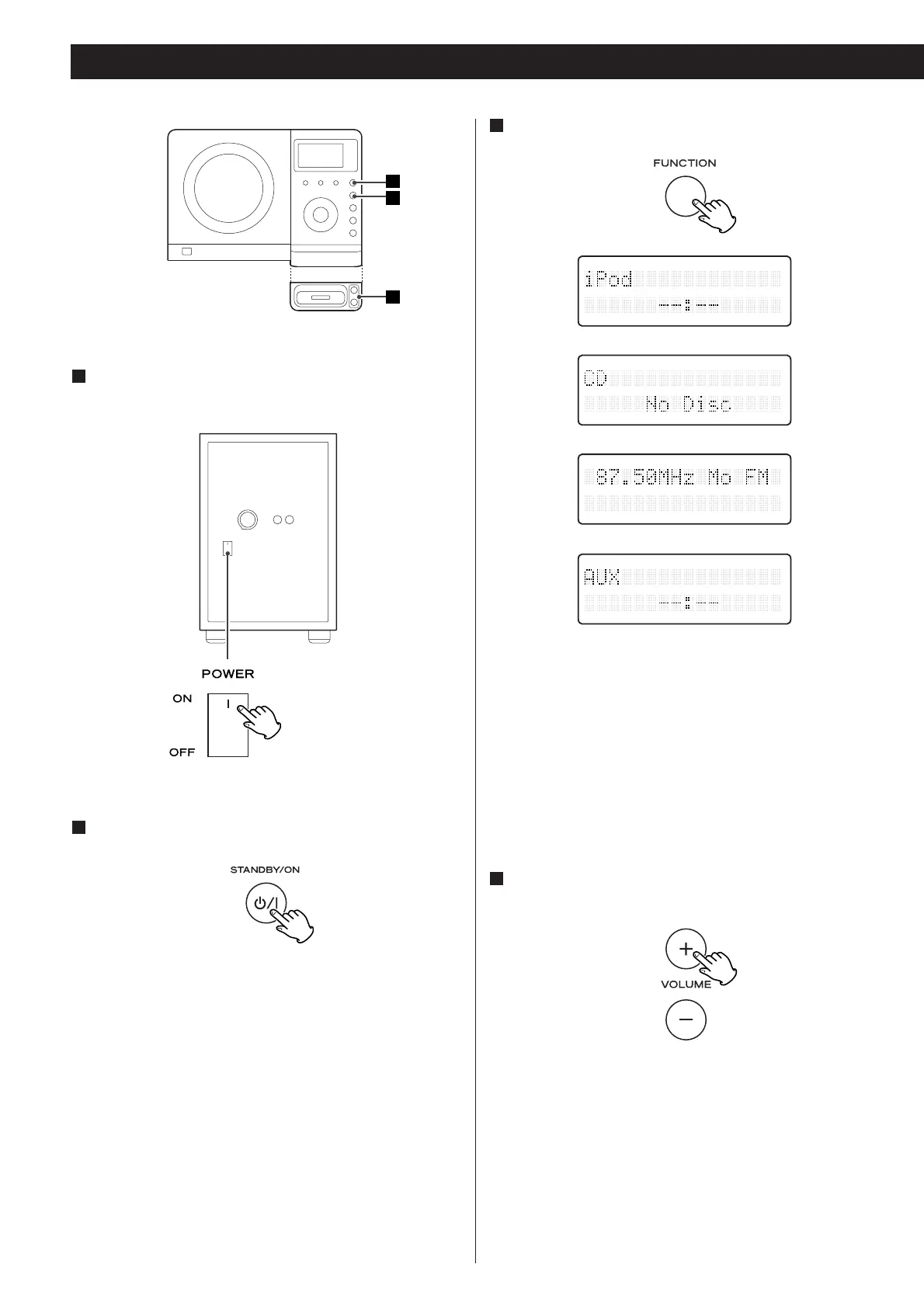
Select a source by pressing the FUNCTION button.
3
Play the source and adjust the volume using the
VOLUME buttons.
4
Turn on the subwoofer.
1
Press the STANDBY/ON switch on the main unit.
2
(Rear panel of the subwoofer)
< To listen to an external source connected to the AUX IN jack,
select AUX.
< In iPod and AUX modes, the display always shows the clock.
< If you press and hold the TIME SET button for 2 seconds in
CD or Radio mode, the clock will be displayed for a few
seconds.



 To Next Page