31
If the power switch of the subwoofer turned off, the
settings kept in memory (clock, timer setting) will be
erased.
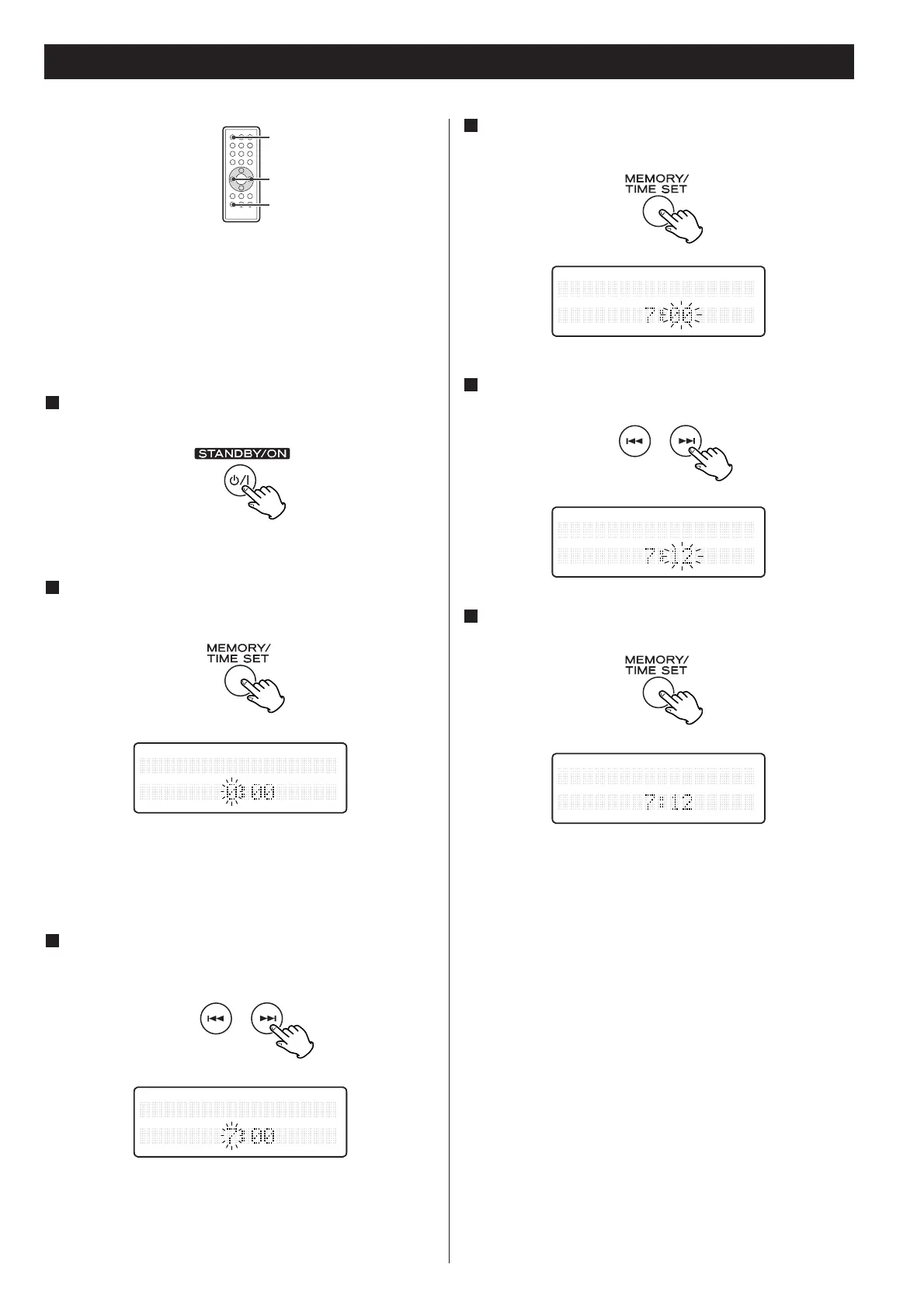
If the unit is on, press the STANDBY/ON switch to turn
it standby.
1
Press the SKIP button (.//) to set the current
hour.
3
Press the TIME SET button.
The ‘minute’ value blinks.
4
Press the SKIP button (.//) to set the current
minute.
5
Press the TIME SET button.
The clock starts.
6
.//
Press and hold down the TIME SET button.
The ‘hour’ value blinks.
2
< If no button is pressed for 10 seconds, the time setting mode
will be cancelled.
Setting the Clock



 To Next Page