16
DTV manual tuningDTV manual tuning
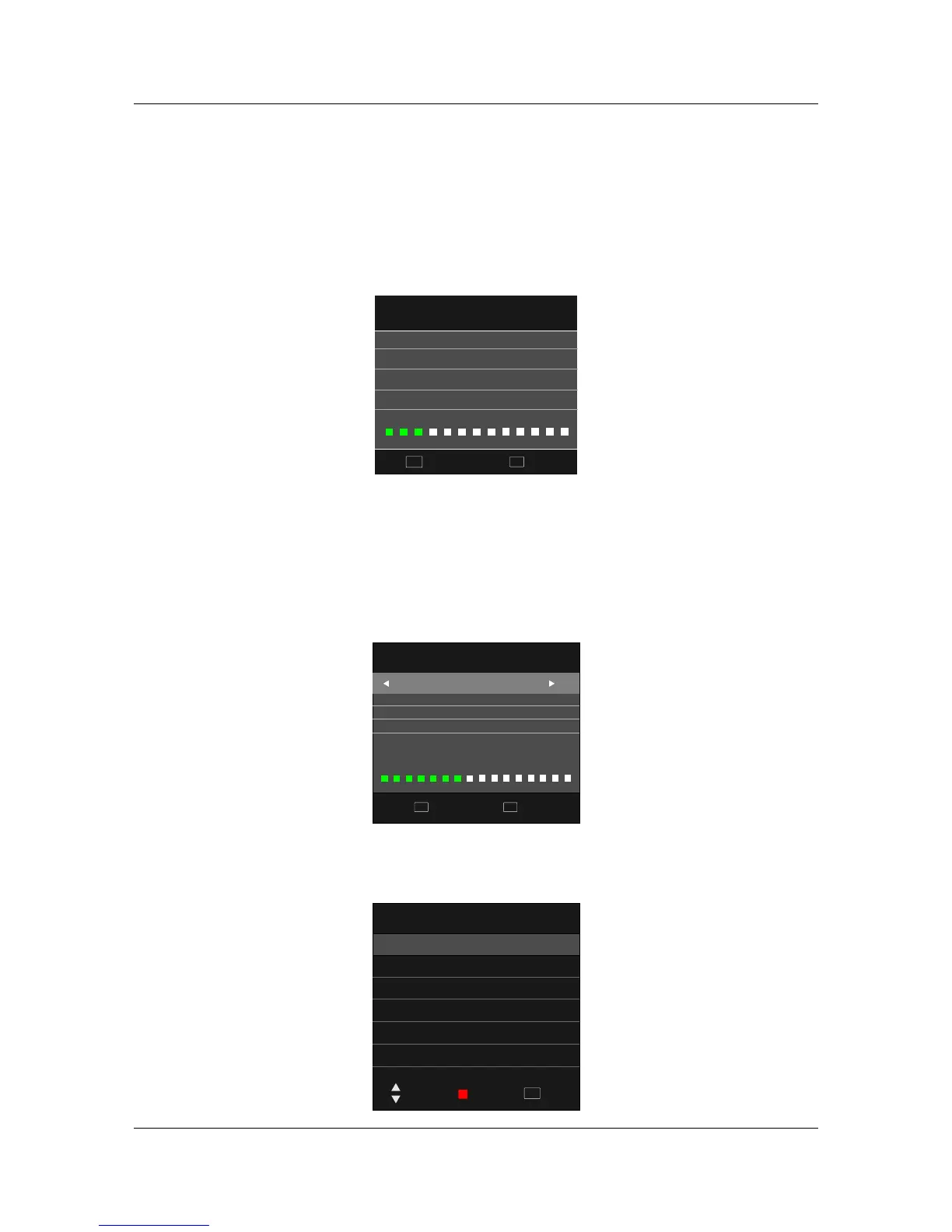
In the Auto Scan menu there are 2 options for you select from, Country and Tune Type.
Press ◄/► to select Country and Tune Type, press OK to start scanning. If you select ATV+DTV,
the first 50% of the processing is for ATV tuning, while the second 50% represents DTV tuning.
When ATV tuning, you can press MENU to skip ATV tuning and start DTV tuning, or press EXIT to
exit tuning.
Channel Tuning
Quit
EXIT
Skip
MENU
9%
474.00 MHz
(TV)
TV
DTV
Radio
:
:
:
0
0
0
Programme(s)
Programme(s)
Programme(s)
DTV Manual Tuning
UHF CH 27
Press OK to search
Quit
EXIT
Back
MENU
Bad Normal
Good
Auto ScanAuto Scan
You can manually tune DTV channels in the CHANNEL menu.
Press the ◄► buttons to select the channel you wish to tune, then press ENTER button to scan for
the channel.
ATV manual tuningATV manual tuning
You can manually tune ATV channels in the CHANNEL menu.
ATV Manual Tuning
Storage To 1
►◄
System DK
►◄
►◄
►◄
►◄
Current CH 1
Search
Fine-Tune
Frequency 511.31 Mhz
Quit
EXIT
Move
Save



 To Next Page