EasyManua.ls Logo

Teac LCDV2257DVR - User Manual

Teac LCDV2257DVR
58 pages
Print Icon
To Next Page IconTo Next Page
Loading...
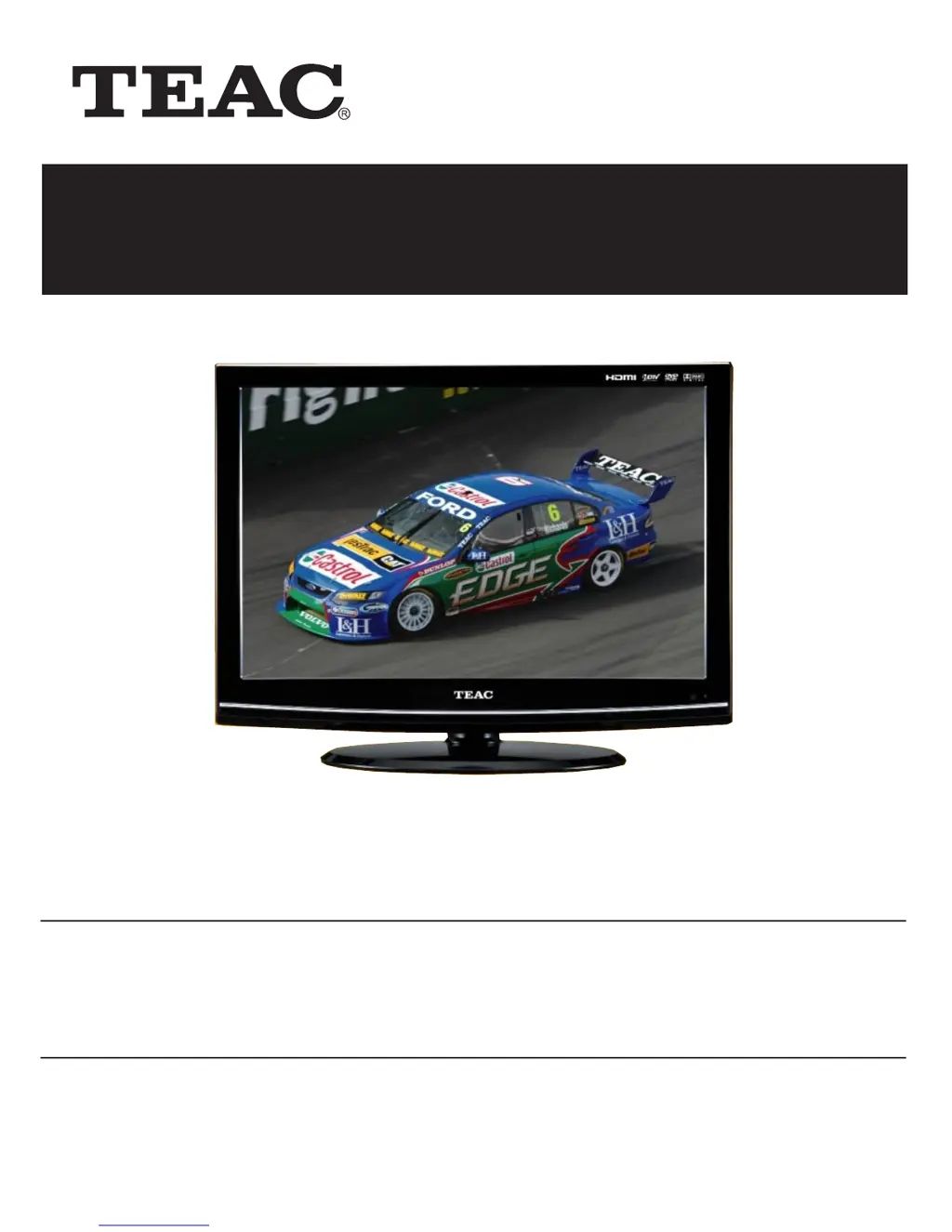
Product Image to be inserted
USER MANUAL
WARRANTY INFORMATION INSIDE. PLEASE READ
www.teac.com.au
IMPORTANT !
Trademark of TEAC Corporation JAPAN
22 HD Wide Screen LCD TV
LCDV2257DVR

Questions and Answers

Summary

Warranty Procedure

Warranty Information

Warranty Terms and Conditions

Outlines TEAC's warranty coverage, exclusions, and consumer rights under Australian Consumer Law.

Important Safety Instructions

General Safety Guidelines

Essential safety precautions for operating the TV, including electrical shock and general warnings.

Laser Safety Precautions

Details safety measures related to the laser product, including dangers and cautions.

Remote Control

System Connections

Power Connections

Instructions for connecting the TV to a power supply via cord or adapter.

TV Operation and System Setup

Initial Installation Guide

Step-by-step guide for initial TV setup, including language and channel tuning.

Channel Setup and Auto Tuning

Instructions for setting up channels, including automatic tuning and manual tuning.

Picture Settings

Guide to adjusting picture settings like mode, contrast, brightness, color, and sharpness.

Picture Adjustments (Brightness, Color, Tint)

Explains how to adjust brightness, color, sharpness, and tint for optimal picture quality.

Sound Settings

Instructions for adjusting sound modes, treble, bass, balance, volume, and audio outputs.

DVR Function

Time Shift Operation

Explains how to pause, rewind, and fast-forward live DTV broadcasts using the Time Shift feature.

Recording Programs

Instructions for recording DTV programs, including standby recording and program management.

Playing Recorded Programs

Guide on accessing and playing back recorded DTV programs from the USB device.

DVD Playback Operation

DVD Playback Controls

Details on basic DVD playback controls like play, stop, pause, and region code information.

DVD Setup Menu

General Setup Options

Covers initial setup steps, TV display modes, angle marks, and general preferences.

Audio and Video Setup

Instructions for configuring Dolby Digital, HDCD audio, and video quality settings.

Picture, DivX, and Preference Settings

Explains settings for picture sharpness, brightness, contrast, DivX VOD registration, and preferences.

Troubleshooting

Summary

Warranty Procedure

Warranty Information

Warranty Terms and Conditions

Outlines TEAC's warranty coverage, exclusions, and consumer rights under Australian Consumer Law.

Important Safety Instructions

General Safety Guidelines

Essential safety precautions for operating the TV, including electrical shock and general warnings.

Laser Safety Precautions

Details safety measures related to the laser product, including dangers and cautions.

Remote Control

System Connections

Power Connections

Instructions for connecting the TV to a power supply via cord or adapter.

TV Operation and System Setup

Initial Installation Guide

Step-by-step guide for initial TV setup, including language and channel tuning.

Channel Setup and Auto Tuning

Instructions for setting up channels, including automatic tuning and manual tuning.

Picture Settings

Guide to adjusting picture settings like mode, contrast, brightness, color, and sharpness.

Picture Adjustments (Brightness, Color, Tint)

Explains how to adjust brightness, color, sharpness, and tint for optimal picture quality.

Sound Settings

Instructions for adjusting sound modes, treble, bass, balance, volume, and audio outputs.

DVR Function

Time Shift Operation

Explains how to pause, rewind, and fast-forward live DTV broadcasts using the Time Shift feature.

Recording Programs

Instructions for recording DTV programs, including standby recording and program management.

Playing Recorded Programs

Guide on accessing and playing back recorded DTV programs from the USB device.

DVD Playback Operation

DVD Playback Controls

Details on basic DVD playback controls like play, stop, pause, and region code information.

DVD Setup Menu

General Setup Options

Covers initial setup steps, TV display modes, angle marks, and general preferences.

Audio and Video Setup

Instructions for configuring Dolby Digital, HDCD audio, and video quality settings.

Picture, DivX, and Preference Settings

Explains settings for picture sharpness, brightness, contrast, DivX VOD registration, and preferences.

Troubleshooting

Teac LCDV2257DVR Specifications

General IconGeneral
Screen Size22 inches
Display TechnologyLCD
Built-in DVD PlayerYes
Resolution1366 x 768
Aspect Ratio16:9
Brightness300 cd/m²
Built-in SpeakersYes
Viewing Angle170° (H) / 160° (V)
InputsHDMI, Composite, Component, VGA

Related product manuals