EasyManua.ls Logo

Teac LCDV2255HD - User Manual

Teac LCDV2255HD
56 pages
Print Icon
To Next Page IconTo Next Page
Loading...
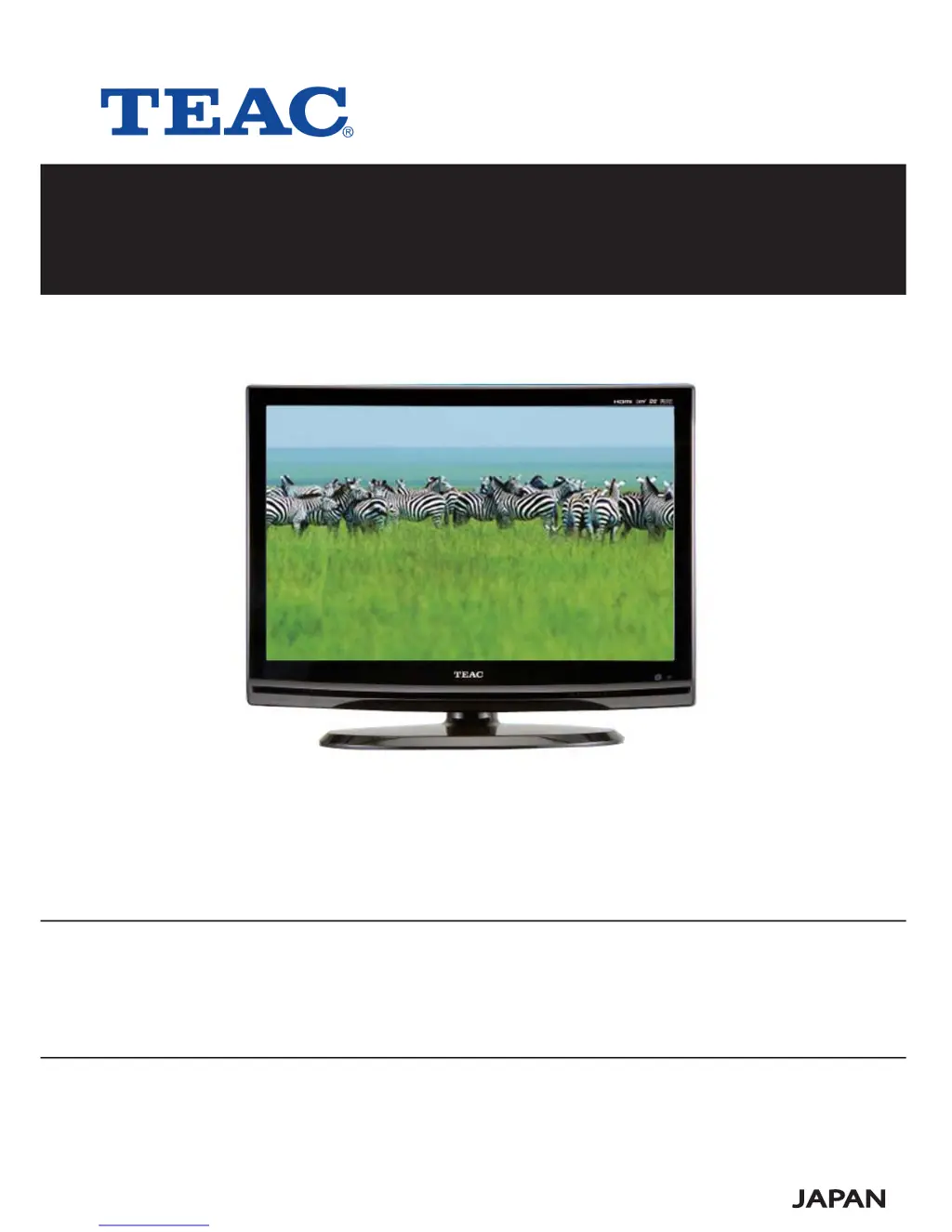
Product Image to be inserted
USER MANUAL
WARRANTY INFORMATION INSIDE. PLEASE READ
www.teac.com.au
IMPORTANT !
LCDV2255HD
LCD TV

Questions and Answers

  • J
    Jasmine SanchezJul 31, 2025
    How to fix Teac LCD TV remote control not working?
    • O
      orrjesseJul 31, 2025
      If the remote control for your Teac LCD TV isn't working, first ensure there are no obstacles blocking the path between the remote and the TV. Make sure you're aiming the remote directly at the TV. Also, check that the batteries are properly inserted with the correct polarity and that they aren't weak.
  • L
    Leonard JonesAug 5, 2025
    Why is there no sound on my Teac LCD TV?
    • R
      Rachel DayAug 5, 2025
      If there is no sound on your Teac LCD TV, verify that the system connection is correct and that the sound settings for the DVD disc are properly configured. Ensure that the disc isn't dirty or warped; if it is, clean or replace it. Also, confirm that the speakers aren't muted and that the correct sound mode is selected in TV mode.
  • C
    Charles MatthewsAug 10, 2025
    What to do if there is no picture on Teac LCD TV?
    • P
      Patricia SellersAug 10, 2025
      If your Teac LCD TV has no picture or the picture jitters, check the connections with the external AV signal source to ensure they are correct. Also, verify that the items in the picture menu are set correctly and that the video type input signal corresponds to the unit. Finally, ensure the unit is turned on and set to the correct video type.
  • J
    Justin GarciaAug 15, 2025
    Why Teac LCD TV player cannot play?
    • S
      Sandra KleinAug 15, 2025
      If your Teac LCD TV player isn't playing, make sure the disc is properly loaded, isn't dirty or warped, and has the same region code as the player. Also, check for water condensation. If condensation has occurred, remove the disc and leave the player on for at least one hour.
  • B
    Brandon SmithAug 20, 2025
    What to do if Teac LCD TV has no display?
    • M
      Michele SpencerAug 20, 2025
      If the LCD on your Teac LCD TV has no display, ensure that the unit is turned on and all connections are correctly made. Also, verify that the power adapter is properly connected.
  • D
    Dustin PattersonAug 26, 2025
    Why Teac LCD TV cannot continue to play?
    • C
      Christopher ScottAug 26, 2025
      If your Teac LCD TV cannot continue playing or plays a section repeatedly, make sure it is not in repeat status. Also, ensure that the disc is not dirty or damaged.

Summary

Important Safety Instructions

General Safety Precautions

Describes essential safety guidelines and warnings for appliance use.

Laser Safety Information

Provides specific safety instructions related to the laser product.

Unit Overview

Front and Rear Panel Views

Identifies and describes controls and connections on the unit's panels.

Remote Control Operation

Remote Control Functions

Details button operations and general usage for the remote.

System Connections

Power and AV Connections

Guides connecting the power supply and external AV sources.

TV Function

Installation and Channel Setup

Guides initial TV setup, language, and channel tuning.

Picture and Sound Settings

Details adjustments for image quality and audio output.

DVD Playback Operation

DVD and CD Playback

Covers basic playback, navigation, and media types for DVD and CD.

DVD System Setup

General Setup Options

Covers basic system configuration like display and language.

Troubleshooting

Common Playback Issues

Provides solutions for typical problems encountered with the player.

Specifications

Key Product Specifications

Lists technical details, dimensions, and performance metrics.

Service Providers in Australia

NSW Service Centers

Lists authorized service centers in New South Wales.

TEAC Customer Care

Teac LCDV2255HD Specifications

General IconGeneral
BrandTeac
ModelLCDV2255HD
CategoryLCD TV
LanguageEnglish

Related product manuals