- -
36
USB and SD/MS/MMC Card Function
Preparation
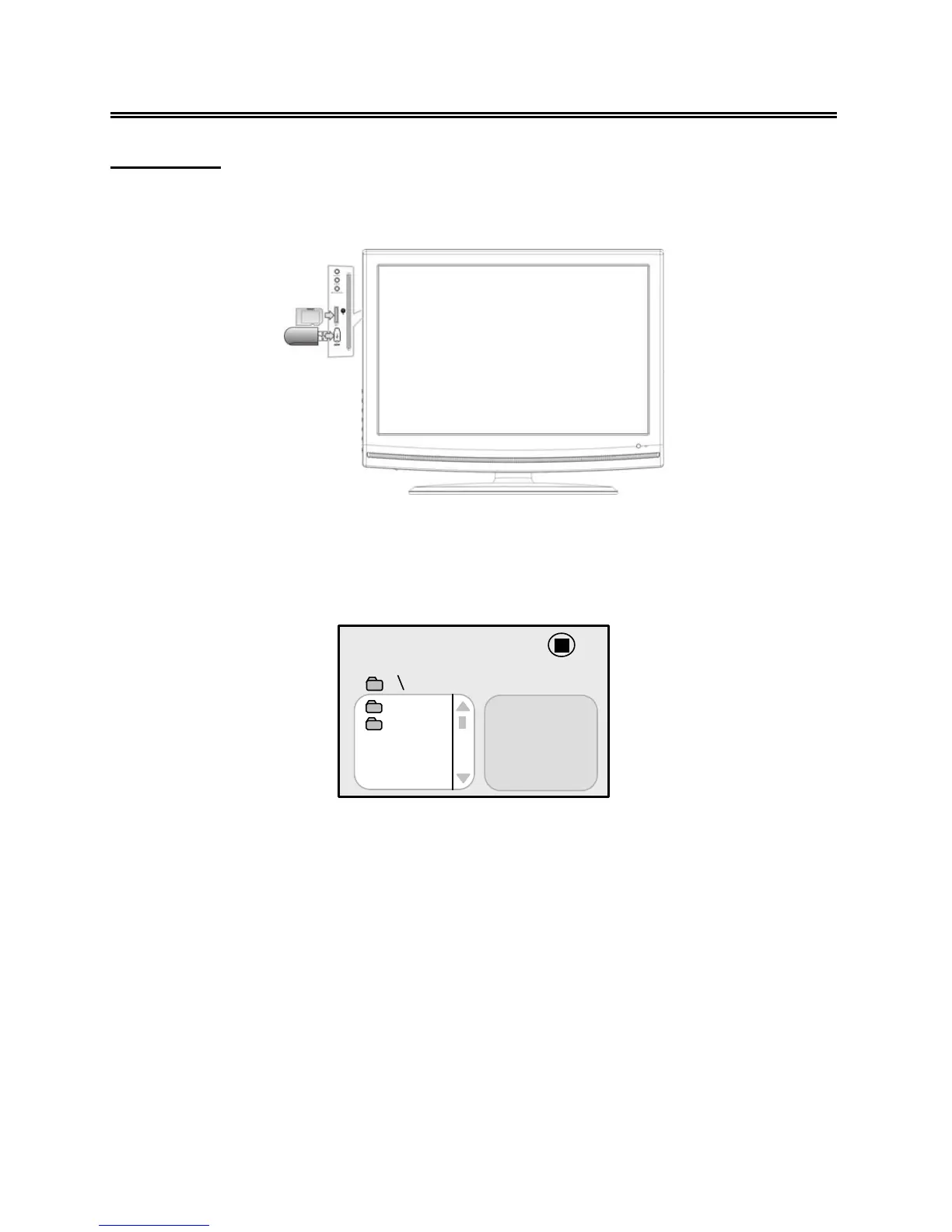
In DVD mode, connect USB device to the USB port or insert SD/MS/MMC card into the
SD/MS/MMC card slot on the right side of the unit.
¾ Make sure that files are stored in the USB and SD/MS/MMC card before connection.
1. Press the CARD button to shift between Disc playback, USB playback and SD/MS/MMC
playback. The default state is disc playback. Please see the figure below:
2. Press the ▲▼ buttons to select the folder. Press the ENTER button to enter.
3. Press the ▲▼ buttons to select the desired track. Then press the PLAY ► button to start
playback.
4. Press the STOP button to stop playback. Press the ◄ button to return to the folder menu.
Note:
1. The screen display will vary from disc to disc.
2. Pull out the USB or SD/MS/MMC card directly after the files are played. The unit will now
return to disc playback mode.
00:00 00:00
001/002
BAK
JPEG



 To Next Page