EasyManua.ls Logo

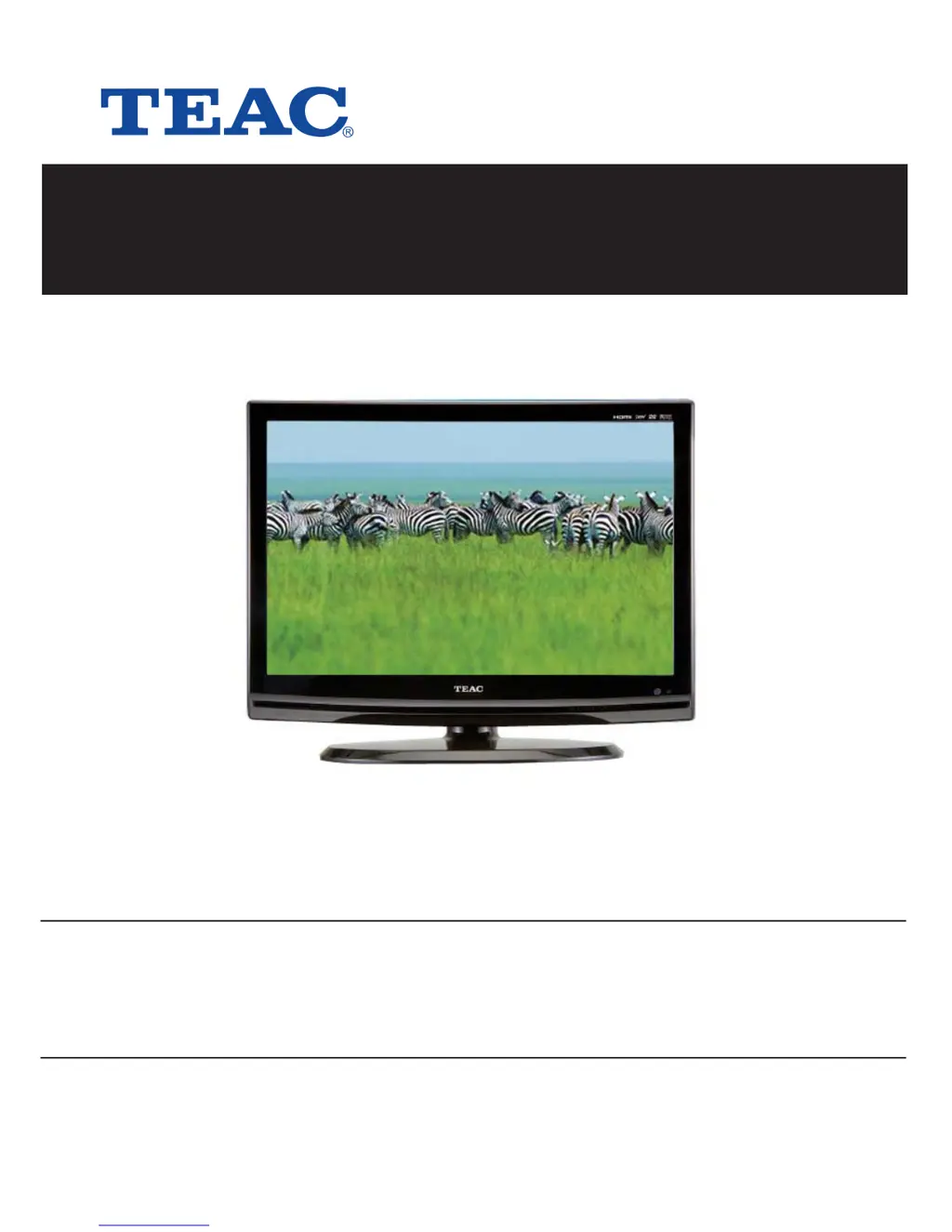
Teac LCDV2655HD - User Manual

Teac LCDV2655HD
56 pages
Print Icon
To Next Page IconTo Next Page
Loading...
USER MANUAL
WARRANTY INFORMATION INSIDE. PLEASE READ
www.teac.com.au
IMPORTANT !
LCDV2655HD
LCD TV

Questions and Answers

Summary

TEAC WARRANTY REGISTRATION

Warranty Terms & Conditions

Details the terms, conditions, and duration of the TEAC warranty.

TEAC WARRANTY PROCEDURES

Important Safety Instructions

Laser Safety Precautions

Guidelines for safe handling and operation related to laser components.

General Operational Safety

Crucial safety measures, warnings, and disclaimers for operating the appliance.

View of Unit

Left Side Panel Controls

Identifies and explains controls on the left side of the unit.

Front Panel Features

Details the components and indicators on the front panel of the unit.

Rear and Side Panel Connections

Illustrates and describes various input/output jacks on the rear and side panels.

Special Feature of DVD Module

DVD Module Installation and Removal

Step-by-step guide for installing and removing the detachable DVD module.

Disc Information

Supported Disc Formats

Lists the types of discs compatible with the unit and their specifications.

Understanding Disc Terms

Defines key terminology related to DVD and CD content structure like Title, Chapter, and Track.

Remote Control

Remote Control Operation Guide

Comprehensive guide to all buttons and their functions on the remote control.

Remote Control Preparation and Usage

Instructions on battery installation, operating distance, and placement for optimal remote control performance.

System Connections

Power and AV Input Connections

Guides on connecting power and AV signal sources like AV2/S-Video.

Component and HDMI Input Connections

Instructions for connecting component (YPbPr) and HDMI sources to the TV.

AV Output and TV Antenna Connections

Details on connecting AV output devices and TV antenna.

Digital Audio, USB, and PC Input Connections

Instructions for connecting coaxial digital audio, USB, and PC inputs.

Input Source Selecting

TV Function

Initial Setup and Channel Tuning

Walkthrough for initial TV setup, including language and channel tuning.

Picture Adjustments

Options for customizing picture quality, including mode, contrast, brightness, and color.

Sound and Time Settings

Controls for adjusting audio output and configuring clock and timer functions.

System and Option Preferences

Settings for language, subtitles, hearing impairment, and factory resets.

EPG Function

NICAM Function

DVD Playback Operation

DVD and CD Playback Basics

Instructions for playing DVDs and CDs, including controls like play, stop, and pause.

Advanced DVD Playback Features

Details on navigating titles, chapters, audio, subtitles, and using GOTO functions.

Media File Playback

Guidance on playing JPEG and DIVX media files from discs.

USB and SD;MS;MMC Card Function

Media Card and USB Device Usage

Instructions for connecting and using USB drives and SD/MS/MMC cards for playback.

DVD System Setup

General Setup and Language Configuration

Initial setup procedures, general settings, and OSD language configuration.

Audio, Video, and Picture Settings

Configuration for audio output options like Dolby Digital and video settings like sharpness and quality.

System Preferences and DivX VOD Setup

Settings for preferences, DivX VOD, and restoring factory default configurations.

Troubleshooting

Specifications

Service Providers in Australia

Summary

TEAC WARRANTY REGISTRATION

Warranty Terms & Conditions

Details the terms, conditions, and duration of the TEAC warranty.

TEAC WARRANTY PROCEDURES

Important Safety Instructions

Laser Safety Precautions

Guidelines for safe handling and operation related to laser components.

General Operational Safety

Crucial safety measures, warnings, and disclaimers for operating the appliance.

View of Unit

Left Side Panel Controls

Identifies and explains controls on the left side of the unit.

Front Panel Features

Details the components and indicators on the front panel of the unit.

Rear and Side Panel Connections

Illustrates and describes various input/output jacks on the rear and side panels.

Special Feature of DVD Module

DVD Module Installation and Removal

Step-by-step guide for installing and removing the detachable DVD module.

Disc Information

Supported Disc Formats

Lists the types of discs compatible with the unit and their specifications.

Understanding Disc Terms

Defines key terminology related to DVD and CD content structure like Title, Chapter, and Track.

Remote Control

Remote Control Operation Guide

Comprehensive guide to all buttons and their functions on the remote control.

Remote Control Preparation and Usage

Instructions on battery installation, operating distance, and placement for optimal remote control performance.

System Connections

Power and AV Input Connections

Guides on connecting power and AV signal sources like AV2/S-Video.

Component and HDMI Input Connections

Instructions for connecting component (YPbPr) and HDMI sources to the TV.

AV Output and TV Antenna Connections

Details on connecting AV output devices and TV antenna.

Digital Audio, USB, and PC Input Connections

Instructions for connecting coaxial digital audio, USB, and PC inputs.

Input Source Selecting

TV Function

Initial Setup and Channel Tuning

Walkthrough for initial TV setup, including language and channel tuning.

Picture Adjustments

Options for customizing picture quality, including mode, contrast, brightness, and color.

Sound and Time Settings

Controls for adjusting audio output and configuring clock and timer functions.

System and Option Preferences

Settings for language, subtitles, hearing impairment, and factory resets.

EPG Function

NICAM Function

DVD Playback Operation

DVD and CD Playback Basics

Instructions for playing DVDs and CDs, including controls like play, stop, and pause.

Advanced DVD Playback Features

Details on navigating titles, chapters, audio, subtitles, and using GOTO functions.

Media File Playback

Guidance on playing JPEG and DIVX media files from discs.

USB and SD;MS;MMC Card Function

Media Card and USB Device Usage

Instructions for connecting and using USB drives and SD/MS/MMC cards for playback.

DVD System Setup

General Setup and Language Configuration

Initial setup procedures, general settings, and OSD language configuration.

Audio, Video, and Picture Settings

Configuration for audio output options like Dolby Digital and video settings like sharpness and quality.

System Preferences and DivX VOD Setup

Settings for preferences, DivX VOD, and restoring factory default configurations.

Troubleshooting

Specifications

Service Providers in Australia

Teac LCDV2655HD Specifications

General IconGeneral
Resolution1366 x 768
Display TypeLCD
HDMI Ports2
USB Ports1
Aspect Ratio16:9
Brightness450 cd/m²
Response Time8 ms
Viewing Angle170° (H) / 160° (V)
Screen Size26 inches
HDTV CompatibilityYes
InputsHDMI, Component, Composite, VGA
Power Consumption85W

Related product manuals