18
Rename(Only available in ATV)
Modify current channel name, only used in ATV mode.
Press green button to enter RENAME mode, then use the ◄►▲▼ change name.
Press green button again or press menu button to confirm.
Rename(Only available in ATV)
FAV
Set your favorite channel by pressing the ▲ ▼ buttons to highlight the channel, then press the
FAV button.
A logo will appear next to the channel name. When you are viewing you can press the FAV button
to see a list of your favorite channels.
FAV
Signal InformationSignal Information
Only available in DTV mode, Signal Information includes:channel /network /modulation/quality
/strength.
DVR MENU
Enter DVR menu.(See page 33 for more details)
DVR MENU
Move Back
MEN U
OK
Select
Quit
EXI T
Move Back
MEN U
OK
Select
Quit
EXI T
PICTURE MenuPICTURE Menu
Picture ModePicture Mode
Picture Mode
Standard
Adjust
Quit
EXIT
Back
MENU
PICTUREPICTURE
Picture Mode
Contrast
Brightness
Color
Sharpness
Tint
Color Temperature
Red
Standard
50
50
50
50
50
Red
Green
Blue
Aspect Ratio
Noise Reduction
3D Display
Screen
Over Scan
50
50
50
16:9
Middle
Off
Video
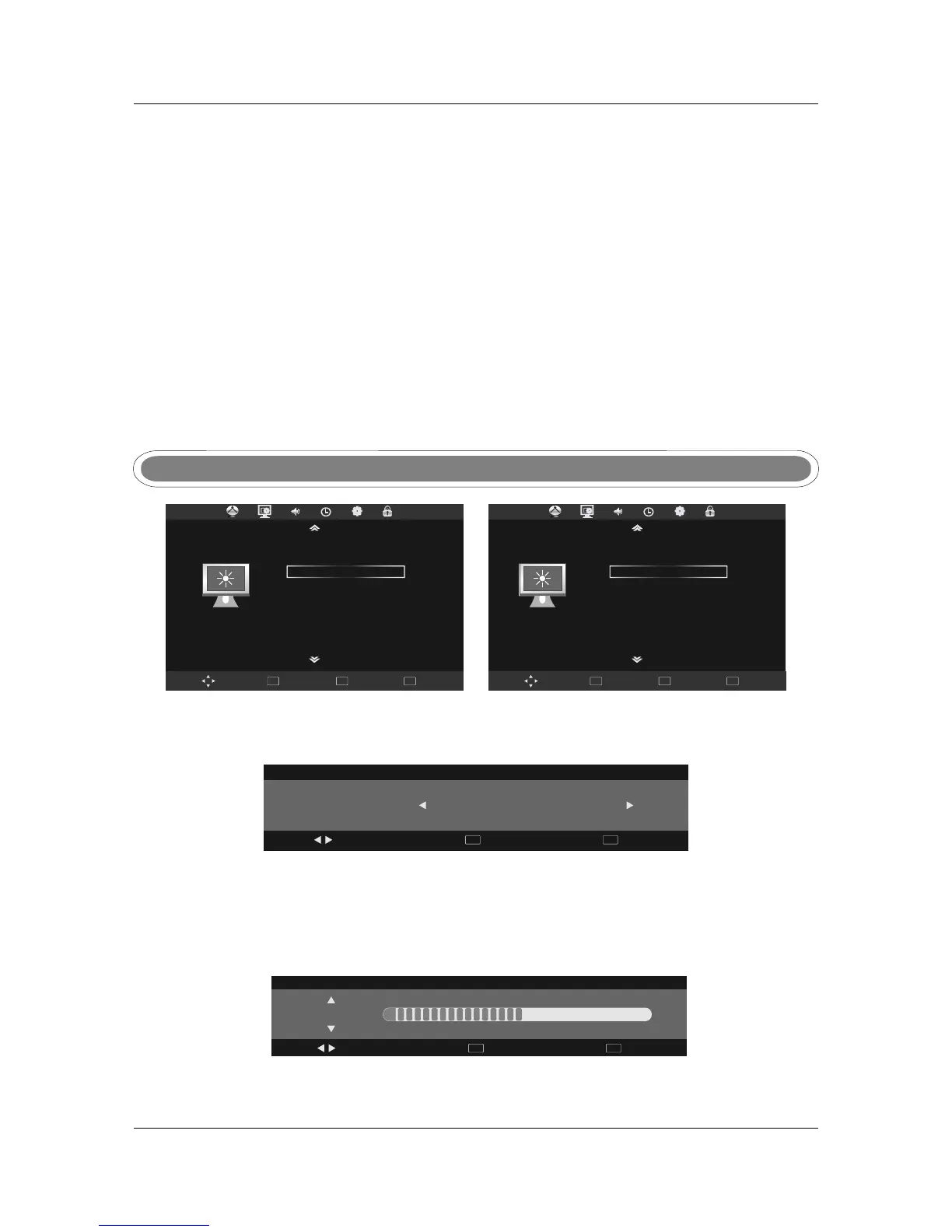
Press ◄► to select the picture mode,press MENU to return to the main menu.
You can select from the following preset modes - Dynamic, Standard or Mild.
Only User mode allows the adjustment of Contrast, Brightness, Colour and Sharpness, Tint is only
available to adjust for NTSC.
Press MENU button display the main menu, use PICTURE , ▼
, .
to ◄► to select menu press OK or
to enter and press menu to return to the main menu
PICTUREPICTURE
Contrast
Contrast / Brightness / Color / Sharpness/TintContrast / Brightness / Color / Sharpness/Tint
Adjust
Quit
EXIT
Back
MENU
50
In User mode, select from Contrast/Brightness/Colour/Sharpness using ▲▼ and press ◄► to
make adjustments.



 To Next Page