24
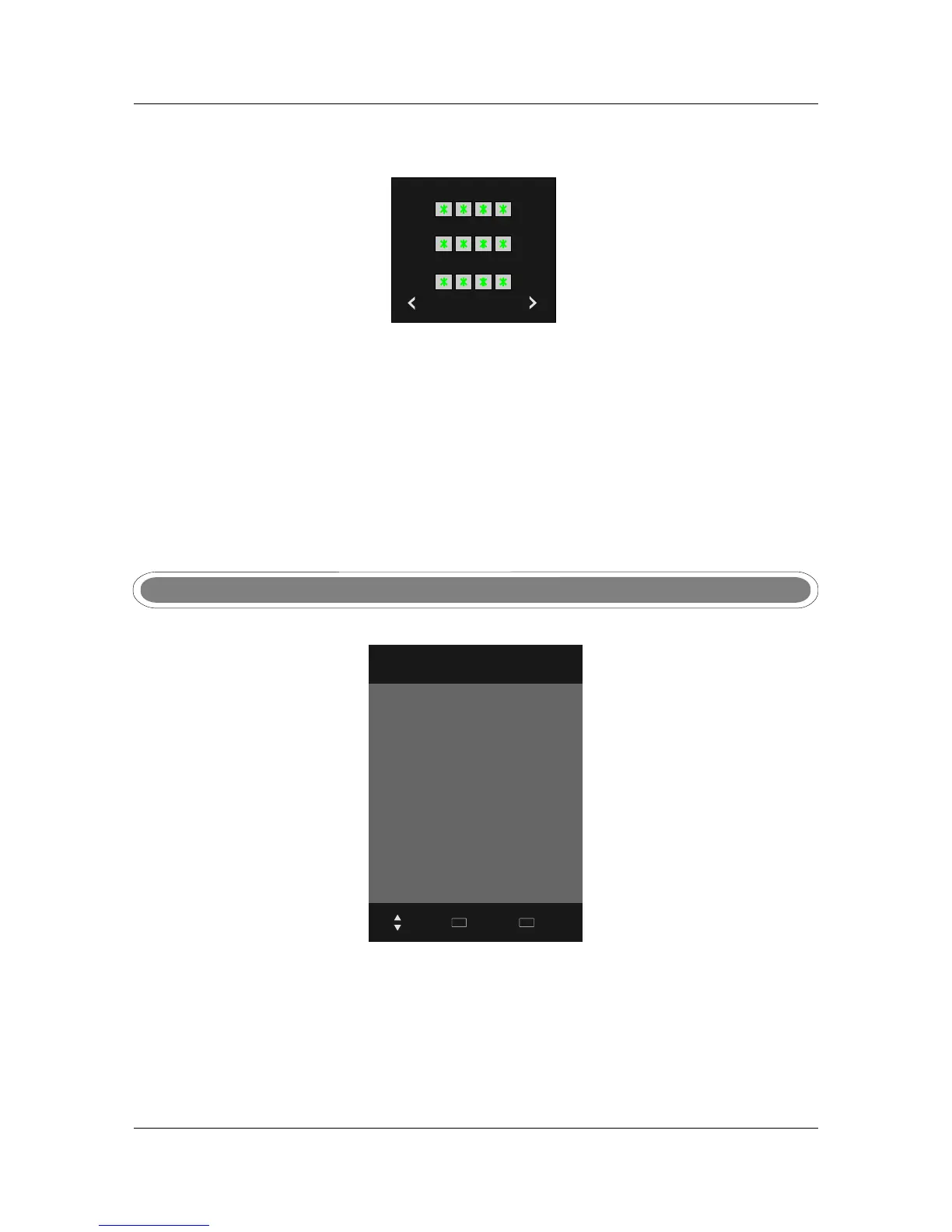
Set PasswordSet Password
Please enter old password
Cancel Clear
Please enter new password
Confirm new password
Press OK to enter sub menu.
Using the numeric keys enter the old password followed by your new password.
Enter the new password again to confirm.
Block ProgramBlock Program
Use ▲▼ to select the channel, and press Green buttom to lock/unlock the channel.
If the channel is locked you will be prompted to enter a password before you can access the channel.
Input Source
DTV
ATV
YPBPR1
YPBPR2
PC
HDMI1
HDMI2
HDMI3
AV
USB
Move
Select
OK
Quit
EXIT
Change input
Press source button to display the source menu . Use ▲▼ to select the input source, press OK to
confirm.
Change input
INPUT SOURCEINPUT SOURCE



 To Next Page