- -
28
TV Function
Country
This item is used to shown the current country.
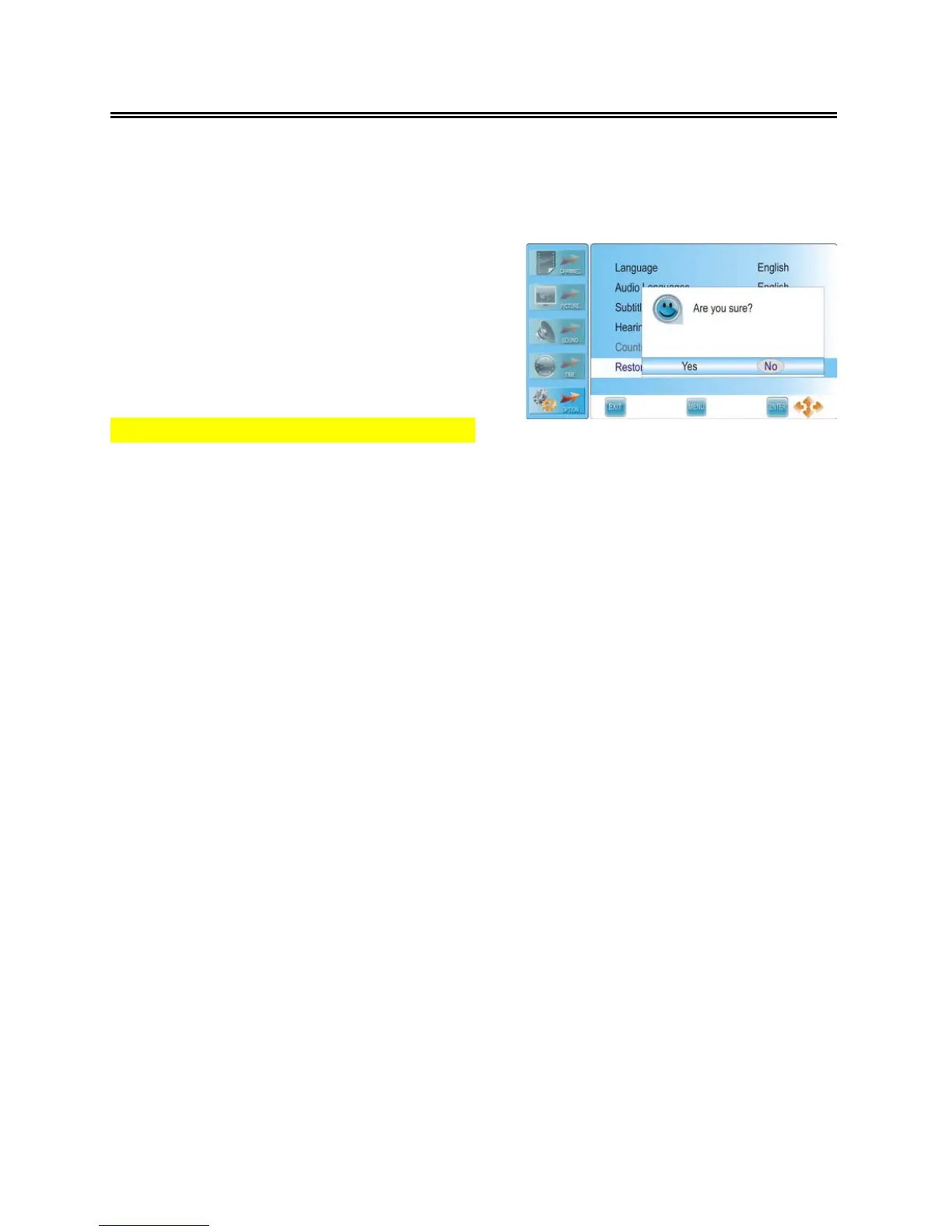
Restore Factory Default
Press the ▲▼ button to select Restore Factory
Default and press the ENTER or ► button to
prompt a confirmation information box, as shown:
Press the ◄► button to highlight Yes or No, press
the ENTER button to reset the settings to their
default status or cancel.
Note: this will delete all changes and user setting.



 To Next Page