13
DISPLAYDISPLAY
OK
ENTER
OK
ENTER
ASPECTASPECT
MENUMENU
EXITEXIT
SLEE PSLEE P
SOUR CESOUR CE
D.MENUD.MENU
LISTLIST
SUBTITLESUBTITLE
TITLETITLE
ZOOMZOOM
1010 +10+10
PROGRAMPROGRAM
REPEATREPEAT
TTXTTX
GOTOGOTO
HOLDHOLD
D.SETUPD.SETUP
A-BA-B
D.DIS PLAYD.D IS PLAY
INDEXINDEX
I/III/II
RECRE C
AUDIOAUDIO
SIZESIZE
REVEALREVEAL
STANDBYSTANDBY
INFOINFO
FAVFAV
SUBPAGESUBPAGE EPGEPG
TV/RADIOTV/RADIO
MUTEMUTE
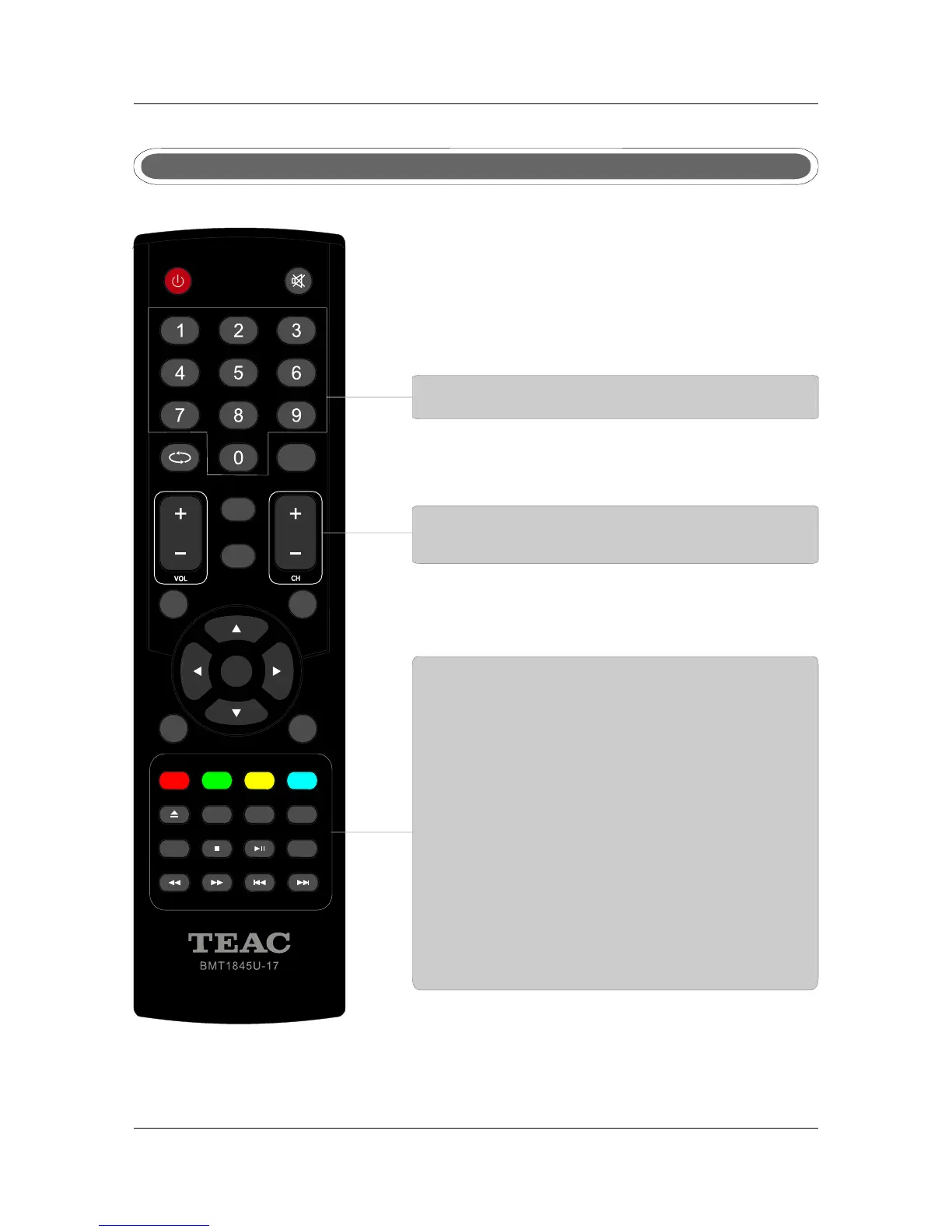
Remote control instructions in TELETEXT mode
TTX
Press to switch between TV and Teletext mode.
SUBPAGE
TELETEXT Subpage.
HOLD
Freeze the current page.
SUBTITLE
To display subtitle.
REVEAL
Reveal or hide the hidden words.
COLOR BUTTONS
Select 4 Preferred TELETEXT page.
NUMBER BUTTONS
Press 0-9 to select a teletext page.
INDEX
Request index page when index link is valid.
CH+/CH-
Page up and Page down.
SIZE
Change the picture size.
R.LIS T
T.LIS T



 To Next Page