Move Back
MENU
OK
Select
Quit
EXIT
24
Subtitle Language 1st/2ndSubtitle Language 1st/2nd
Press OK to enter Subtitle Language sub menu, use ▲▼ to set Subtitle language.
Country
Displays your country as set in the Installation Guide, not adjustable.
Country
OSD Duration
Press OK to enter OSD Duration sub menu, use ▲▼ to select the amount of time the OSD will remain on
the screen.
Blue Screen
Press ◄► to set the Blue Screen ON/OFF.
Back Light
Press OK and use ◄► to adjust the Back Light, press Menu or OK to confirm.
OSD Duration
Blue Screen
Back Light
LOCK
No Block
Lock Channel
Set Password
Block Program
Program Guide
LOCK MenuLOCK Menu
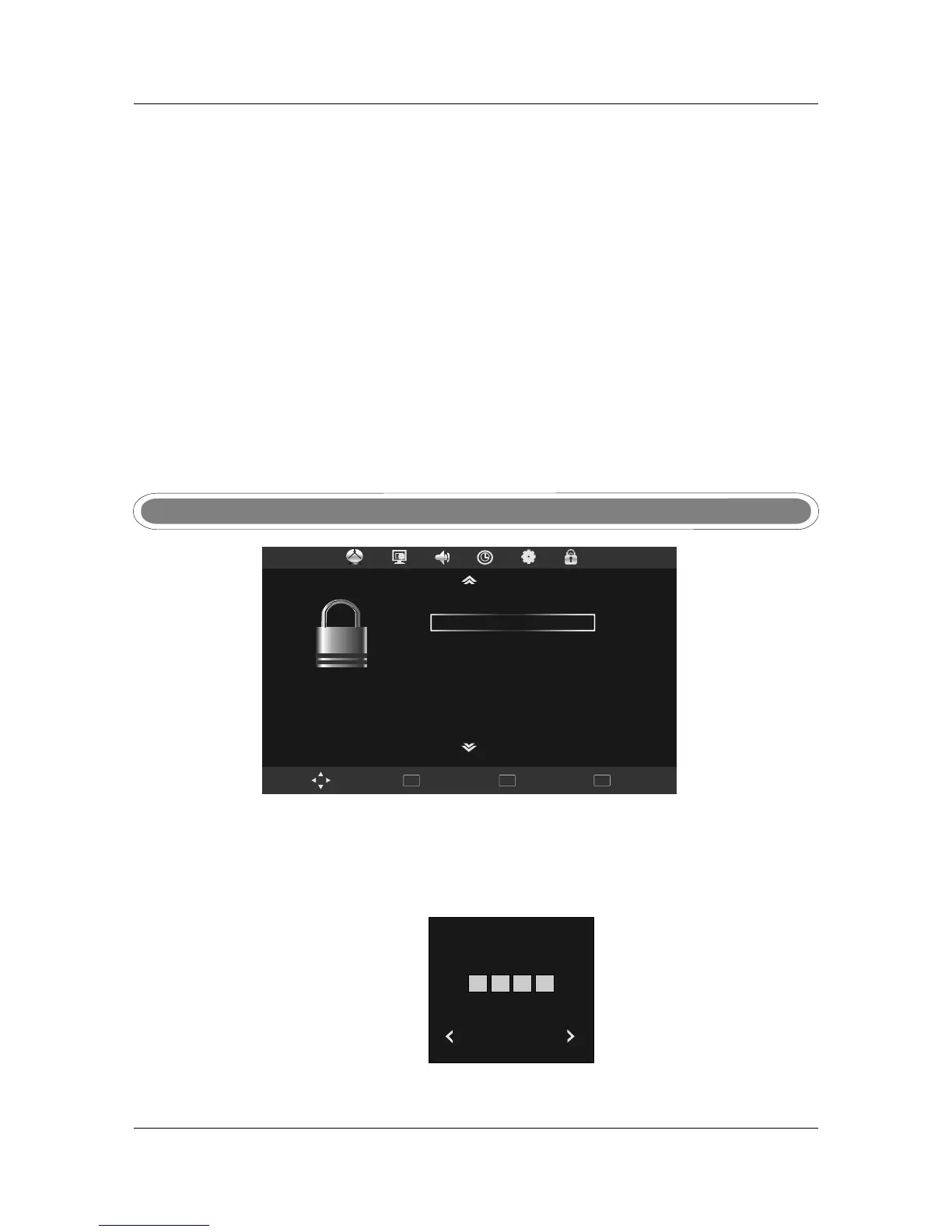
Press MENU to display main menu, use ◄►to select LOCK menu, then press OK or ▼ to enter.
A password is required to enter the Lock settings. Enter the default password '0000' to unlock the menu.
Press ◄ to quite password and return to main menu.
Press ► to clear any incorrectly entered numbers. The correct numbers will need to be entered to
enter the LOCK sub menu. The message 'Wrong Password' will be displayed if the numbers are
entered incorrectly.
Press Menu to return to Lock menu.
Off
Restore factory default
Press OK to enter second menu, use ▲▼ to select “yes” or “no”,and press OK again to confirm.
Note
Use Restore Factory Reset function with caution as it will erase all channels and return
your settings to factory default.
Restore factory default
Note
Please enter password
Cancel Clear
Lock Channel
This setting enables a password lock for the Program Edit function under the Channel menu.
Press ◄► or OK to turn the lock On or Off.
Lock Channel



 To Next Page