40
English
French
German
Italian
Spanish
Portuguese
Russia
English
French
German
Italian
Spanish
Portuguese
Russia
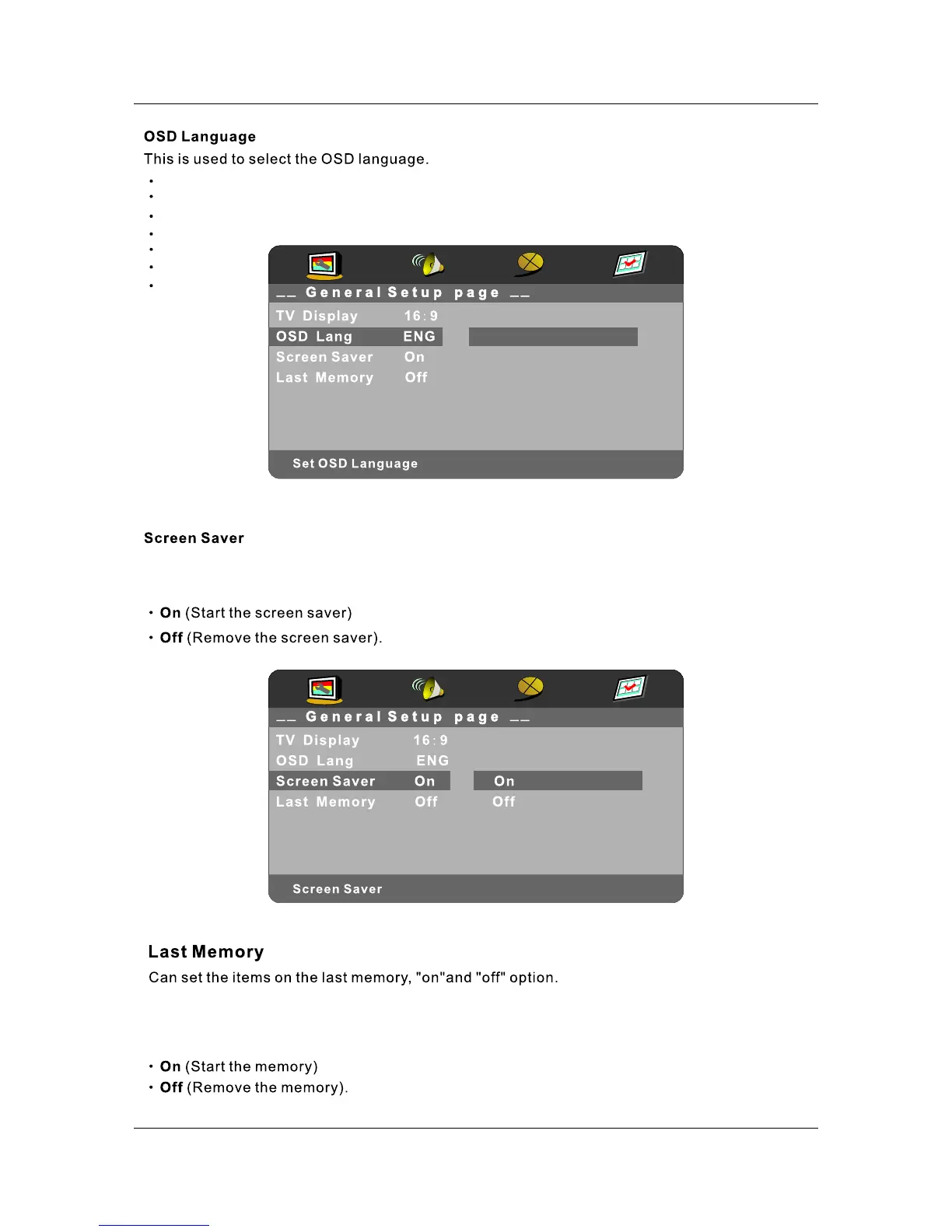
Start the screen saver, the screen saver image will appear when the player stops or the picture is
frozen for a few minutes. This feature can keep the screen from being damaged.
Select "On" so that the DVD module will remember your last play position and will continue
playback from the position you last stop.
When "Off" is selected, unit will start playback from the beginning regardless of disc.



 To Next Page