17
Channel
The picture is for a reference only; the actual item is the standard.
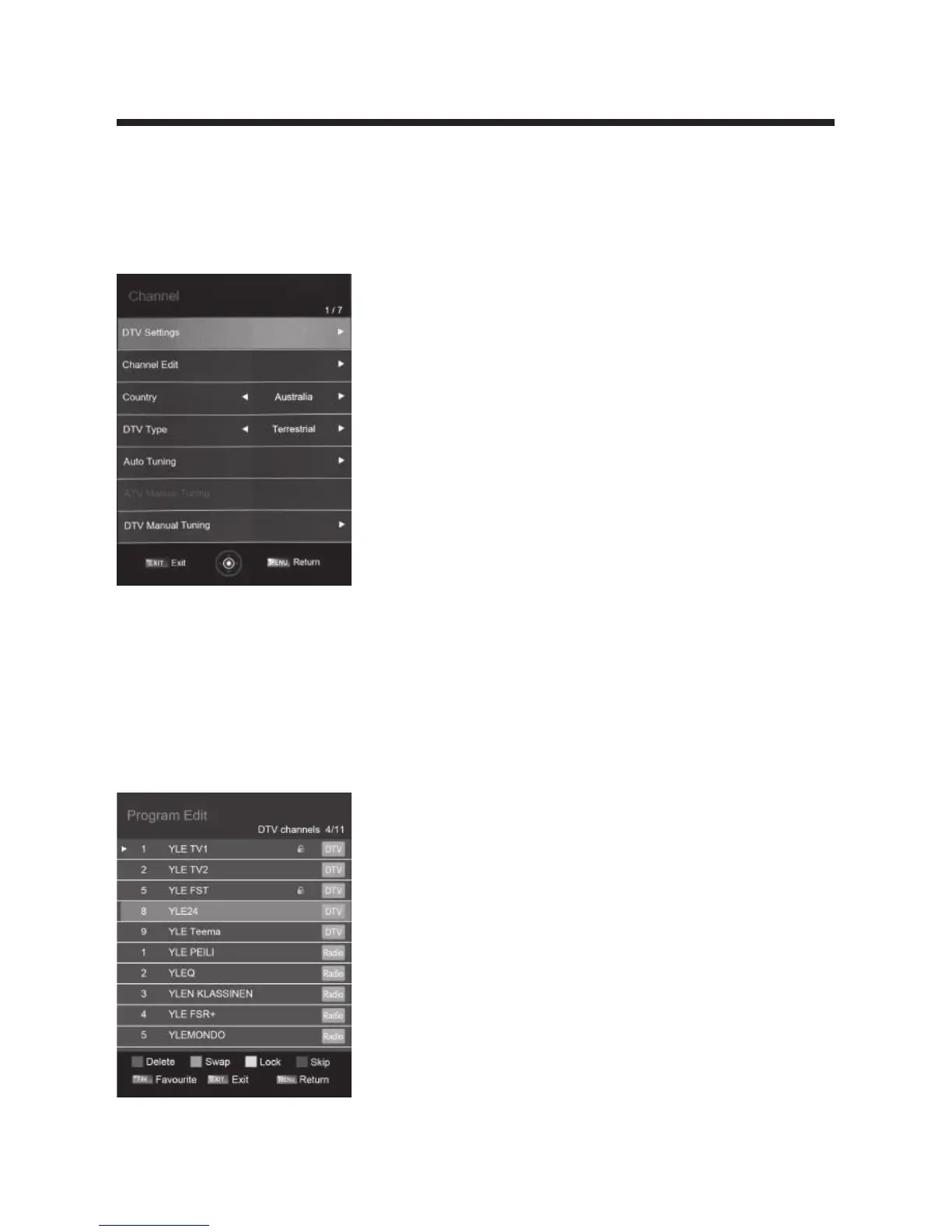
Press MENU button to display the main menu.
Press ◄ / ► button to select Channelin the main menu, and then press OK button
to enter.
1. Press ▲/▼ button to select the option that you want to adjust in the APPLICATIONS
menu, and then press OK button to enter.
2. Press ◄ / ► button to select and press OK button to select the sub menu.
3. After finishing your adjustment, press MENU button to save and return back to the
previous menu, or press EXIT button to exit the entire menu.
Channel Edit
Press ▲/▼ button to select Channel Edit, and then press OK button to play the
channel selected. The menu will appear as follows:
Hot Key Description:
• Press RED button to delete the channel selected.
• PressGREEN buttonto move down the channel.
• Press YELLOWbuttonto lock the channel.
• Press BLUE button to skip the channel selected.
• PressFAVbuttonto set the favorites channels.
• Press CH +/- buttonto o turn the page.



 To Next Page