21
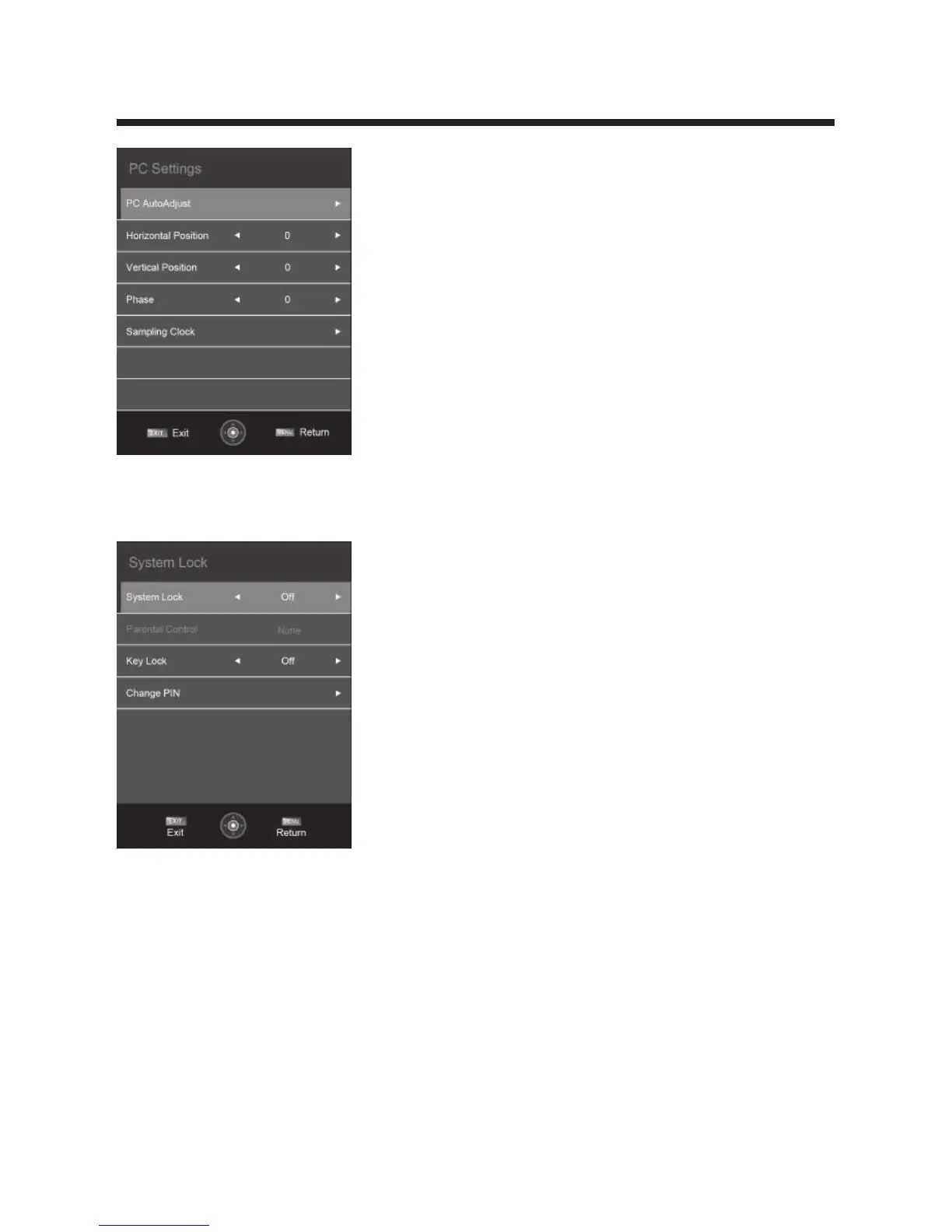
System Lock
Press ▲/▼button to select System Lock, then press OK button to enter enter the
sub menu with the password “0000”:
System Lock
Press ▲/▼button to select System Lock, then press ◄ / ► button to select ON or OFF.
Key Lock
Press ▲/▼button to select Key Lock, then press OK button to enter and press
◄ / ► button to select ON or OFF.
Parental Control
Press ▲/▼button to select Parental Control, then press OK or ► button to enter
the sub menu. Then press ◄ / ► button to select Rate (Block all,Block G and above,
Block PC and above,Block MA and above,Block AV and above,Block R and above,No
block). Then press OK or ► button to confirm.



 To Next Page