23
Recoder
Press ◄ / ► button to select Recoder then press OK to enterrecord.
The function is same as the hot key of REC.
Time Shift
Press ◄ / ► button to select Time Shift then press OK to time shift.
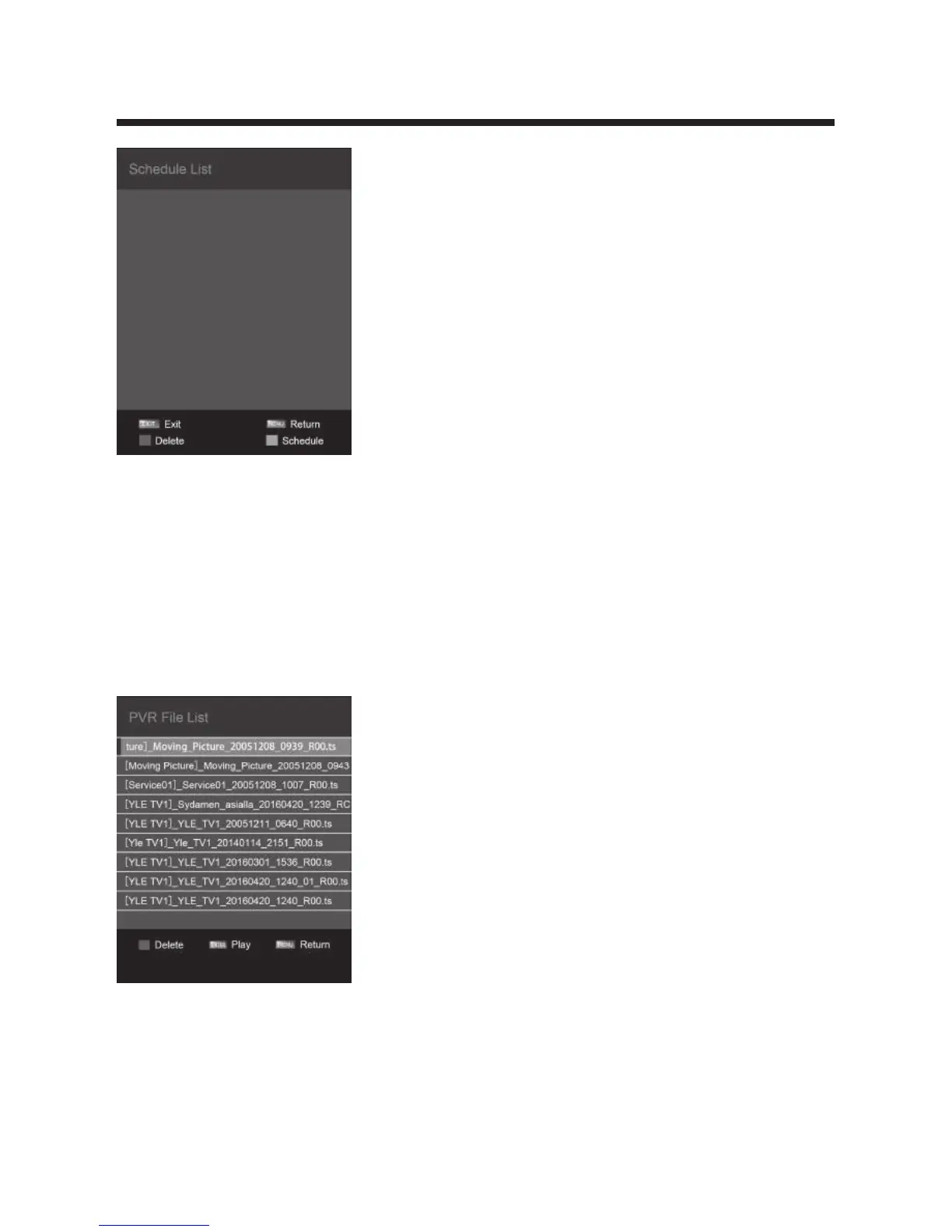
PVR File List
Press ◄ / ► button to select PVR File List then press OK to the sub menu,you will
play the record file.Press ▲/▼ button to select the file and press the OK to play.
Disk Setup
Press ◄ / ►button to select Disk Setup then press OK to the sub menu,you can
set the Disk.



 To Next Page