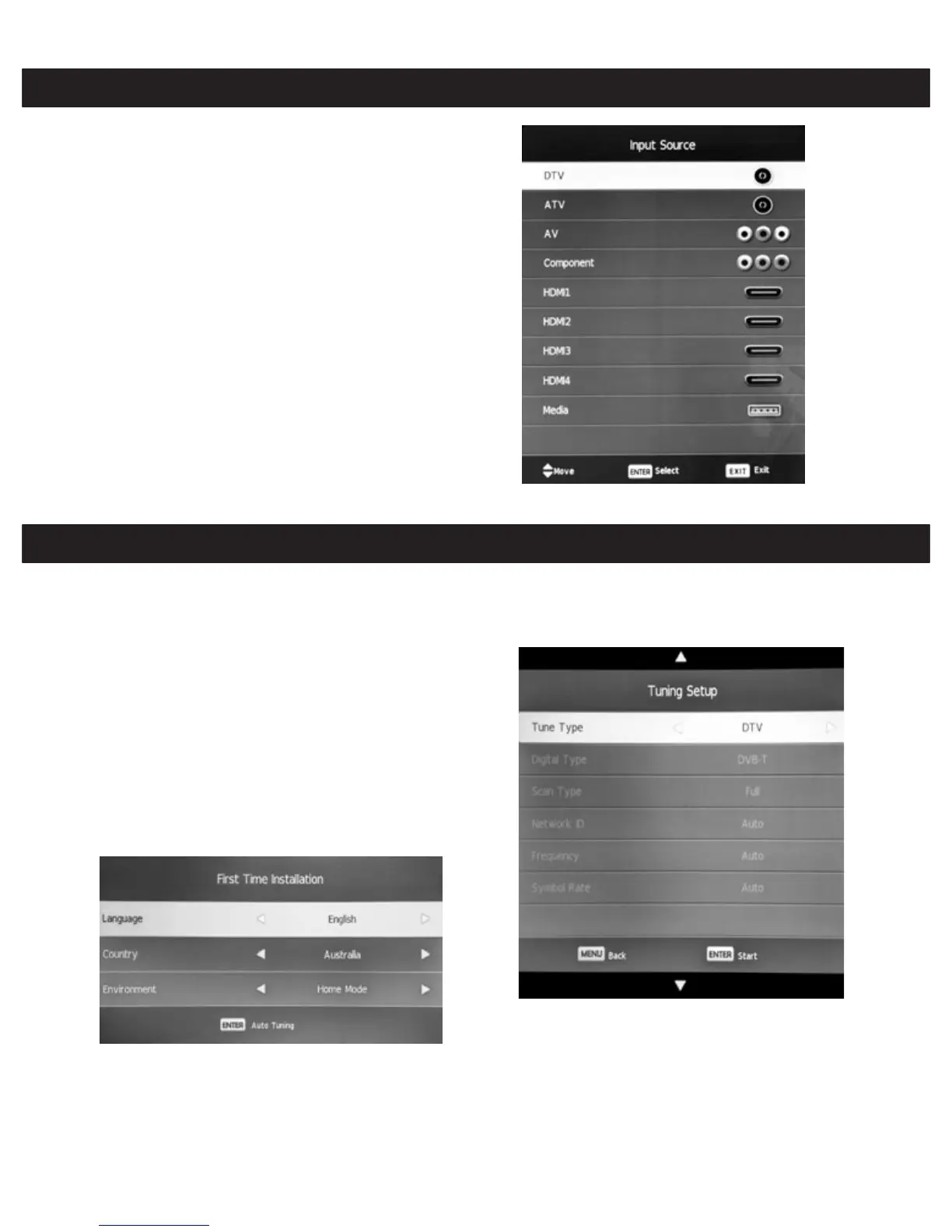
Select Input Source
Press the INPUT button to display the input source list.
Press the ▼/▲ or OK button to select the input source
you want.
Press the OK button to enter the input source, then
press the EXIT button to quit.
(Options:DTV,ATV,AV,PC,Component,HDMI1,HDMI2,H
DMI3,HDMI4,Media)
First Time Installation
Connect an RF cable from the TV's input called "RF-In"
to your TV Aerial socket.
Select Language
Press the ◄/► button to select the language to be used
for menus and messages.
Select Country
Press the ▼/▲ buttons to highlight "country".
Press the ◄/► buttons to select the country.
Then, press the OK button to proceed to the next screen
to set up TV tuning.
Auto Tuning: Press the ▼/▲ buttons to highlight items
and the ◄/► buttons to adjust the options. When you
are happy with the settings, press OK to start the tuning
process.
12



 To Next Page