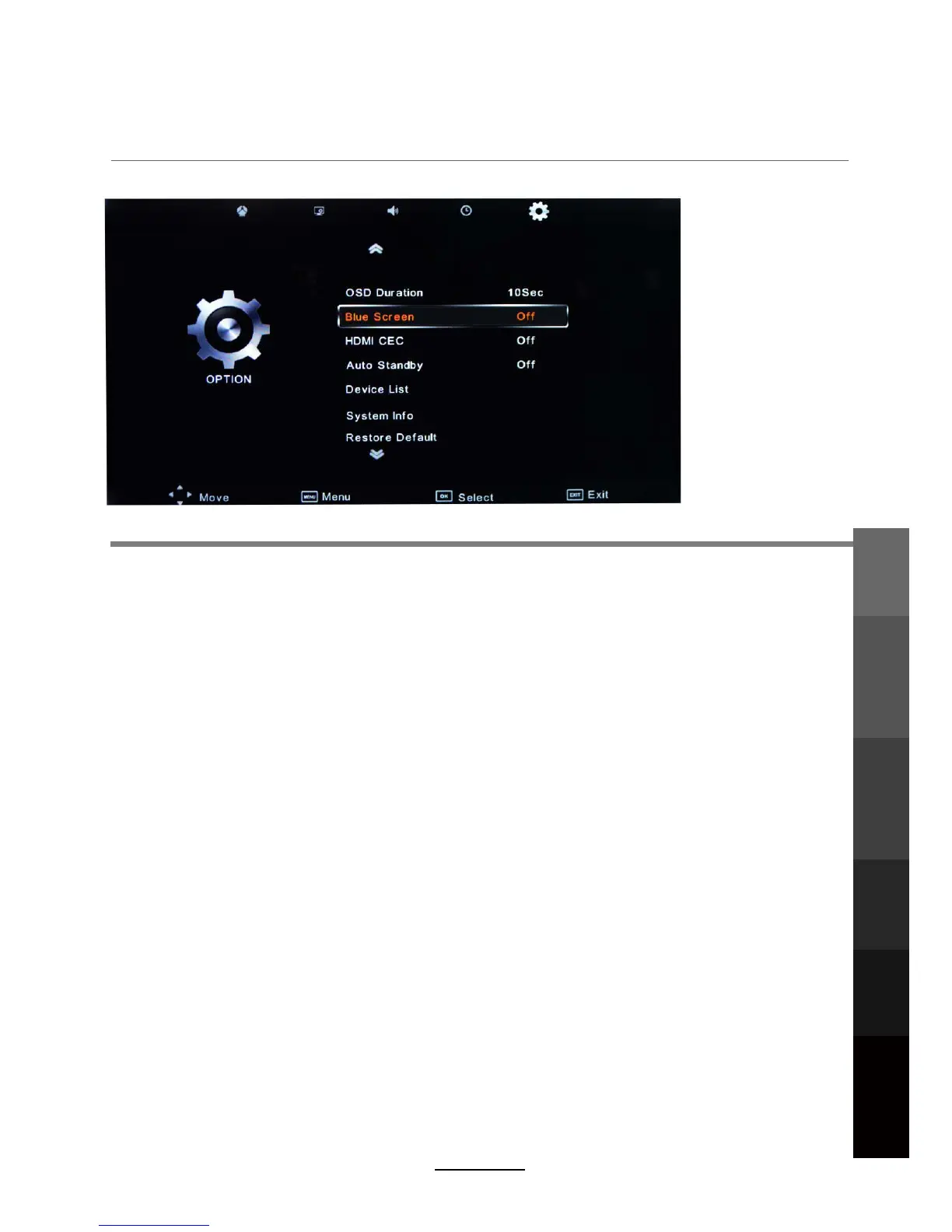
OSD Menu
5. OPTION menu
Description
OSD Duration:
Blue Screen: Changes the background colour when there is no input between clear and a blue
background.
Allows you to select the time for the OSD display on the screen.
Auto Standby: Enable both the TV and a compativle HDMI device to turn standby and turn on
together.
HDMI CEC: Turn on/off HDMI CEC function. This option is only available in HDMI Input Mode.
Restore Default: Press
System Info: Display the TV system information and customer support information.
OK button to restore factory default.
Device List: Display a list of connected HDMI devices.
OSD Menu
Electronic Program
Guide
Recording
Operation
Maintenance
and Service
NETWORK
Media
Operation
21



 To Next Page