NETWORK
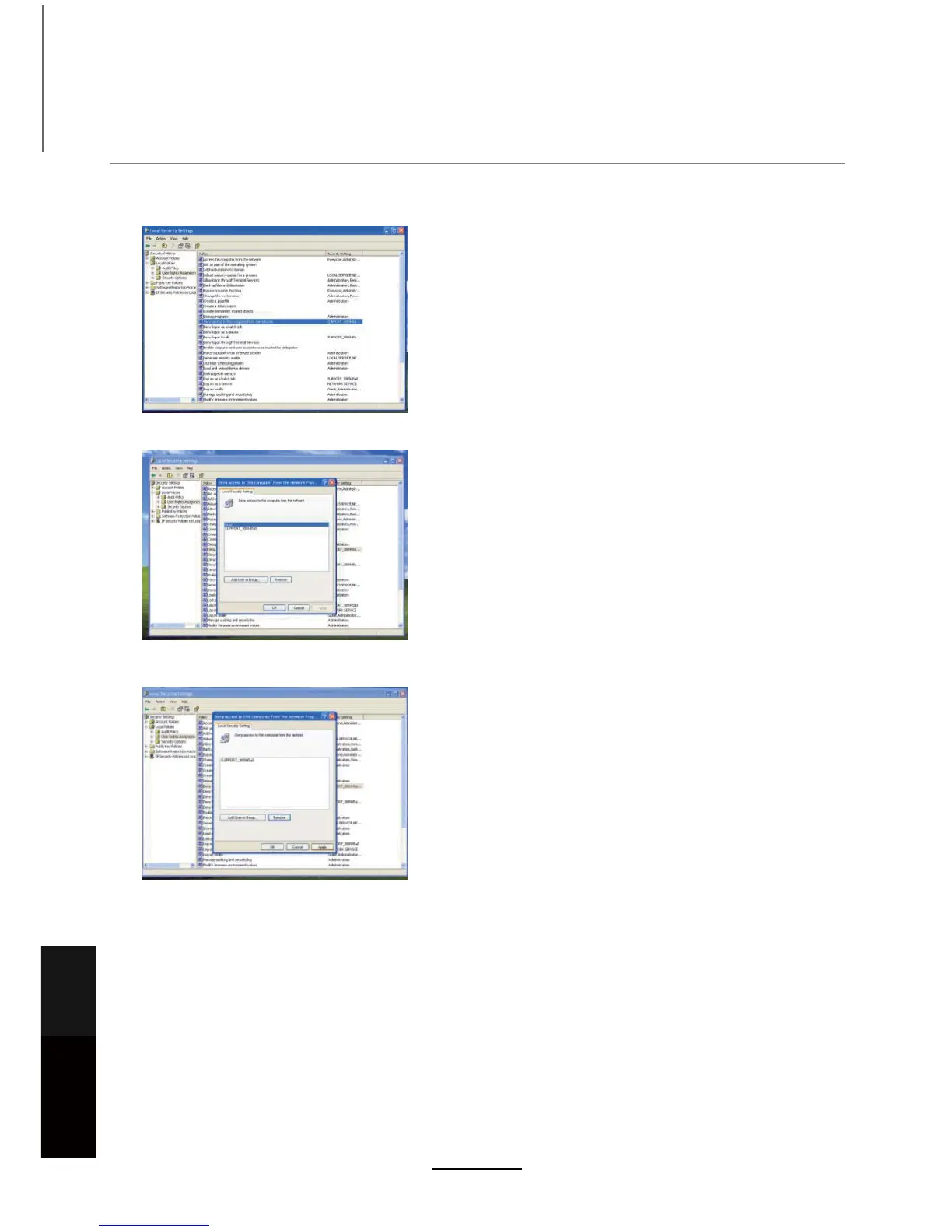
6. In the left menu tree, double-click “User Rights Assignment”
7. Double-click “Deny access to this computer from the network”.
8. Select “Guest” account and click “Remove”.
9. Click the “Apply” button to save the changes made.
10. Now you can add “Network Neighbourhood” on the TV Please enter the correct IP address
and folder name. Enter the username and password of the computer you wish to connect to.
11. If connection is successful, you can access the media files under this shared folder by pressing the
MEDIA button on the remote control.
12. Once the DVR screen is displayed press theŻŹ buttons to display the Media or Photo headings.
The corresponding files stored in the Media folder on your PC will be displayed here. Select the file you
wish to play/view and press the OK button.
Maintenance
and Service
NETWORK
32



 To Next Page