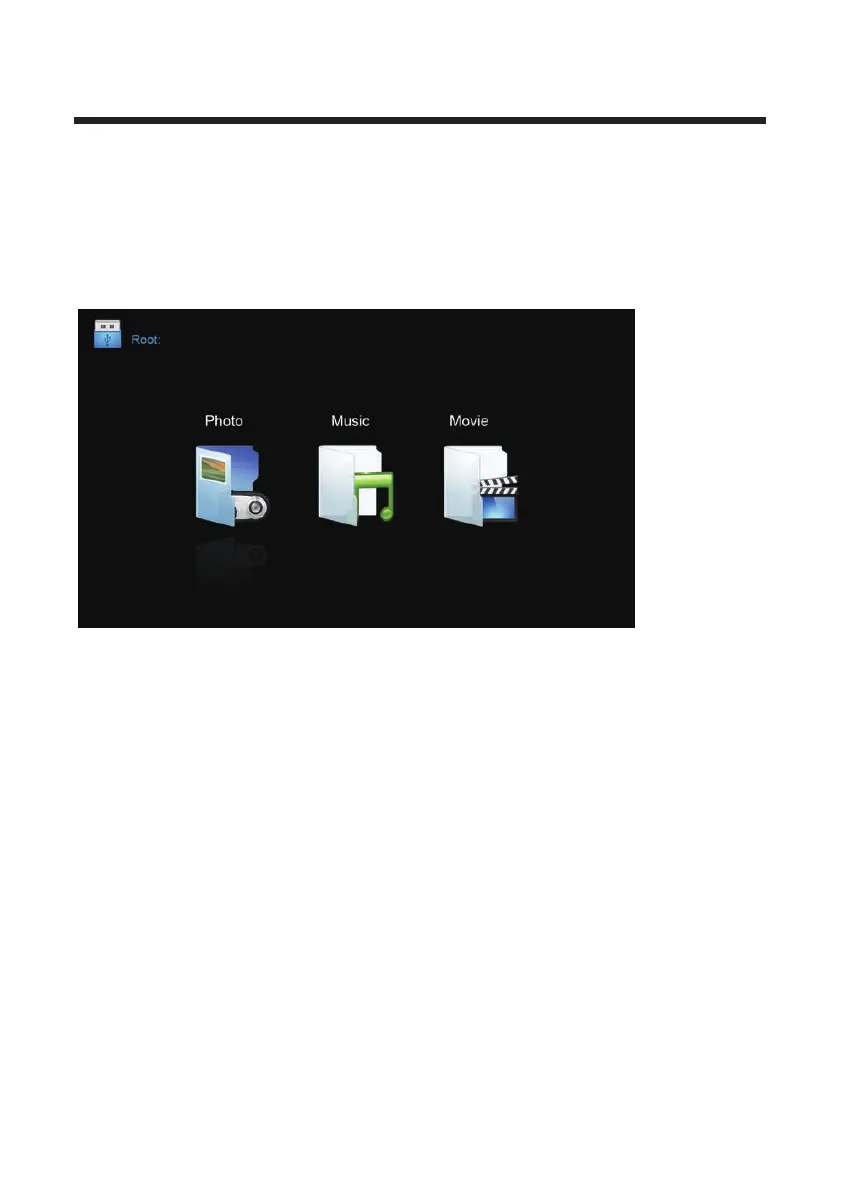
Note: To use this feature, a compatible media storage drive or hard disk drive in FAT 32
format must be connected .we recommend USB flash drive ,or external HDDS with an
external power supply.
Change to Media input by pressing the input button.
Press the ▲/▼ buttons to select MEDIA in the Source Menu, and then press OK or ► to
enter.
1. Press the to select the option that you want to adjust in the Media menu, then
press the OK button to enter.
buttons◄/►
2. After finishing your adjustment,
press the EXIT button to exit the entire menu.
Media Operation
22



 To Next Page