DVD Operation
26
Preparat ion
Menu Play
1. Com pat ib le w ith DVD, SVCD or VCD2.0 .
2. If the disc is a DVD, a ROOT MENU will appear on the screen. If it is SVCD or VCD
2.0 , p lease press t he Menu b ut t o n t o see t he m enu.
3. W hen a DVD disc is load ed, use t he t og gle b ut t ons t o hig hlight t he m enu it em you
w o uld like t o choose. W it h SVCD or VCD 2.0 , p ress t he num eric b ut t ons t o select a
t rack t o play.
4 . Press OK or Play t o st art w hen hig hlight ed.
5. Ret urn t o Menu w hen Playing : W hen p laying a DVD d isc p ress t he Menu b ut t on t o
ret urn t o t he " ROOT" m enu. W hen p laying a SVCD or VCD, and Play back cont rol
(PBC) is " on" p ress t he Menu o r Ret urn b ut t on t o ret urn t o t he d isc m enu.
NOTE: - DVD mo d e must b e select ed before insert ing t he d isc.
- The cont ent s o f each disc m ay vary, as t o how t he d isc w as aut ho red and
w hat feat ures are included .
-Some discs have an aut o play function. Some off er d ifferent m odes, such
as Menu Play, Seq uence Play and o t her m od es as illust rat ed b elow .
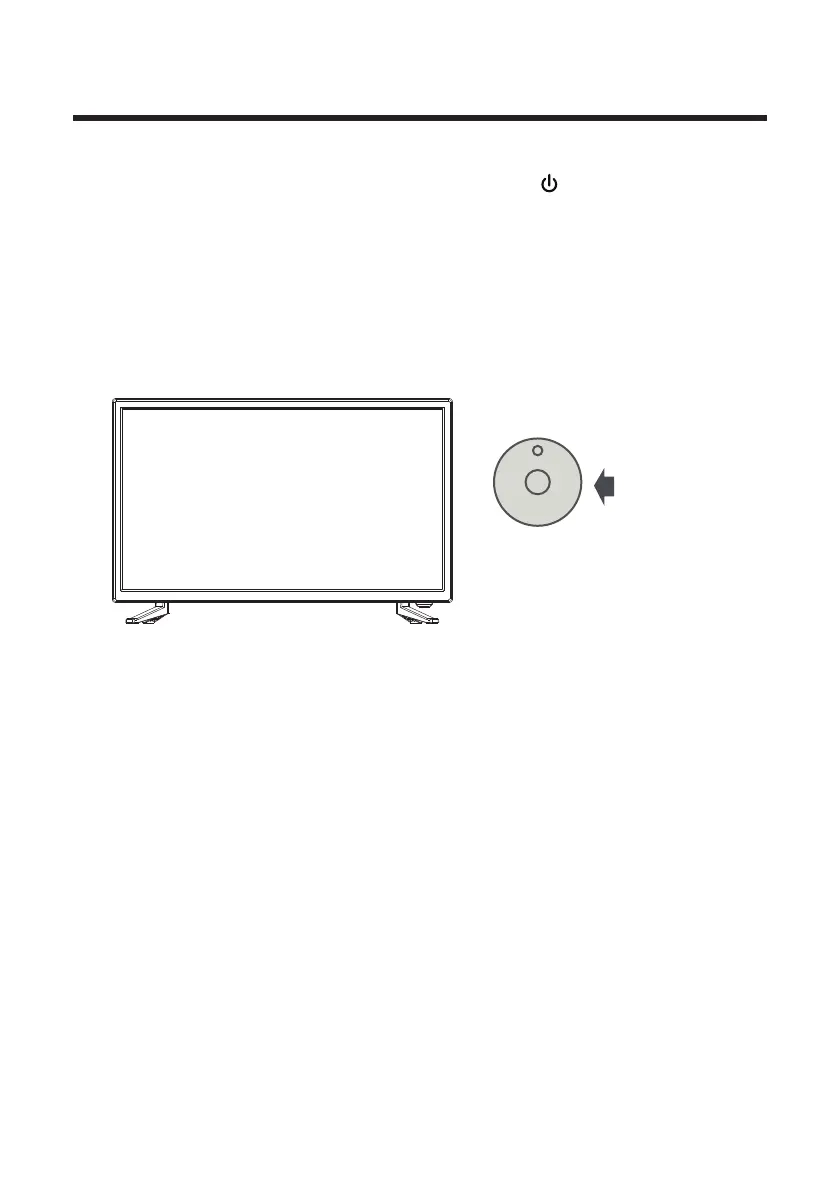
1. Co nnect t he unit t o t he p ow er supp ly and p ress t he b ut t o n t o sw it ch t he
unit on.
2. Press the INPUT button on the remote control to select DVD mode and press OK
t o select DVD m od e.
3. Gent ly insert t he d isc, w it h t he lab el side aw ay from t he t elevision, int o t he d isc
t ray slo t . The d isc w ill b e d raw n int o t he d isc t ray and load ed aut o mat ically.
4 . Press t he EJECT but t on t o eject t he d isc. The d isc cannot be d raw n int o t he d isc
t ray by p ressing t he EJECT but t o n again. The d isc m ust b e m anually pushed int o t he
t ray unt il it is d raw n in aut o mat ically.
Refl ect ive sid e



 To Next Page