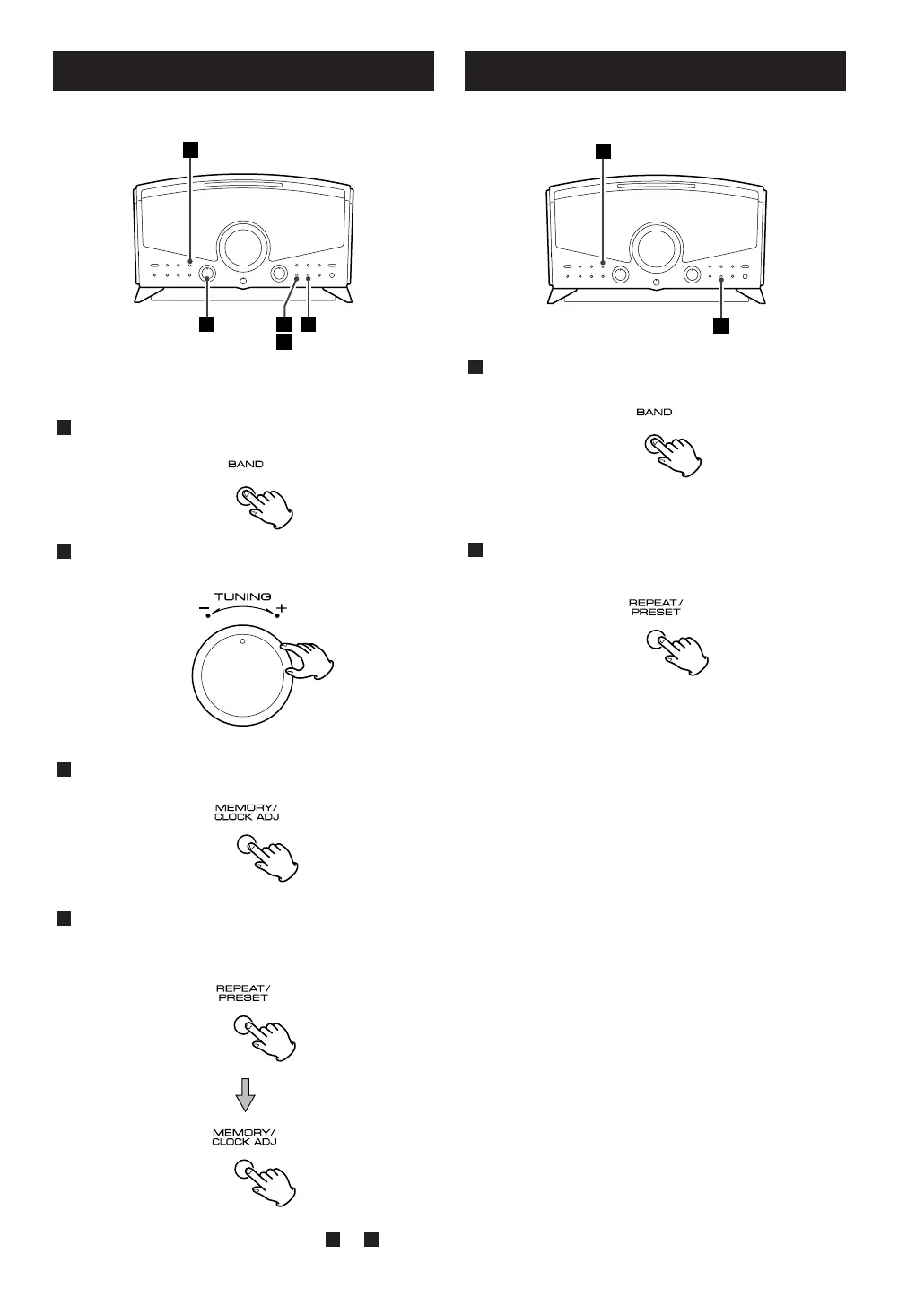
Press the BAND button to select FM or AM.
Press the REPEAT/PRESET button repeatedly and
select a preset channel.
2
1
In each band, up to 10 stations can be stored in preset
memories.
Press the BAND button to select FM or AM.
Turn the TUNING knob and tune in a station to be
stored as a preset station.
Press the MEMORY/CLOCK ADJUST button.
Within 10 seconds, select a preset channel to store
the station using the REPEAT/PRESET button, and
then press the MEMORY/CLOCK ADJUST button.
To store more stations, repeat steps to .
41
4
3
2
1
15
How to Preset Stations How to select Preset Stations



 To Next Page