13
Repeat Playback
Repeat one track
Press the REPEAT/PRESET button once during
playback. The repeat indicator blinks.
The track being played will be played repeatedly. If
you press the SKIP/ SEARCH button and select
another track, the track you select will be played
repeatedly.
It is also possible to select a track to be repeated in
the stop mode. Press the REPEAT/PRESET button
and then select the track number by pressing the
SKIP/SEARCH button or the numeric buttons. Press
the PLAY/PAUSE button to start playback.
Repeat All the Tracks
All the tracks of the disc will be played repeatedly.
Press the REPEAT/PRESET button twice. The repeat
indicator lights steadily.
<
During program playback, only the programmed
tracks will be played in order repeatedly.
<
If one of the following buttons is pressed or the disc
cover is opened, repeat mode will be canceled:
STOP button (H
)
POWER switch
TUNER button
FUNCTION button
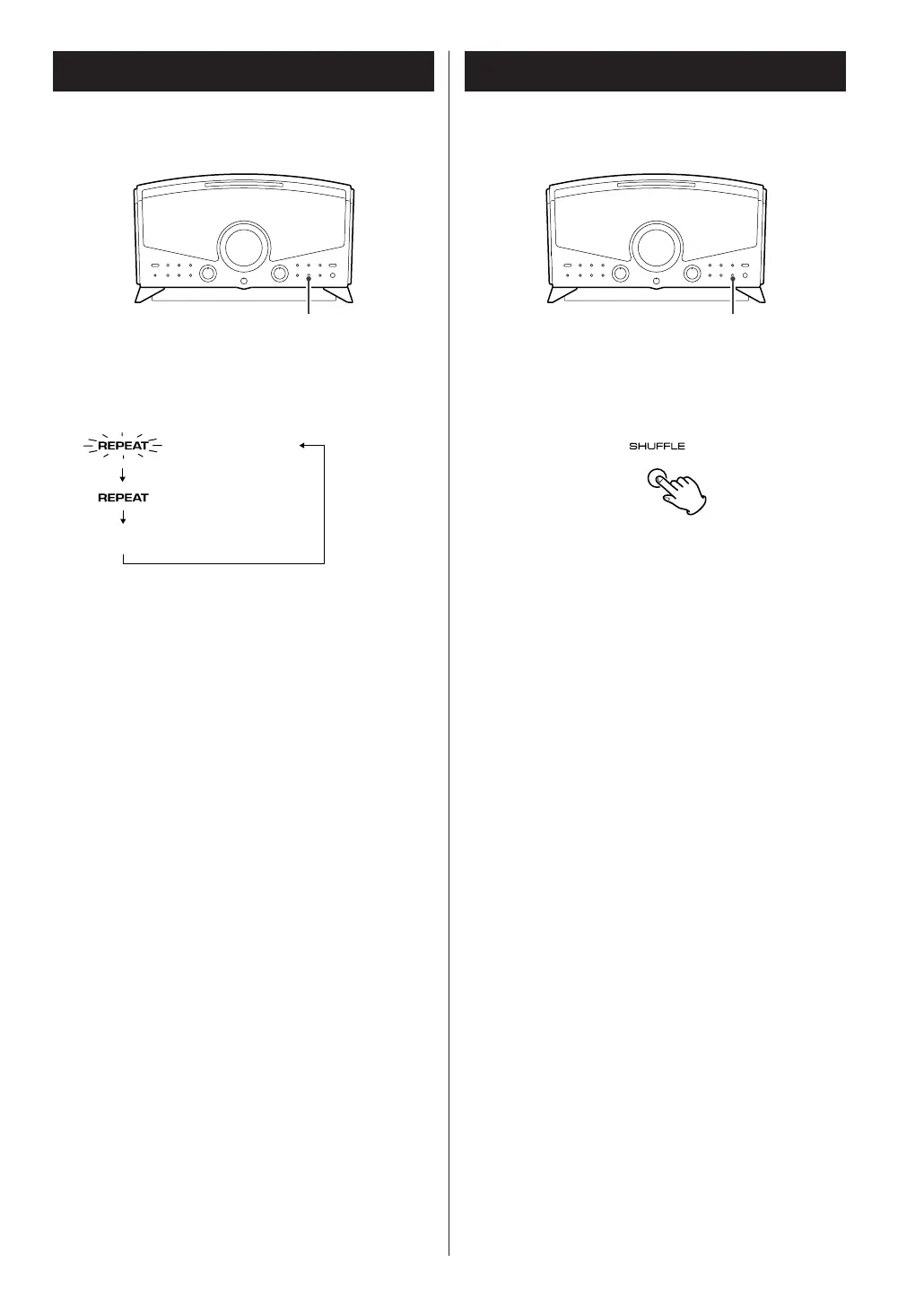
Every time the REPEAT/PRESET button is pressed, the
REPEAT indicator lights or blinks, and the mode is
changed as follows :
Shuffle Playback
Tracks can be played randomly.
Press the SHUFFLE button in the stop or play mode.
<
If you press the SKIP/SEARCH button (
,
/)
during shuffle playback, next track will be randomly
selected and played.
If you press the SKIP/SEARCH button (.
m
),
the currently played track will be played from the
beginning.
A track cannot be replayed during shuffle playback.
<
To stop shuffle playback, press the STOP button (H).
<
To cancel the shuffle playback mode, press the
SHUFFLE button.
<
If one of the following buttons is pressed or the disc
cover is opened, shuffle mode will be canceled:
STOP button (H
), POWER switch
TUNER button, FUNCTION button



 To Next Page