Adjust the clock before setting the timer.
Setting the timer
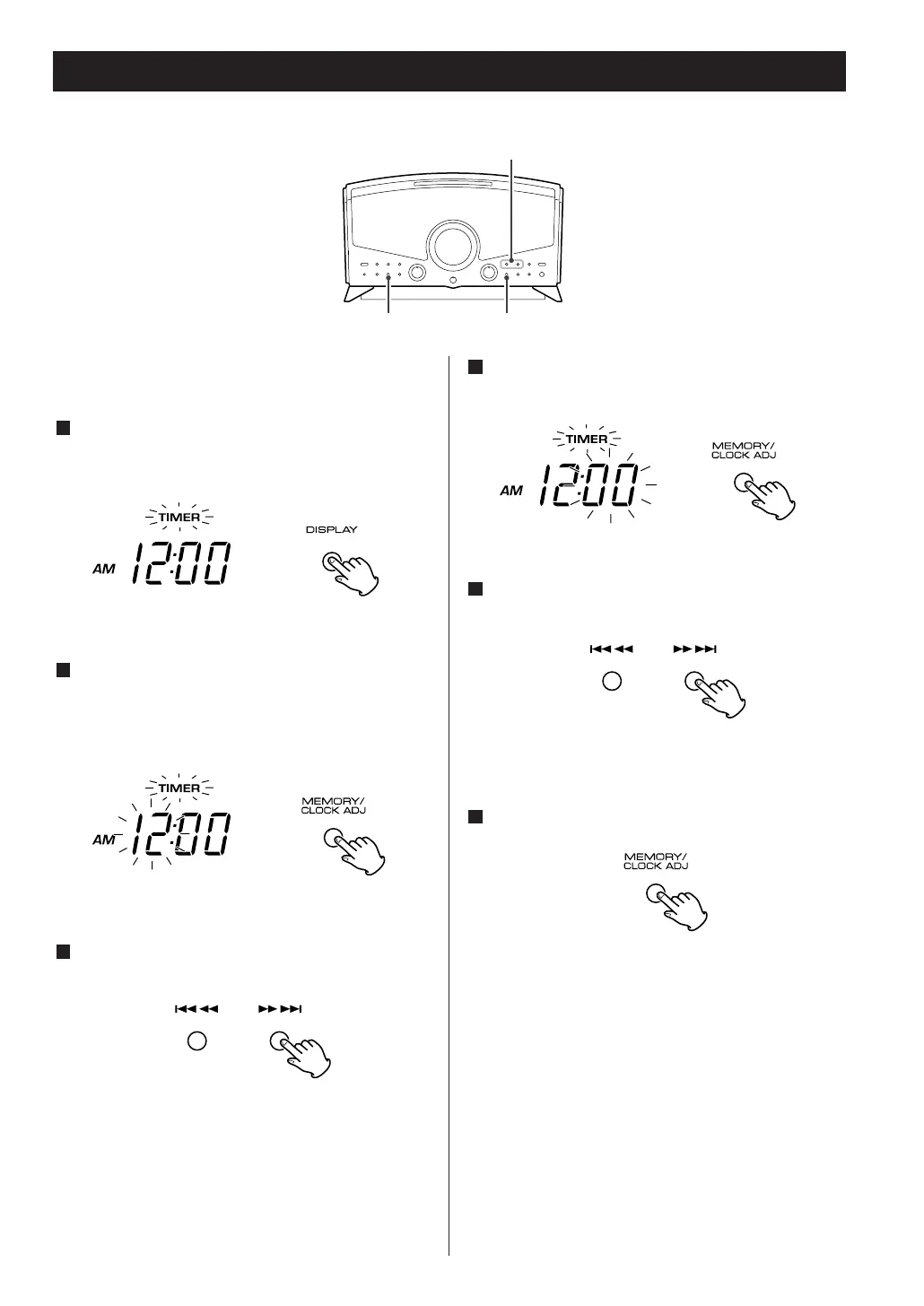
Press the DISPLAY button once or twice to select
the timer mode.
The "TIMER" indicator blinks on the display.
Within 4 seconds, press and hold the
MEMORY/CLOCK ADJUST button for 2 or more
seconds.
The "TIMER" and hour blinks on the display.
Press the .m or ,/ button to set the
start time (hour).
In the TUNER mode, use the TUNING knob.
3
2
1
Press the MEMORY/CLOCK ADJUST button.
The minute blinks on the display.
Press the .m or ,/ button to set the
start time (minute).
In the TUNER mode, use the TUNING knob.
Press the MEMORY/CLOCK ADJUST button.
Time setting is finished and blinking of the "TIMER"
indicator will stop.
6
5
4
17



 To Next Page