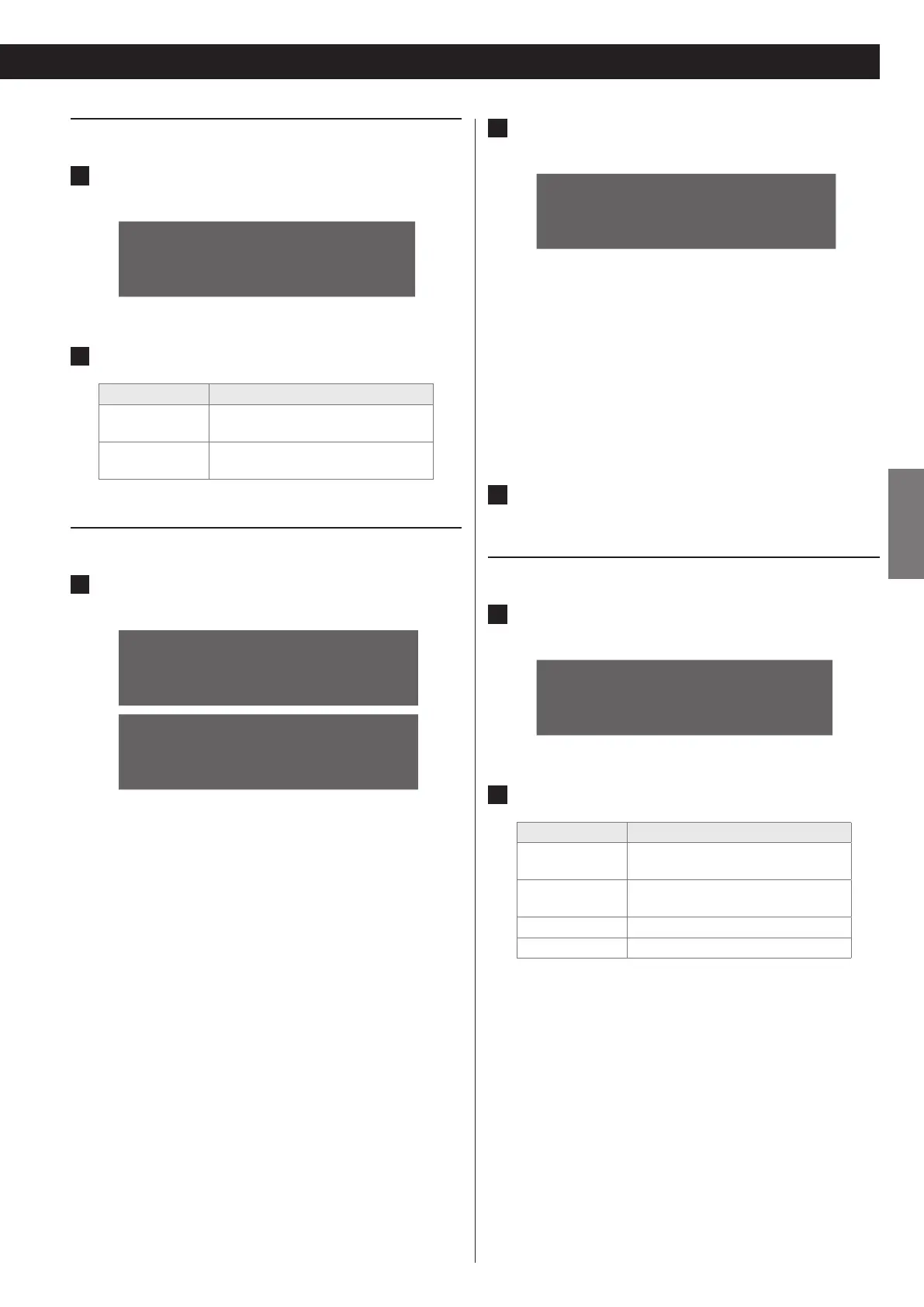
Other network settings
1
From the “Settings” menu, select “Network” and then
“O th er ”.
N e t w
o
r k C o n n
>
O t h e r
N e t w o r k I n f o
2
Change the following settings if necessary.
Menu item Description
Name
Change the name of the unit that
appears on the network.
Factory Reset
Reset all the settings to the factory
default.
Changing the name of the unit
1
From the “Settings” menu, select “Network” w “Other”
w “Name”.
>
N a m e
F a c t o r y R e s e
>
N S - X
1
2 2 1 3 8 F
D e f a u l t
You can select the current name of your unit or “Default”. o
If you select the current name, you can change it to any name o
you like. If you select “Default”, the name of the unit will be
changed automatically to the default setting.
The default setting is "NS-X1". o
2
To change the name of the unit, select the current name,
and then press the ENTER button
N a m e
0 1 2 3 4 5 6 7 8 9 < E C
Press the UP or DOWN ( o 5 or b) button to see different sets
of numbers, letters or characters.
Move the cursor to the desired number, letter or character by o
pressing the LEFT and RIGHT (g and t) buttons, and then
press the ENTER button to enter the selected number.
To delete the selection, select “<”.
To confirm your entry, select “E”.
To cancel and return to the previous menu, select “C”.
3
Press the ENTER button to complete the setting.
Network information
1
From the “Settings” menu, select “Network” and then
“Network Information”.
N e t w
o
r k C o n n
O t h e r
>
N e t w o r k I n f o
2
Check the following information if necessary.
Menu item Description
Name
Shows the name of the unit
displayed on the network.
DHCP
Shows the status of the DHCP (On/
O).
IP Address Shows the IP address of the unit.
MAC Address Shows the MAC address of the unit.



 To Next Page