EasyManua.ls Logo

Teac NS-X1 - User Manual

Teac NS-X1
144 pages
Print Icon
To Next Page IconTo Next Page
Loading...
ESPAÑOLENGLISH FRANÇAIS DEUTSCH ITALIANO
Z
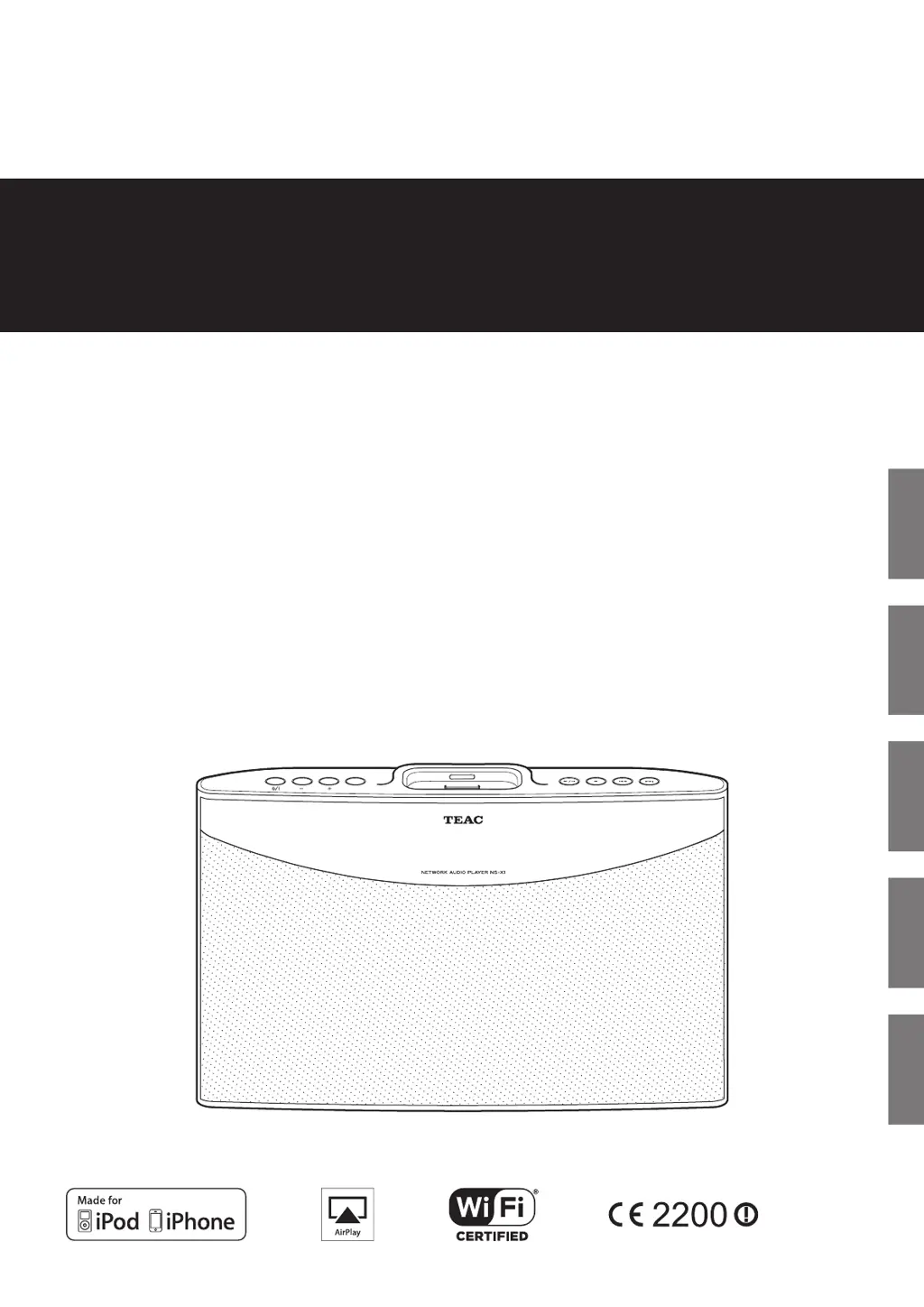
NS-X1
NETWORK AUDIO PLAYER
OWNER’S MANUAL
2/80(
)81& ,21
(1 (5
0(18
1(;35( ,286

Table of Contents

Questions and Answers

  • T
    tramirezAug 16, 2025
    Why Teac Media Player cannot connect to network?
    • A
      Amanda HortonAug 16, 2025
      There might be several reasons why your Teac Media Player cannot connect to the network: * A LAN/ETHERNET cable might not be connected. Ensure a LAN/ETHERNET cable is connected. * There might be no available wireless connection. Check for available wireless connection. * The network might be down. Verify that the network is working. * Insufficient signal strength (wireless connection). Shorten the distance from the wireless LAN’s access point or remove any obstacles. * The network is disconnected. Check the connection status. * The program is broadcasting in a non-compatible format. Only Internet radio programs in MP3, WMA, WAV, and AAC formats can be played in this receiver.
  • E
    Ebony BishopAug 18, 2025
    What to do if Teac Media Player remote control does not operate?
    • R
      Ross WhiteAug 19, 2025
      If the remote control for your Teac Media Player is not working, it could be due to the following reasons: * No battery is inserted or the battery is exhausted. Insert or replace the battery. * The remote sensor is obstructed. Remove the obstacle.
  • V
    velazquezmarioAug 21, 2025
    Why is there no sound from my Teac Media Player?
    • M
      Mary BridgesAug 21, 2025
      If you're not getting any sound from your Teac Media Player, check the following: * The master volume might be adjusted too low. Adjust the master volume. * The MUTE button might be pressed to “ON“. Press the MUTE button to cancel the muting effect. * Incorrect selection of input source. Select the desired input source correctly. * Incorrect connections between the components. Make connections correctly.
  • W
    William GeorgeAug 25, 2025
    What to do if Teac Media Player has poor FM reception?
    • S
      Sarah ShafferAug 26, 2025
      If you are experiencing poor FM reception on your Teac Media Player: * No antenna is connected. Connect an antenna. * The antenna is not positioned for the best reception. Change the position of the antenna.
  • T
    Tina BradfordAug 28, 2025
    What to do if Teac Media Player stations cannot be received?
    • P
      Paul MurrayAug 28, 2025
      If you're unable to receive stations on your Teac Media Player, consider the following: * No antenna is connected. Connect an antenna. * The desired station frequency is not tuned in. Tune in the desired station frequency. * Antenna is in wrong position. Move antenna and retry tuning.
  • N
    Nicole ParkAug 31, 2025
    What to do if Teac Media Player preset stations cannot be received?
    • A
      awalkerAug 31, 2025
      If you're having trouble receiving preset stations on your Teac Media Player: * An incorrect station frequency has been memorized. Memorize the correct station frequency. * The memorized stations are cleared. Memorize the stations again.
  • K
    kiara69Sep 2, 2025
    Why Teac Media Player has unstable AirPlay?
    • M
      millerdannySep 2, 2025
      AirPlay on your Teac Media Player may be unstable depending on the performance or operating conditions of the router. In that case, check the state of the network, and then optimize the operating environment of the NS-X1.
  • S
    Steven CarterSep 6, 2025
    What to do if Teac Media Player has no power?
    • D
      Donald PetersonSep 6, 2025
      If your Teac Media Player has no power, check the following: * The AC input cord is disconnected. Connect the cord securely. * Poor connection at AC wall outlet or the outlet is dead or off. Check the outlet using a lamp or another appliance.
  • J
    James RodriguezSep 8, 2025
    What to do if shuffle or repeat icon does not disappear from Teac Media Player display?
    • T
      Tonya JohnsonSep 9, 2025
      In the Home menu (top menu screen), select “Bookmark” and then start playing a file from the Bookmark list. Then, press the shuffle (½) or repeat (¼) button on the remote control to cancel the shuffle or repeat setting, or press the stop (H) button on the remote control.
  • D
    Dorothy HillSep 12, 2025
    How to fix erratic behavior during playback on Teac Media Player?
    • W
      wrightkevinSep 12, 2025
      To resolve erratic behavior during video/audio playback on your Teac Media Player: * Make sure that the file being played uses one of the formats shown on page 31 "Specifications". * Install the latest operating system version on the iPod/iPhone. * Put the unit into standby and then on by pressing the STANDBY/ON (¤) button. * Make sure the above two conditions are met.

Summary

Important Safety Instructions

Caution regarding installation

Notes on proper placement and ventilation to prevent overheating and damage.

Before Using the Unit

Placement and Installation

Guidance on choosing an optimal location and mounting the unit on a wall.

Connections

Connecting Power and Network

Details on connecting the power adapter and LAN/Ethernet cable for network connectivity.

iPod;iPhone Playback

Internet Radio

Listening to Internet Radio

Guide to tuning into and selecting Internet radio stations.

Using Music Streaming

Playing Music from Music Server

Steps to stream music files stored on a computer (music server).

AirPlay Connection and Playback

How to connect and play audio from Apple devices using AirPlay.

FM Radio Operation

Tuning FM Stations

Methods for auto tuning, manual tuning, and preset station selection.

AUX Input

Playing Music from External Devices

Connecting and playing audio from external devices via the AUX input.

Settings Menu

Accessing Settings

Instructions on how to access and navigate the settings menu from the unit or remote.

Network Setup

Wired Network Connection

Guide to setting up a wired network connection using DHCP or manual configuration.

Wireless Network Setup

Connecting via Access Point (AP List)

Steps to connect to a wireless network by selecting an access point.

Clock and Time Settings

Alarm and Sleep Timers

Troubleshooting

Playback and Sound Issues

Solutions for erratic playback, no sound, and remote control issues.

Specifications

Teac NS-X1 Specifications

General IconGeneral
Network ConnectivityEthernet, Wi-Fi
Digital OutputsCoaxial, Optical
Power SupplyAC 100-240V, 50/60Hz
TypeNetwork Player
Supported Audio FormatsWAV, FLAC, ALAC, AAC, MP3, WMA, DSD
Streaming ServicesSpotify, Deezer, Qobuz
USB PortUSB-A (Front and Rear)
Analog OutputsRCA
Remote ControlYes
ConnectivityEthernet, Wi-Fi, USB, RCA, Coaxial, Optical

Related product manuals