17
ENGLISH
Searching for a part of a track/file
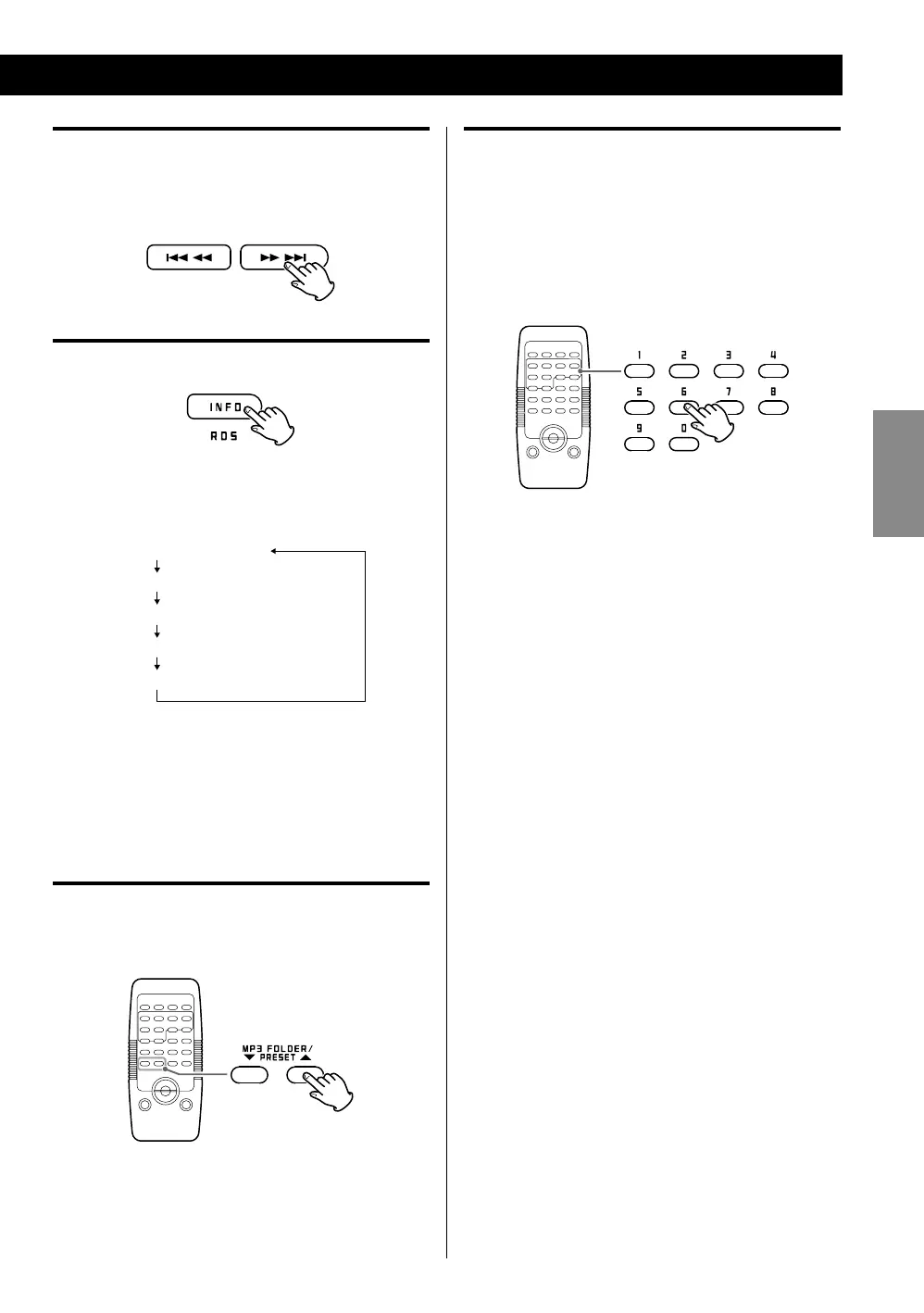
During playback, hold down a SKIP (. or /)
button and release it when the desired part is found.
Displaying the MP3/WMA information
During playback of an MP3/WMA disc/USB memory,
press the INFO button to show information about the
current file in the following order:
< The screen will return to normal (displaying elapsed
playback time) if the unit is inactive for two seconds
while the folder or file number is displayed.
< The first 30 characters of title, artist and album are
shown.
Skip to the next folder (MP3/WMA)
Press the MP3/WMA FOLDER button to skip to next
folder.
< You can also use the TUNING knob to skip to next
folder.
Direct playback
When the unit is stopped or playing back, you can use
the number buttons on the remote control to select
tracks/files.
Press a number buttons to select a track/file.
Playback starts from the selected track/file.
To play tracks/files 1 to 9, simply press the
corresponding button (1 to 9).
< Direct playback is not possible during shuffle playback
or programmed playback.



 To Next Page